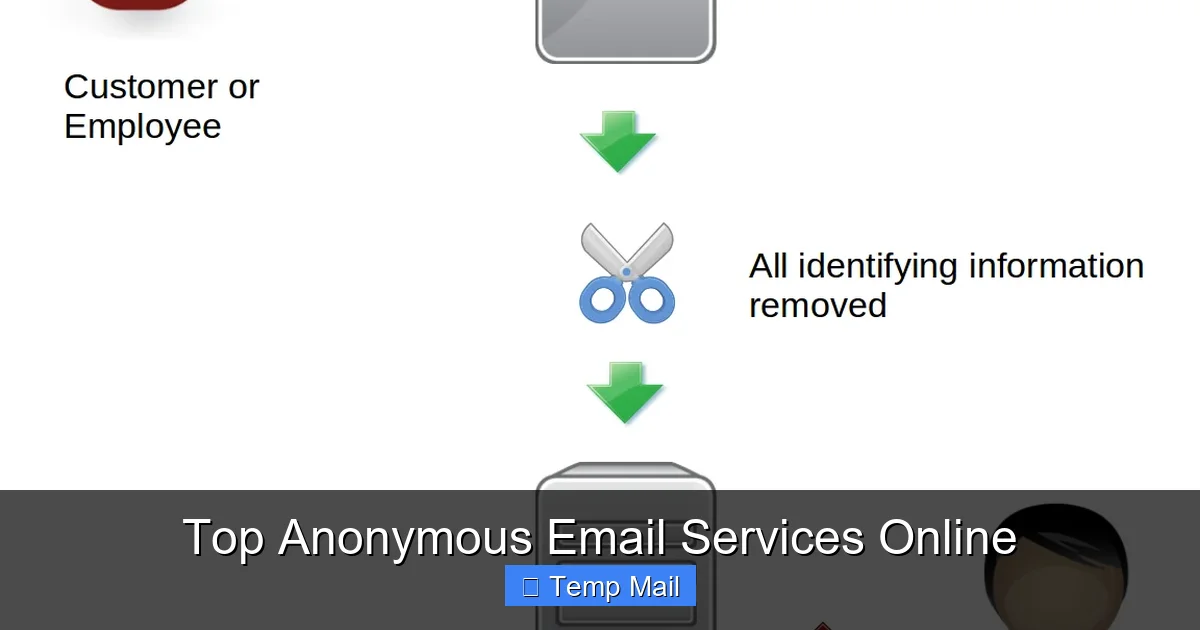
Your regular email address is a digital fingerprint. It’s tied to your name, phone number, and location, creating a permanent data trail. Anonymous email services break this chain by allowing you to send and receive messages without revealing your true identity. This guide cuts through the noise to highlight the most trustworthy, secure, and practical anonymous email providers available today, helping you choose the right tool for your specific privacy needs.
Key Takeaways
- True anonymity requires no registration: The most private services don’t ask for a phone number, recovery email, or personal details to create an account.
- End-to-end encryption is non-negotiable: Look for providers that encrypt your emails on your device before they ever leave your browser, ensuring only you and the recipient can read them.
- No-logs policies are critical: A provider must have a verified, audited policy of not storing IP addresses, metadata, or message content linked to your account.
- Disposable vs. persistent anonymity: Understand the difference between temporary “burner” emails for one-time use and secure, long-term anonymous inboxes.
- Jurisdiction matters: The country a service is based in determines its legal obligations to governments and its resistance to data requests.
- Anonymity is a tool, not a magic shield: Your behavior online (like logging into personal accounts from the same browser) can still de-anonymize you, regardless of your email.
📑 Table of Contents
- Why Your Inbox Is Your Weakest Link (And How to Fix It)
- How Anonymous Email Services Actually Work: The Core Technologies
- Top Tier: The Most Secure & Private Anonymous Email Providers
- Practical Use Cases: When & How to Use Which Service
- The Critical Risks & Pitfalls You Must Avoid
- How to Choose the Right Service: A Simple Decision Framework
- The Future of Anonymous Communication & Final Thoughts
Why Your Inbox Is Your Weakest Link (And How to Fix It)
Think about your primary email address. It’s probably your Gmail, Outlook, or Apple ID. Now, think about everything tied to it: your name, your phone number for recovery, your other online accounts, your Amazon purchases, your bank statements. That single address is a master key to your digital life. Every website you sign up for, every newsletter you subscribe to, every receipt you get—it all feeds into a profile built by data brokers and advertisers. Your email isn’t just a communication tool; it’s a tracking vector.
This is where anonymous email services come into play. They exist to create a clean, unlinkable break in that chain of data. They let you interact with the web without handing over a piece of your permanent identity. Whether you’re a journalist protecting a source, an activist in a repressive regime, a privacy-conscious shopper, or just someone tired of spam, these services are essential tools for compartmentalizing your online presence. But not all services claiming to be “anonymous” are created equal. Some are little more than temporary spam filters, while others offer military-grade security. This article is your practical guide to navigating that landscape.
How Anonymous Email Services Actually Work: The Core Technologies
Before we dive into specific providers, you need to understand the mechanics. Anonymity isn’t a single feature; it’s a combination of architecture, policies, and technology working together. Here’s what to look for under the hood.
Visual guide about Top Anonymous Email Services Online
Image source: sp-ao.shortpixel.ai
1. The Registration Process: The First Test
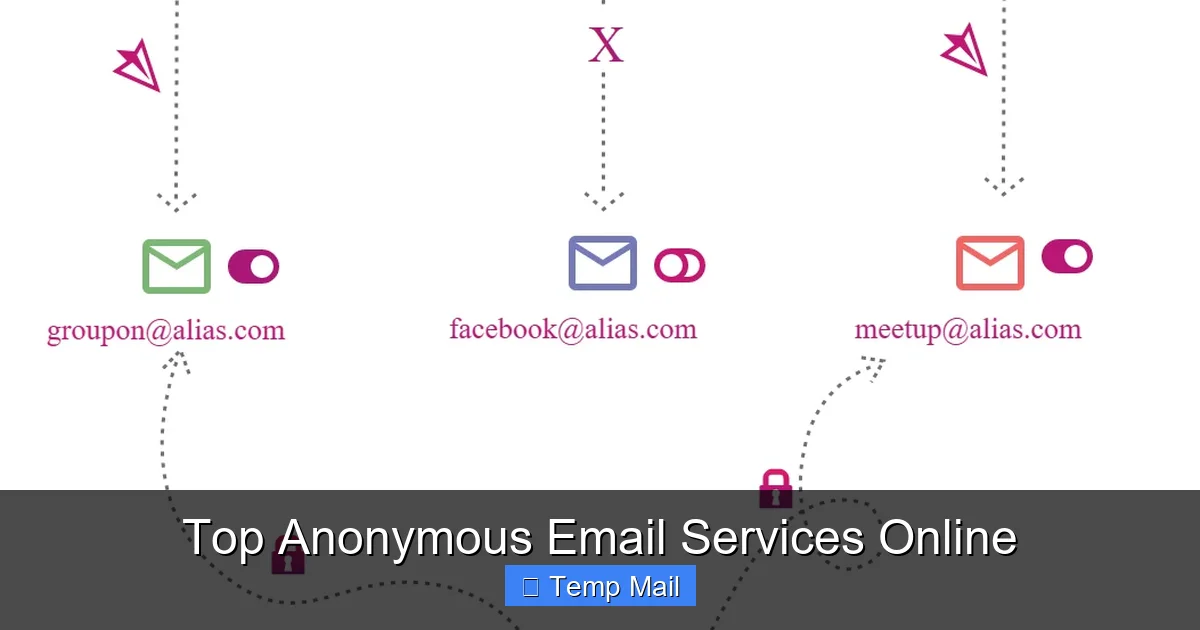
The very first red flag is a sign-up form. If a service demands a phone number for verification (like Gmail or ProtonMail’s free tier often does), it immediately creates a link between your anonymous account and your real-world identity via your telecom provider. Truly anonymous services operate on a zero-knowledge model: they don’t need to know who you are to give you an inbox. You simply visit the website, are given a random address (e.g., [email protected]), and start sending. No password, no phone, no recovery email. Sometimes you can even set a custom password for that session to prevent others from accessing that specific inbox if they stumble upon the URL.
2. Encryption: Reading Your Mail
There are two layers here. First, transport-level encryption (TLS) is standard for all reputable webmail. It scrambles the connection between your browser and the service’s server, stopping eavesdroppers on your local network. More important is end-to-end encryption (E2EE). With E2EE, your email is encrypted on your device *before* it’s sent. The service’s server only sees gibberish. Only the recipient, with the correct private key or password, can decrypt and read it. Services like ProtonMail and Tutanota offer automatic E2EE between their users and password-protected messages to external recipients. For the highest anonymity, you want E2EE that the provider cannot bypass.
3. Metadata & Logging: The Invisible Trail
The content of your email is only half the story. Metadata—the “to,” “from,” “subject,” timestamps, and IP address logs—can be just as revealing. A logging policy that records your IP address every time you check your anonymous inbox directly ties that activity to your ISP-assigned address, which is almost always linked to your physical location and identity. The gold standard is a proven no-logs policy, ideally backed by an independent audit. This means the service’s servers do not create any logs that could associate your anonymous account activity with your originating IP address or a timestamp.
4. Web vs. Client: The Interface Matters
Most anonymous email is accessed via a simple web interface. This is easy but can be risky if you’re not careful about browser fingerprinting. Some services, like ProtonMail, offer dedicated mobile and desktop apps that use the same secure infrastructure. Using an app from a verified source (like an official app store) can be safer than a browser, as it’s less susceptible to malicious browser extensions that might log your keystrokes or capture your session. However, for maximum anonymity on a public computer, the disposable webmail model is often preferable because it leaves no trace when you close the browser tab.
Top Tier: The Most Secure & Private Anonymous Email Providers
Now, let’s meet the players. We’ll categorize them based on their primary strength: persistent secure anonymity (for longer-term use) and disposable anonymity (for quick, one-off tasks).
Visual guide about Top Anonymous Email Services Online
Image source: techlazy.com
ProtonMail: The Gold Standard for Secure, Persistent Anonymity
Based in privacy-friendly Switzerland, ProtonMail is often the first name that comes to mind for secure email. While its free tier now requires a phone verification for sign-up (a major point of contention for purists), its paid plans allow truly anonymous sign-up without a phone number. Its architecture is robust: all emails between ProtonMail users are automatically end-to-end encrypted. It also allows sending encrypted messages to non-ProtonMail users via a password. Key features: zero-access encryption (they can’t read your mail), Swiss jurisdiction (outside Five/Nine/Fourteen Eyes), open-source cryptography, and a strict no-logs policy for paid users. Best for: Journalists, activists, and anyone needing a long-term, feature-rich (calendar, drive) anonymous identity that feels like a normal email service. The trade-off is slightly less anonymity on the free tier due to phone verification.
Tutanota: The German Contender with Strong Defaults
Headquartered in Germany, Tutanota is ProtonMail’s closest rival. It also offers automatic end-to-end encryption for all internal emails and allows password-protected emails to external recipients. A major differentiator is that all metadata is encrypted, including subject lines and contacts, whereas ProtonMail encrypts content but some metadata remains accessible to the server for functionality. Tutanota’s free tier does not require a phone number to sign up—you just pick a username and password. This makes it more accessible for immediate anonymous use. Its code is open-source and audited. Best for: Users who want strong, default encryption without initial friction and are comfortable with a slightly more minimal feature set than Gmail. Excellent for creating a persistent anonymous account.
Guerrilla Mail / Temp-Mail.org: The Disposable Champions
This is the classic “temp mail” or “throwaway email” model. You visit the site, are instantly given a random email address and an inbox. You can use it to register for a site, get a confirmation link, and then forget about it. The inbox auto-deletes after a set time (often 1 hour to 1 day). No sign-up, no password, no nothing. Key features: Instant access, multiple domain options, ability to reply from the temporary address. Critical limitations: These are not secure for sensitive communication. Emails are stored unencrypted on the server. Anyone with the unique inbox URL can read your messages. They are also public—the inbox is accessible to anyone who guesses or stumbles upon the address. Best for: Only for avoiding spam on low-stakes website registrations where you need a confirmation link but have zero interest in the subsequent correspondence. Never use for password resets on important accounts, banking, or any personal communication.
Mailfence: The Belgian Privacy Suite
Based in Belgium, Mailfence offers a full-featured suite (email, calendar, contacts, documents) with a strong privacy stance. Its anonymous sign-up (without phone) is available on paid plans. It uses open-source PGP for encryption, giving users full control. Its privacy policy is transparent, and it has a good track record of fighting data requests. While its encryption implementation is user-managed (you generate and manage your own PGP keys within the service), this offers a high degree of control for tech-savvy users. Best for: Users who want a comprehensive, European-based alternative to Google Workspace or Microsoft 365, with the option for anonymous, encrypted communication.
Practical Use Cases: When & How to Use Which Service
Knowing the tools is step one. Knowing *why* and *when* to use them is what makes you effective.
Visual guide about Top Anonymous Email Services Online
Image source: sp-ao.shortpixel.ai
Scenario 1: “I Just Need to Get This Confirmation Link”
You’re signing up for a forum, a discount coupon site, or a one-time download. You know you’ll never want to hear from them again. Action: Use a disposable service like Guerrilla Mail or Temp-Mail.org. Open a new tab, grab the address, sign up, click the link in the disposable inbox, and close the tab. Done. The address and its contents will vanish. Pro Tip: Use a fresh disposable address for each site. Never reuse them, as that creates a link between those sites via the common email address.
Scenario 2: “I Need a Clean Identity for Online Shopping/Accounts”
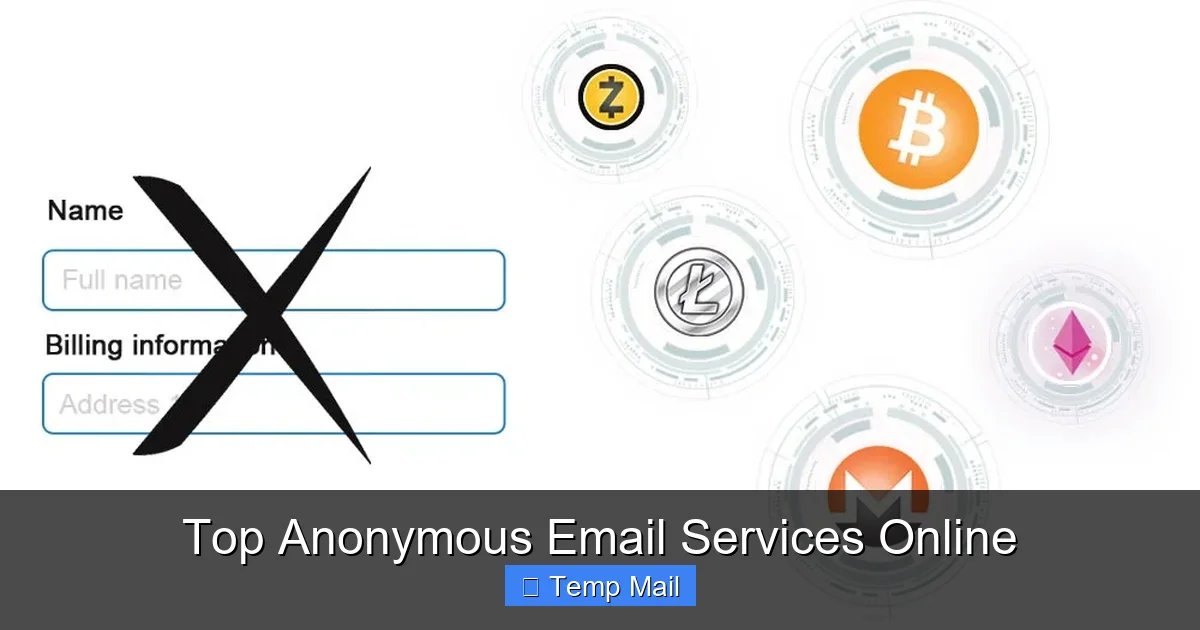
You want to create accounts on platforms like eBay, AliExpress, or gaming services without linking them to your primary email, and you want to receive legitimate receipts and communications. Action: Use a persistent anonymous provider like Tutanota (free, no phone) or a paid ProtonMail plan. Create a dedicated anonymous account with a username that doesn’t identify you. Use this address consistently for all these “compartmentalized” activities. This keeps your shopping habits, gaming tags, and auction history siloed away from your real identity.
Scenario 3: “I’m a Whistleblower or Sensitive Source”
This is the highest threat model. You are communicating with a journalist or organization with sensitive information that could endanger you if intercepted. Action: This requires the highest security. Use a paid ProtonMail or Tutanota account, accessed only through the Tor Browser or a trusted, clean VPN. Do not log into any personal accounts on the same device/browser. Use encrypted messaging apps (Signal) for initial contact, and only switch to the anonymous email for document transfer if the journalist agrees and understands the encryption process. Assume any persistent service has a theoretical vulnerability; the goal is to raise the cost of de-anonymization prohibitively high.
The Critical Risks & Pitfalls You Must Avoid
Using an anonymous email service doesn’t make you invisible. Common mistakes can completely undermine your anonymity.
Mistake 1: Using the Same Browser for Everything
If you log into your real Gmail account and your anonymous Tutanota account in the same browser, cookies, local storage, and fingerprinting can create a correlation. Solution: Use a dedicated browser profile, a different browser entirely, or better yet, a separate browser installed within a virtual machine or a privacy-focused OS like Tails. The easiest fix: use your anonymous email in a private/incognito window, and never log into personal accounts in that same window.
Mistake 2: Revealing Personal Details in the Email Body
This seems obvious, but it’s the most common failure. Anonymizing the *from* address is useless if you write, “Hi Mom, here’s the photo from our vacation in Florida last July.” That content instantly links the anonymous account to your real identity and relationships. Solution: Be generically professional. Use neutral language. Never include names, locations, dates, or specifics that only you would know.
Mistake 3: Forgetting About the Recipient’s Side
Your anonymity is only as strong as the weakest link in the chain. If you send an anonymous email to your personal friend’s regular Gmail account, the subject line and content might be enough for them (or anyone who hacks their account) to figure out who you are. More critically, if you send it from a disposable address, you can’t reply. Solution: Understand the threat model from the recipient’s side. For truly sensitive two-way communication, both parties must use secure, anonymous channels.
Mistake 4: Ignoring DNS & Connection Leaks
Even if your email provider has no logs, your internet provider (or a network admin) can see that you connected to “protonmail.com” at a specific time. Solution: Always use a reputable, no-logs VPN or the Tor network when accessing your anonymous email. This masks the fact that *you* are connecting to the email service from your real IP address.
How to Choose the Right Service: A Simple Decision Framework
Don’t get paralyzed by choice. Answer these three questions:
- What is my threat model? Is it spam? A nosy advertiser? A corporation? A government? The higher the threat, the more you need a persistent, encrypted, no-logs service like ProtonMail or Tutanota, used with a VPN/Tor. For spam, a disposable is fine.
- Do I need two-way communication? If you need to receive replies, a disposable won’t work (the inbox vanishes). You need a persistent account. If you only need to send a one-time notification or verification, disposable is simpler.
- What is my technical comfort level? Managing your own PGP keys (Mailfence) is powerful but complex. Automatic encryption (ProtonMail, Tutanota) is seamless. Disposables require zero technical skill.
Quick Guide: For quick sign-ups → Disposable. For a long-term, private alternative to Gmail → Tutanota (free, no phone) or ProtonMail (paid, no phone). For high-stakes, encrypted comms → ProtonMail/Tutanota + VPN/Tor.
The Future of Anonymous Communication & Final Thoughts
The landscape is constantly shifting. As data privacy regulations like GDPR tighten, some providers are being forced to collect more data for “security.” The cat-and-mouse game between privacy tools and surveillance continues. Newer models are emerging, like decentralized email protocols (e.g., based on blockchain or P2P networks), though they often sacrifice usability for theoretical anonymity.
The core takeaway is this: anonymous email services are a vital tool for digital self-defense, but they are just one tool in a larger privacy toolkit. They work best when combined with other practices: using a privacy-focused search engine (DuckDuckGo), a VPN, minimizing social media oversharing, and using strong, unique passwords via a manager. Your goal is to reduce your attack surface and make linking your activities together as difficult and expensive as possible for any tracker.
Start today. If you only do one thing, create a new anonymous account with Tutanota for all your non-essential online registrations. Experience the freedom of an inbox that isn’t pre-filled with targeted ads and isn’t selling your data. That small step reclaims a piece of your digital autonomy. In an age where our data is the commodity, choosing anonymity isn’t about having something to hide—it’s about having something to protect: your peace of mind, your security, and your fundamental right to browse and communicate without a permanent surveillance record.
Frequently Asked Questions
Is using anonymous email services legal?
Yes, using anonymous email services is completely legal in most countries. They are legitimate privacy tools used by journalists, activists, businesses, and everyday people. However, using anonymity to commit fraud, harassment, or other illegal acts is, of course, illegal regardless of the email tool used.
Are disposable emails safe?
Disposable emails are safe for their intended purpose: avoiding spam on low-risk sign-ups. They are not safe for sensitive communication. Messages are stored unencrypted, and anyone with the inbox URL can read them. Never use them for password resets, financial accounts, or private conversations.
What’s the difference between a secure email provider and an anonymous one?
All anonymous email services aim for privacy, but “secure” often emphasizes encryption (like ProtonMail). “Anonymous” emphasizes the sign-up process. A service can be secure but not fully anonymous if it requires a phone number (like ProtonMail’s free tier). True anonymity typically requires both strong security and a no-identity sign-up.
How do these services prevent tracking?
They prevent tracking primarily by breaking the link between your online activity and your real identity. They do not embed tracking pixels in your emails, they don’t scan your content for ads, and with a no-logs policy and VPN/Tor, they prevent your IP address from being permanently tied to your anonymous account activity.
Can I send anonymous emails from my phone?
Yes. Most providers like ProtonMail and Tutanota have official, secure mobile apps. For disposables, you can simply use your phone’s browser to visit their websites. For maximum anonymity on mobile, use the provider’s app in conjunction with a trusted mobile VPN.
What is the best anonymous email service for a beginner?
For a beginner wanting a persistent, easy-to-use private inbox, Tutanota is an excellent start. Its free tier requires no phone number, has automatic encryption, and has a simple interface similar to Gmail. If you don’t mind paying a small fee for more storage and features, ProtonMail (paid plan) offers a more polished experience and allows truly anonymous sign-up.
Leave a Reply