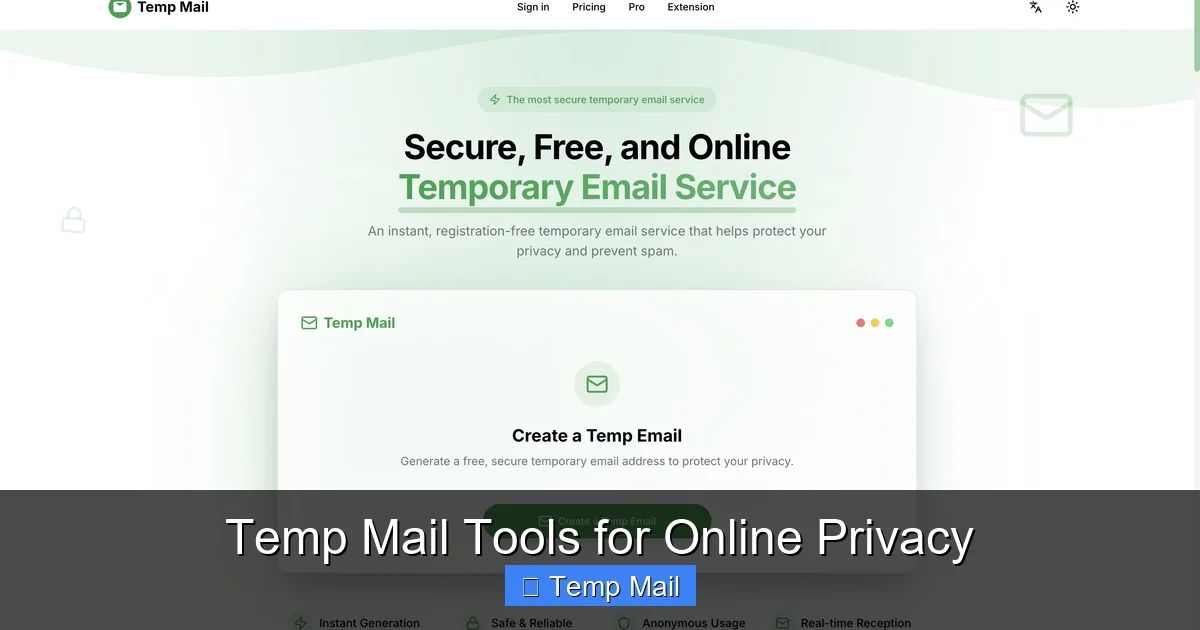
Tired of your primary email getting flooded with spam after every online sign-up? Temp mail tools—also called disposable or throwaway emails—offer a simple, powerful shield for your online privacy. They generate temporary, anonymous addresses that you can use for one-time registrations, downloads, or any activity where you don’t want to share your personal email. By using a temp mail, you prevent companies from building profiles on you, stop phishing attempts in their tracks, and keep your main inbox clean and secure. It’s a free, essential tool in the modern digital privacy toolkit.
Key Takeaways
- Temp mail is a privacy shield: It provides a temporary, anonymous email address to use instead of your personal or work email, preventing spam and data collection.
- It works instantly and anonymously: No sign-up, no personal details required. You get an inbox in seconds, which self-destructs after a set time or use.
- Perfect for one-time interactions: Ideal for signing up for newsletters, downloading whitepapers, accessing gated content, or registering on forums you may not trust.
- It has clear limitations: Never use temp mail for critical accounts (banking, social media, main cloud storage), as the email and its data vanish permanently.
- Not a complete privacy solution: Temp mail protects your email identity but does not anonymize your IP address or encrypt your overall internet traffic. Use it alongside a VPN and other tools.
- Choose reputable services: Some free temp mail providers may show ads or have weaker security. For sensitive one-time uses, research providers with clear privacy policies and HTTPS.
📑 Table of Contents
- What Exactly Are Temp Mail Tools?
- How Do Temp Mail Services Work? The Simple Mechanics
- Top Use Cases: When to Reach for a Temp Mail
- Top Temp Mail Tools: A Comparison of Features
- Critical Limitations: What Temp Mail CAN’T Do
- Best Practices: Using Temp Mail Safely and Effectively
- The Broader Privacy Ecosystem: Where Temp Mail Fits In
- Conclusion: Embracing the Disposable Mindset
What Exactly Are Temp Mail Tools?
Let’s start with the basics. Temp mail, short for temporary mail, is a service that provides you with a disposable email address. Think of it like a burner phone, but for your inbox. You don’t own this address; you simply borrow it for a short period—usually anywhere from 10 minutes to 48 hours—or for a limited number of emails. Once its time is up, or you close the browser tab, that address and all its contents are gone forever.
The core promise is anonymity and control. When a website asks for your email, they’re often not just seeking a contact point. They want to build a user profile, send marketing emails, or even sell your data to data brokers. By handing over a temp mail address, you give them nothing of value that can be tied back to your real identity. It’s a fundamental act of data minimization—only giving out the absolute minimum information necessary for a specific, low-stakes interaction.
The “Disposable” Mindset: A Shift in Digital Hygiene
Using a temp mail tool represents a proactive shift in how we manage our digital footprint. For years, we’ve been trained to treat our primary email as a universal key. We use it for everything: banking, shopping, social media, work, and random forum sign-ups. This creates a single point of failure and a rich data hub for anyone who can access it or scrape it. The disposable email mindset rejects this. It compartmentalizes your online life. Your real email is reserved for trusted, important relationships. Everything else gets a temporary, sacrificial address. This compartmentalization is a cornerstone of good operational security (opsec) for everyday internet users.
How Do Temp Mail Services Work? The Simple Mechanics
The magic of temp mail is in its beautiful simplicity. There’s no complex setup. Here’s the typical user journey:
Visual guide about Temp Mail Tools for Online Privacy
Image source: toolszu.com
- You visit a temp mail website. Examples include Temp-Mail.org, Guerrilla Mail, 10MinuteMail, or Maildrop. These sites are designed to be used instantly.
- A random inbox is generated for you. The service creates a unique email address (e.g., [email protected]) and a corresponding inbox URL that is only accessible from your browser session. No password is needed.
- You copy that address and use it. Paste it into the website or service that requires an email.
- You wait for the verification email. The incoming email appears directly in the temp mail inbox on the website. You can often click a link or copy a code right from there.
- You complete your task. Once you’ve gotten the download link, verified the account, or read the message, you simply close the tab. The address and its inbox typically vanish after a set time (e.g., 10 minutes, 1 hour, 1 day) or when you close the browser.
From a technical standpoint, these services run their own mail servers. They accept mail for any address at their domain and store it in a temporary database linked to a session ID. When the session expires, the database entry is purged. This ephemeral nature is what makes it so effective for privacy.
Behind the Scenes: Server-Side and Browser-Side
It’s helpful to understand the two layers at play. The server-side is the temp mail provider’s infrastructure handling email routing and temporary storage. The browser-side is your local connection. Because you never log in, the link between you and that temp address exists only in your active browser session. If you use a private/incognito window, that link is even stronger, as no cookies or history are saved locally. This combination means the provider itself generally cannot link that temporary address back to you personally, assuming they don’t log IP addresses (you should check their privacy policy for this).
Top Use Cases: When to Reach for a Temp Mail
Knowing when to use a temp mail tool is as important as knowing how. Not every situation calls for it, but many do. Here are the prime scenarios where a disposable email is your best friend.
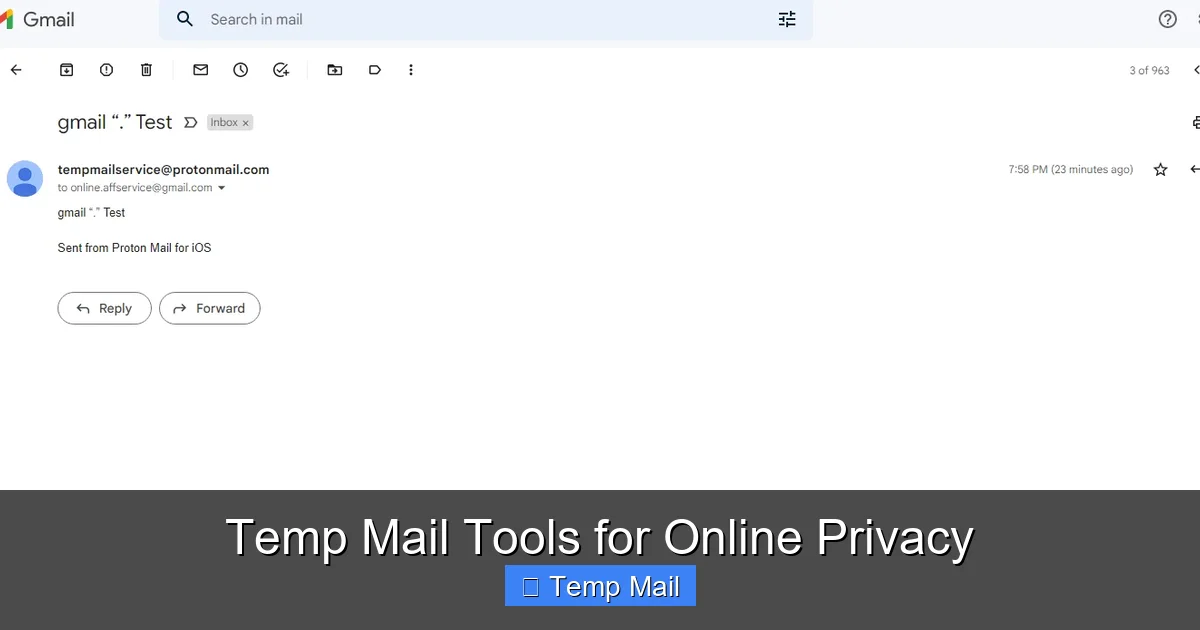
Visual guide about Temp Mail Tools for Online Privacy
Image source: 10-minutemail.com
1. Dodging Unwanted Newsletters and Spam
This is the most common and gratifying use. You find a great article but it’s behind a “subscribe to our newsletter” gate. You want the content, not the daily promotional emails for the next five years. Use a temp mail. Get the article, close the tab. No spam, no clutter in your primary inbox. The same goes for any free ebook, webinar replay, or software trial that requires an email. You get the asset; they get an email that bounces after an hour.
2. Signing Up on Low-Trust or New Platforms
You’re trying a new social network, forum, or app that you’re not sure you’ll stick with. Why risk your main email in a potentially insecure or data-hungry environment? A temp mail lets you test the waters. If the service turns out to be sketchy or spammy, you simply walk away. The disposable address becomes a dead end for them.
3. Bypassing Download Gates and “Email Walls”
Many blogs and resource sites use “email walls”—you must enter your email to get a PDF, template, or tool. Often, these lists are sold or shared. Using a temp mail address here is a direct way to say “no” to being added to a marketing list while still accessing the free resource you were promised.
4. Creating Test Accounts for Development or Research
If you’re a developer, QA tester, or researcher, you might need to create multiple test accounts on a platform. Using your real email for each is messy and unprofessional. Temp mails allow you to generate numerous unique addresses quickly to test registration flows, email notifications, or account systems without polluting your real inbox.
5. Protecting Your Identity on Public Wi-Fi or Shared Computers
When using a library computer or airport Wi-Fi, you might need to register for something. Using your personal email on a public machine is a risk—you might forget to log out, or keyloggers could capture your credentials. A temp mail session is isolated to that browser window. Close it, and the trace is gone.
Top Temp Mail Tools: A Comparison of Features
Not all temp mail services are created equal. While the core function is the same, features, usability, and privacy policies differ. Here’s a look at popular options and what sets them apart.
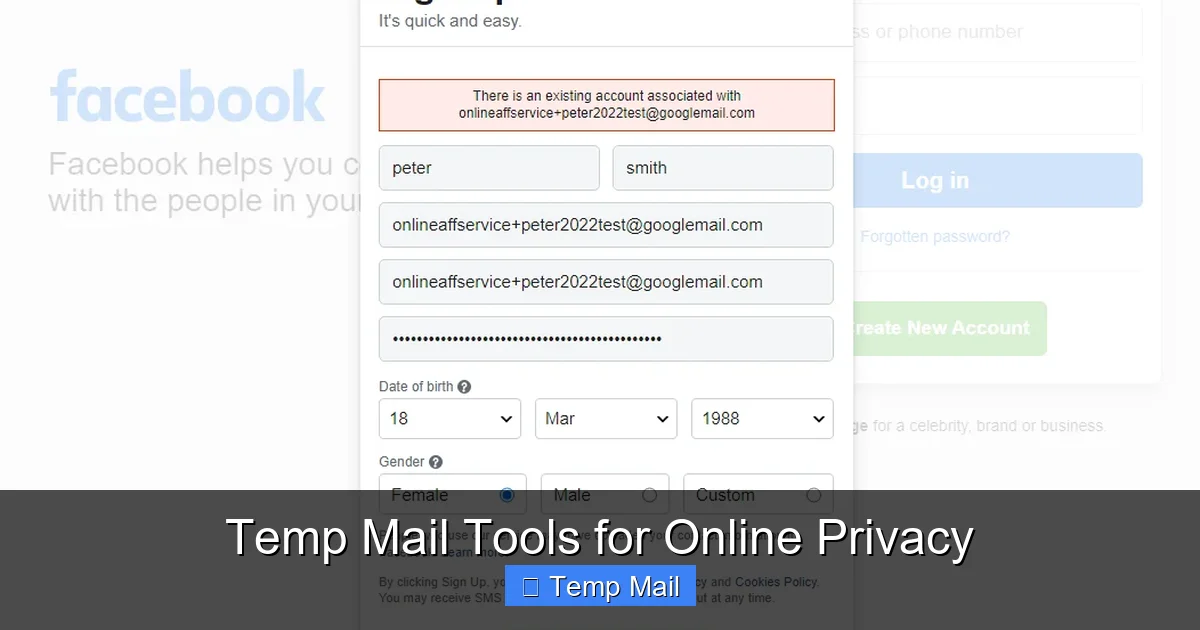
Visual guide about Temp Mail Tools for Online Privacy
Image source: 10-minutemail.com
Temp-Mail.org: The User-Friendly Powerhouse
One of the most popular, Temp-Mail.org offers a clean, modern interface. It generates a random address for you immediately. Key features include the ability to manually choose your temporary email address from a list of domains, a browser extension for quick access, and a “refresh” button to get a new address without leaving the page. Emails appear in real-time. Its main domain (@temp-mail.org) is widely recognized, which can sometimes be blocked by very security-conscious sites. It’s excellent for general, everyday use.
Guerrilla Mail: The Veteran with Longevity
Guerrilla Mail has been around for ages and is a trusted name. Its defining feature is that your inbox persists for a full hour after the last email is received, which is longer than many 10-minute services. It also allows you to reply to emails from within the temporary inbox—a rare and useful feature for brief, anonymous communication. The interface is functional if not flashy. It’s a great choice when you need a bit more time to process an email.
10MinuteMail: The Classic, No-Frills Option
As the name suggests, this service gives you a 10-minute window (extendable by clicking a timer). It’s incredibly simple: you get an address, an inbox, and a countdown timer. There are no extra features, which makes it very straightforward and fast. The domain (@10minutemail.com) is also commonly blocked. Use this when you know the verification email will arrive instantly and you need to act fast.
Maildrop: The Minimalist, No-JS Choice
Maildrop.cc stands out because it works without JavaScript enabled. It’s a very bare-bones, text-focused service. You simply go to maildrop.cc, and a random inbox (e.g., [email protected]) is created. You can also manually specify a username before the @. It’s useful for situations where you might be on a restrictive network or prefer a service that feels less “flashy.” The inbox lasts for a few hours.
Important Considerations When Choosing
When picking a tool, ask: How long does the inbox last? (10 min vs. 1 hour vs. 1 day). Can I choose my address? (Some let you set a custom username). Does it have a browser extension? (For convenience). What is its privacy policy? (Do they log IPs? How long do they keep server logs?). Is its domain frequently blocked? (If a site rejects your temp email, try another provider’s domain).
Critical Limitations: What Temp Mail CAN’T Do
Understanding the boundaries of temp mail privacy is non-negotiable for safe usage. These tools are powerful, but they are not magic shields for all online activity.
1. It’s Not for Important, Long-Term Accounts
Never, ever use a disposable email for any account you need to keep long-term or that contains sensitive information. This includes:
- Banking, financial services (PayPal, Venmo), or cryptocurrency exchanges. You will lose access forever if you need to reset a password.
- Primary social media accounts (Facebook, Twitter, Instagram). Recovery becomes impossible.
- Main cloud storage (Google Drive, iCloud, Dropbox).
- Any account tied to real-world identity (government services, utilities, official subscriptions).
The rule of thumb: if you’d be upset if you lost access to it, use your real email.
2. Many Sites Actively Block Known Temp Mail Domains
The arms race is real. Many popular websites, especially those dealing with finances, high-value goods, or serious communities, maintain lists of disposable email domains and block them during sign-up. If your temp mail address is rejected, the site is doing its (or its users’) security due diligence. Don’t try to circumvent this for important services; it’s a red flag.
3. It Provides Zero Anonymity for Your IP Address or Browsing
A temp mail tool only anonymizes your *email address*. Your internet service provider (ISP), your network admin, and the websites you visit can still see your real IP address. If you are concerned about your location or network identity being tracked, you must use a reputable VPN (Virtual Private Network) in conjunction with your temp mail. The VPN masks your IP, while the temp mail masks your email identity. Together, they provide a much stronger layer of privacy for the sign-up process.
4. Attachments and Large Files Are Usually a No-Go
Most temp mail services are designed for text-based verification codes and simple links. They often have very small or non-existent attachment support. Do not expect to receive a PDF or image file reliably through most disposable inboxes.
5. The “Reply” Function Is Rare and Limited
While Guerrilla Mail offers it, most services do not allow you to reply to emails sent to your temporary address. The inbox is receive-only. This is by design, as allowing two-way communication would require more complex tracking and storage, undermining the temporary, anonymous ethos.
Best Practices: Using Temp Mail Safely and Effectively
To get the most out of temp mail tools while staying safe, follow these practical guidelines.
Always Use a Private/Incognito Window
This is the single most important habit. Opening a temp mail site in your browser’s private or incognito mode ensures that:
- No cookies from the temp mail site are saved to your computer.
- No history is recorded of you visiting that specific temp mail inbox URL.
- When you close the window, the session is completely wiped from your local machine.
It reinforces the temporary nature of the action and prevents accidental reuse of the same session later.
Never Use It for Password Recovery on Important Accounts
This is the golden rule. If you sign up for a service with a temp mail and later forget your password, the “forgot password” email will go to an address that no longer exists. You will be permanently locked out. For any service where account recovery matters, your permanent, secure email is mandatory.
Clear Your Browser Cache and Cookies After Use (Especially Without Incognito)
If you forget to use incognito mode, make it a habit to immediately clear your browser’s cache and cookies for that temp mail site after you’re done. This severs the link between your browser and that specific temporary inbox session.
Pair with a VPN for Enhanced Anonymity
As mentioned, a temp mail hides your email identity, but not your IP. For activities where you want both hidden—like accessing a region-restricted forum or signing up on a site you don’t fully trust—enable your VPN first, then open your private browser window and generate a temp mail. This combination makes you much harder to track across the web.
Be Wary of “Too Good to Be True” Temp Mail Services
If a temp mail site is plastered with aggressive pop-up ads, prompts to download suspicious software, or asks you to complete CAPTCHAs constantly, it might be a low-quality or even malicious service. Stick to the well-known providers listed earlier. Remember, you are using the service for privacy; a shady provider could be logging your IP or session data themselves. A quick check of their privacy policy (if it exists) is wise.
Use It as a First Line of Defense, Not Your Only One
Think of temp mail as the bouncer at the door of your digital life. It checks IDs (email addresses) and keeps out the riffraff (spam lists). But you still need to lock your windows (use a VPN), have an alarm system (a password manager), and not invite strangers into your living room (be cautious about what sites you trust with any data). It’s one tool in a layered privacy strategy.
The Broader Privacy Ecosystem: Where Temp Mail Fits In
Relying solely on a temp mail tool is like wearing a helmet but no seatbelt. It protects one specific vulnerability—your primary email address—but leaves other exposures wide open. True online privacy requires a holistic approach.
The Email Address as a Primary Identifier
In the digital economy, your email address is often the primary key used to link your activity across websites. Data brokers buy and sell lists tied to email addresses. Ad networks use it to track your behavior across different sites you log into. By fragmenting this key—using a new, unlinkable disposable address for each low-stakes interaction—you break this tracking chain at a fundamental level. You prevent the creation of a single, searchable profile tied to your main identity.
Complementary Tools for a Complete Strategy
To build a robust privacy posture, combine temp mail with:
- A Password Manager: Generates and stores unique, complex passwords for every site. This prevents a breach on one site from compromising all your accounts. It’s the partner to temp mail: one secures your access, the other secures your identity at sign-up.
- A Reputable VPN: Encrypts all traffic between your device and the VPN server and masks your IP address. This is crucial for hiding your physical location and preventing your ISP from seeing your activity.
- Privacy-Focused Browsers & Search Engines: Browsers like Brave or Firefox with strict privacy settings, and search engines like DuckDuckGo, reduce tracking by default.
- Two-Factor Authentication (2FA): Always enable 2FA on important accounts, preferably using an authenticator app (like Google Authenticator or Authy) rather than SMS, which can be intercepted.
When you sign up for a low-stakes site: turn on your VPN, open a private window, use a temp mail, let your password manager create a unique password, and never think about that account again. That’s a privacy win.
Conclusion: Embracing the Disposable Mindset
Temp mail tools are not a silver bullet, but they are an incredibly effective, simple, and free piece of the online privacy puzzle. They empower you to take back control of one of your most valuable digital assets: your email address. By adopting the disposable mindset—reserving your permanent email for trusted, essential relationships and using a temporary address for everything else—you immediately reduce spam, limit data harvesting, and compartmentalize your digital life.
The power lies in the action: the next time a website asks for your email to read an article or download a guide, pause. Open a private browser window, generate a temp mail, and use that instead. Feel the quiet satisfaction of knowing that inbox will vanish, taking any future spam with it. In an online world built on data collection, this small act of digital hygiene is a meaningful form of resistance. Start using temp mail today, and experience a cleaner, more private inbox tomorrow.
Frequently Asked Questions
Is using temp mail legal?
Yes, using a disposable email service is perfectly legal in virtually all jurisdictions. These are legitimate services providing a communication tool. The legality only comes into question if the temp mail is used for illegal activities like fraud or harassment, which is true for any communication tool.
Can temp mail be traced back to me?
In most cases, no. Reputable temp mail services do not require any personal information to generate an address. The link between you and that temporary address exists only in your browser session and, potentially, in your ISP’s logs of you visiting the temp mail site. The service provider itself generally cannot identify you. However, if you use the temp mail to send emails from within the service (a rare feature), or if you access it over an unencrypted connection, additional traces could be left.
How long do emails in a temp mail inbox last?
It varies by provider. Common timeframes are 10 minutes (10MinuteMail), 1 hour after last receipt (Guerrilla Mail), or 24-48 hours (some premium or specialized services). The inbox and all its contents are permanently deleted when the time expires or when you close the browser session, depending on the service’s policy.
Will websites block my temp mail address?
Yes, many websites actively block domains from known temp mail providers. This is a common security measure to prevent spam, abuse, and fake account creation. If your chosen temp mail is rejected, try a different provider’s domain (e.g., switch from @temp-mail.org to @guerrillamail.com). If all are blocked, the site likely requires a permanent, verifiable email address.
Can I receive attachments with temp mail?
Generally, no. Most disposable email services are designed for lightweight text messages like verification codes and links. They typically have very small attachment size limits (often 1-2 MB) or block attachments entirely. Do not rely on a temp mail to receive important files like PDFs, images, or documents.
Should I use temp mail for online shopping or banking?
Absolutely not. Never use a disposable email for any account involving financial transactions, identity verification, or long-term access. You will be unable to receive order confirmations, receipts, password reset links, or security alerts. Use your permanent, secure email address for all shopping, banking, and financial services.
Leave a Reply