Temp Email for Anonymous Website Access is an essential topic that provides valuable insights and practical knowledge for anyone interested in learning more about this subject.
Have you ever hesitated to sign up for a website, download a guide, or post a comment because you didn’t want to hand over your primary email address? You’re not alone. That little voice in your head saying, “What will they do with my email?” is a totally valid concern in our data-driven world. I’ve been there, staring at a registration form, weighing the immediate need against the looming fear of spam, data breaches, and a cluttered inbox. This is where the clever concept of a temp email—or temporary email—becomes your digital shield. It’s not about being sneaky; it’s about being smart and maintaining control over your online identity. In this guide, we’ll walk through everything you need to know about using a temp email for anonymous website access, from the simple “how-to” to the important “why-not.”
Think of a temp email as a disposable digital mask. You put it on for a specific, short-term interaction and then discard it, leaving no trace linking that activity back to your real self. It’s a tool for privacy, and like any tool, it has a perfect purpose and a wrong one. My goal here is to give you the honest, unvarnished truth—the good, the bad, and the practical—so you can decide if and when a temp email is the right choice for your next online move. Let’s dive in.
Key Takeaways
- Use temp email to shield your primary identity from websites requiring registration.
- Prioritize services with no registration or encryption for maximum anonymity.
- Avoid temp email for critical accounts like banking or official services.
- Leverage disposable addresses to combat spam and unwanted marketing emails.
- Understand that anonymity isn’t absolute; your IP address may still be logged.
- Choose reputable temp mail providers to avoid malicious redirects or data theft.
- Remember these addresses are temporary; access expires after a short period.
📑 Table of Contents
- What Exactly is a Temporary Email?
- The Mechanics: How Temp Email Services Operate
- Why Use a Temp Email? The Core Benefits
- The Other Side of the Coin: Risks and Limitations
- Real-World Scenarios: Practical Use Cases
- Navigating the Options: How to Choose a Temp Email Service
- Conclusion: Your Digital Disposable Shield
What Exactly is a Temporary Email?
At its core, a temporary email is a service that provides you with a random, functional email address for a very limited time—usually anywhere from 10 minutes to 48 hours. You don’t need to register, create a password, or provide any personal information to get one. You simply visit a website, and it generates an address for you on the spot. You can use that address to receive a single verification email or a few messages, and then the address self-destructs. The inbox is usually public to anyone who has the address, which is why it’s crucial to only use it for non-sensitive, one-off tasks.
The Disposable Nature: By Design
The “temporary” part isn’t a bug; it’s the entire feature. These services are designed to be ephemeral. Once the timer runs out or you manually delete the inbox, the email address and all its contents are purged from the server forever. There’s no recovery. This built-in forgetfulness is what makes it so powerful for anonymity. The website you sent that sign-up link to has no way to contact you later, and you have no lingering digital footprint from that interaction in your permanent email account.
How It Differs from Regular Email
Your Gmail, Outlook, or Yahoo account is a persistent identity. It’s tied to your name, your phone number (often), your recovery contacts, and a long history of emails. It’s the key to your social media, banking, and professional life. A temp email is the opposite. It’s a burner phone in the digital world. It has no history, no ties, and no future beyond its short lifespan. It’s meant for receiving, not sending (though some allow limited sending), and certainly not for any account you need to access again.
The Mechanics: How Temp Email Services Operate
Understanding the mechanics removes the mystery and helps you use these services more effectively. The process is intentionally simple because the goal is speed and privacy, not feature-rich functionality.
Visual guide about Temp Email for Anonymous Website Access
Image source: is1-ssl.mzstatic.com
Step-by-Step: Getting Your Temp Email
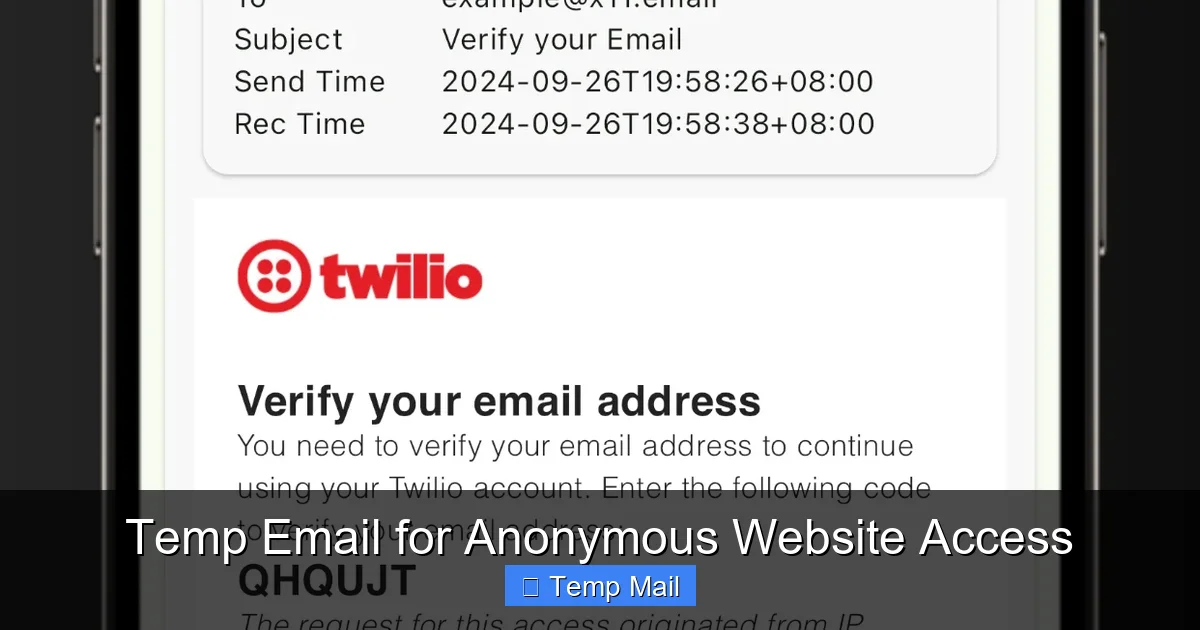
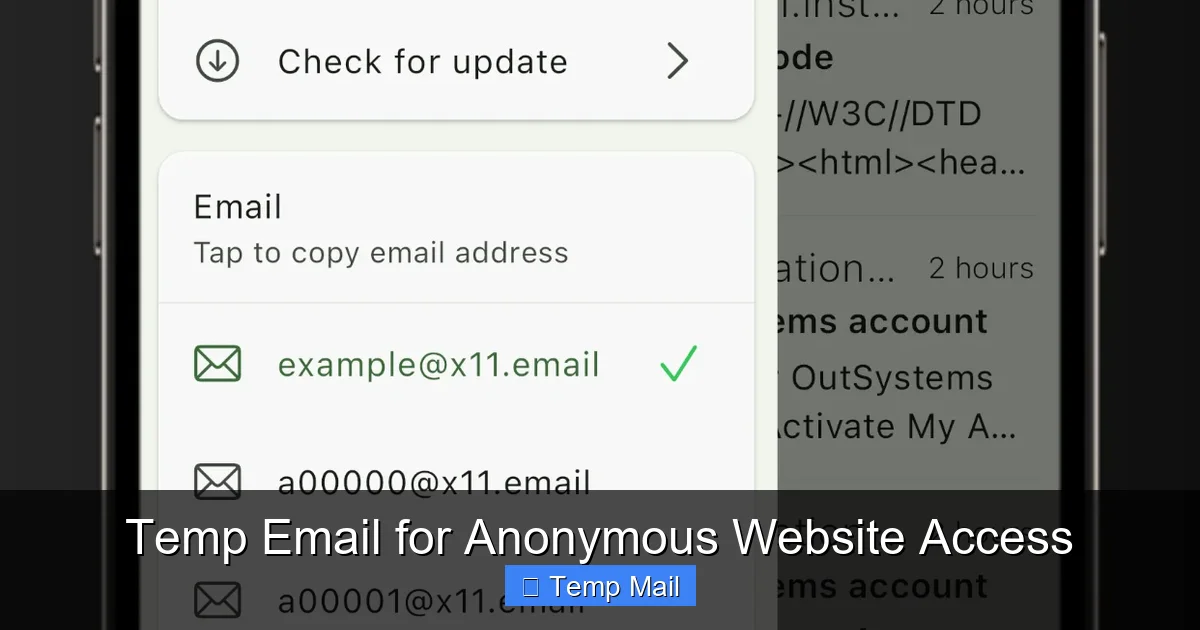
It’s so straightforward it feels like magic. First, you open your browser and search for “temp email” or “disposable email.” You’ll find dozens of free services like Temp-Mail, Guerrilla Mail, or 10MinuteMail. You click on one. Instantly, the homepage displays a random email address, something like [email protected], and a timer counting down. That’s it. You copy that address, paste it into the website you’re accessing, and wait for the verification email to appear right there on the temp mail site’s inbox page. No login, no CAPTCHA (usually), no commitment.
What Happens to the Inbox?
The inbox you’re viewing is a shared, public space. Anyone who stumbles upon that exact URL or knows the address could, in theory, see the emails coming into it. This is a major security consideration we’ll touch on later. The service’s server receives all mail for that address and displays it in a simple list. You click to read. Once the timer expires, the server deletes the address and all its mail. Some services let you extend the time manually, but that defeats part of the “disposable” purpose.
Behind the Scenes: Domain and Server Management
These services operate by owning or leasing large blocks of domain names and setting up mail servers to accept all emails sent to any address @theirdomain.com. They don’t need to create individual mailboxes in advance; the system creates one on the fly when mail arrives for a never-before-seen local part (the “abc123” before the @). This is why they can generate infinite addresses. It’s a clever, low-overhead system built for transience.
Why Use a Temp Email? The Core Benefits
Now we get to the good stuff. Why would you intentionally use an email that disappears? The benefits cluster around three main pillars: spam prevention, privacy protection, and streamlined testing.
Visual guide about Temp Email for Anonymous Website Access
Image source: is1-ssl.mzstatic.com
1. Your Permanent Inbox’s Best Friend: Spam Prevention
This is the #1 reason people reach for a temp email. Let’s say you want to download a whitepaper from a marketing site. They’ll almost certainly ask for an email to send the link. Do you really want that company—and potentially the dozens of partners they sell lists to—to have your real, primary email forever? With a temp email, you give them a dead-end address. The download link arrives, you grab it, and the address vanishes. No follow-up newsletters, no “we miss you” promos, no risk of that email being involved in a future data breach. You’ve just kept your main inbox pristine.
2. A Layer of Anonymity and Privacy
There are many legitimate reasons to separate an online activity from your real identity. Maybe you’re a journalist researching a sensitive topic. Perhaps you’re an activist in a region with censorship. Or you’re just a regular person wanting to post an honest, critical review on a forum without your employer or family tracing it back to you. Using a temp email for the account registration adds a significant layer of anonymity. It breaks the direct link between the online persona and your true self.
3. The Developer’s and Tester’s Shortcut
If you build websites or apps, you know the pain of testing email functionality. You need multiple email addresses to test sign-up flows, password resets, and notification systems. Creating a bunch of real Gmail accounts is a hassle and clutches your personal space. A temp email service is a godsend. You can generate a new address for every single test case, see the emails instantly, and move on. It’s efficient and keeps your development work separate from your personal life.
The Other Side of the Coin: Risks and Limitations
A tool is only as good as the user’s understanding of its limits. Temp email services are fantastic for their intended purpose, but they come with significant caveats. Ignoring these can lead to lost access, security issues, or outright failure.
Visual guide about Temp Email for Anonymous Website Access
Image source: is3-ssl.mzstatic.com
Security: The Public Inbox Problem
Remember, the inbox is public. Anyone who guesses or finds the URL for that specific temporary inbox can read your mail. This means you should never, ever use a temp email for anything containing passwords, financial information, private documents, or sensitive personal data. The verification email for your new bank account? Bad idea. The link to reset your social media password? Also a bad idea. You are trading convenience for security, and that trade is only wise for low-stakes interactions.
Reliability and Website Blocks
Many websites, especially important ones like social media platforms, banks, or government services, are wise to disposable emails. They actively block domains from popular temp mail providers. If you try to sign up for Twitter or your online banking portal with a temp email, it will be rejected outright. The service is working as intended—it’s preventing anonymous, throwaway accounts on platforms where real identity matters. So, temp email is for the “low-trust” corners of the web, not your essential digital services.
No Long-Term Access or Recovery
This is the most common pitfall for new users. You sign up for a forum with a temp email to ask a question. Two days later, you want to reply to someone’s answer. You go back to the temp mail site, but the inbox is gone. Your account on that forum is now inaccessible because you can’t receive the “forgot password” email. The account is dead. You must accept that any account created with a temp email is temporary by nature. Use it only for sites you’ll never need to log into again.
Real-World Scenarios: Practical Use Cases
Theory is nice, but let’s get concrete. Here are common, everyday situations where a temp email is the perfect, low-friction solution.
Downloading Gated Content
This is the classic use case. E-books, industry reports, template libraries, and webinar recordings often require an email. Use your temp address, get the file, and walk away. No guilt, no spam.
Signing Up for One-Time Promotions or Trials
That “free trial” for a SaaS tool that requires a credit card? Use a temp email for the account. You can still use a real payment method if needed, but the marketing emails won’t follow you. Just be sure to cancel the trial manually before you’re charged, as you won’t get reminder emails.
Creating Throwaway Accounts on Forums or Comment Sections
Want to post a controversial opinion on a news site’s comment section without starting a fight on your main social media? A temp email account for the site’s commenting system is perfect. It lets you participate without attaching your primary identity to potentially heated discussions.
Bypassing “Email Wall” Restrictions on Pages
Some blogs and news sites will show you a full article only after you subscribe to their newsletter. If you just want to read that one article, a temp email lets you bypass the paywall/subscription wall ethically (you’re still viewing the content they offer, just not committing to their list).
Testing Online Forms and Services
As mentioned, for developers and QA testers, this is invaluable. You can also use it as a regular user to test if a service actually sends what it promises (a download link, a coupon code) before giving them your real email.
Navigating the Options: How to Choose a Temp Email Service
Not all temp mail services are created equal. While the core function is the same, small differences in interface, additional features, and reliability matter. Here’s what to look for.
Key Features to Consider
- Inbox Lifespan: Do you need 10 minutes, 1 hour, or a full day? Most offer at least 30-60 minutes.
- Domain Variety: Some services offer multiple domain names (e.g., @tempmail.com, @disposabl.com). This can help if one domain is blocked.
- Browser Extension: Services like Temp-Mail offer Chrome/Firefox extensions that put a temp email button right in your browser toolbar for ultimate convenience.
- API Access: Crucial for developers and automated testing.
- No Registration Required: This is the whole point. If a service asks you to sign up, walk away.
Popular Service Comparison
Here’s a quick snapshot of some well-known players in the space. Remember, the landscape changes, so always check the current offerings.
| Service | Typical Inbox Time | Key Feature | Potential Drawback |
|---|---|---|---|
| Temp-Mail | Variable (can extend) | Multiple domains, browser extension, API | Interface can have ads |
| Guerrilla Mail | 60 minutes (can reset) | Allows sending short emails, password protection for inbox | More cluttered interface |
| 10MinuteMail | 10 minutes (extendable) | Extremely simple, fast, no-nonsense | Very short default time |
| Maildrop | Until inbox cleared (24h max) | Clean, minimal interface, no ads | Can’t send mail, fewer domain options |
A Simple Rule of Thumb
For most users, start with the first service that appears in a search. If its domain gets blocked on a site you’re trying to use, open a new tab and try the next one. They are all free and require no commitment to test. Your best service is the one whose domain isn’t on the website’s blocklist at that moment.
Conclusion: Your Digital Disposable Shield
Using a temp email for anonymous website access isn’t about hiding from the law or engaging in deceit. It’s a practical, modern privacy tactic for the mundane, everyday web. It’s the digital equivalent of using a courtesy phone at a hotel lobby—perfect for a quick, necessary call, but not for your personal, long-term conversations. The power lies in its simplicity and its impermanence.
I’ve saved myself from countless spam floods and unnecessary data trails by reaching for a temp email first. It’s a small habit that cultivates a stronger sense of digital hygiene. Just remember the golden rules: never use it for anything important (banking, primary social media, work accounts), understand that the inbox is public, and accept that any account you create with it is ephemeral. Used wisely, this little tool is a surprisingly powerful ally in taking back control of your online presence, one disposable address at a time. Next time you face that registration form, you’ll know exactly what to do.
Frequently Asked Questions
What is a temporary email and how does it work for anonymous website access?
A temporary email is a disposable inbox that requires no personal information to create. It enables anonymous website access by providing a random, short-lived address to receive verification emails without linking them to your real identity.
Can I use a temp email for truly anonymous website access?
Yes, a temp email for anonymous website access masks your primary email, but full anonymity also depends on other factors like your IP address and browser fingerprint. For stronger privacy, combine it with a VPN or privacy-focused browser.
Are temp emails safe for accessing websites anonymously?
Temp emails are safe for low-risk activities like reading public content, but they often lack encryption and have public inboxes. Avoid using them for sensitive accounts, as emails may be intercepted or deleted after a short period.
Is using a temp email for anonymous website access legal?
Using temp emails is legal for legitimate privacy protection, but becomes illegal if used for fraud, hacking, or to circumvent bans. Always adhere to a website’s terms of service and local regulations when accessing anonymously.
How long do temporary emails last for anonymous browsing?
Temporary email inboxes typically expire within 10 minutes to 24 hours, depending on the service. Once expired, the address and all stored messages are permanently erased, leaving no personal trail behind.
Why would a website block a temp email during registration?
Websites often block disposable email domains to reduce spam, fake accounts, and abuse. If you require anonymous website access, opt for a free, privacy-oriented email provider instead of a standard temp mail service.
Leave a Reply