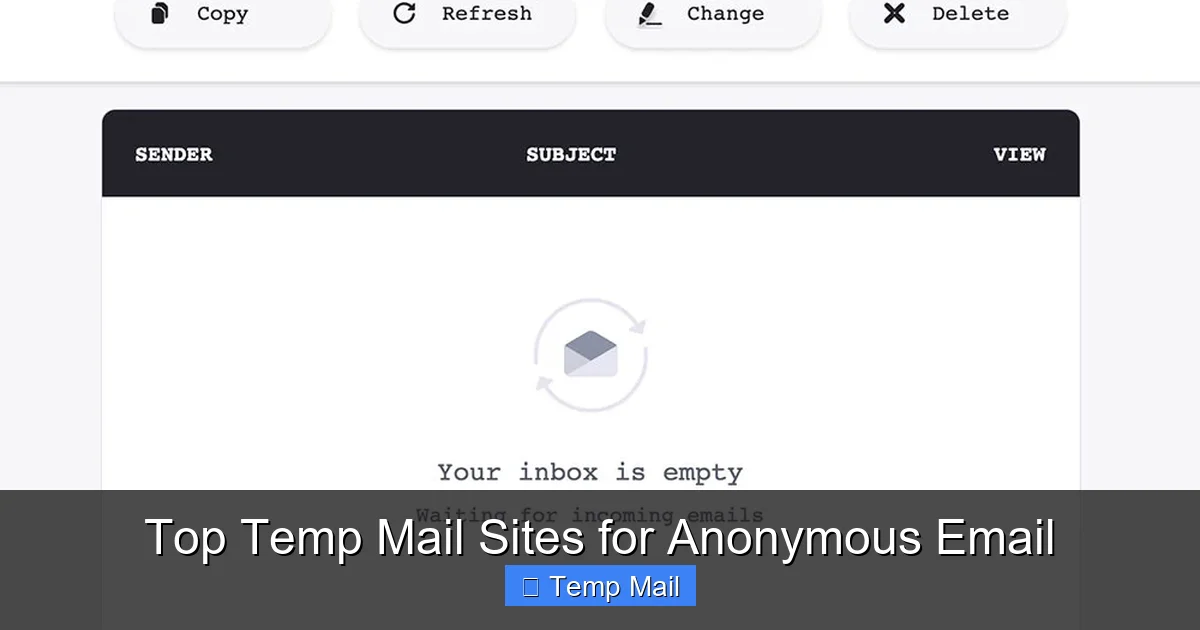
Temp mail services provide disposable, anonymous email addresses for one-time use, shielding your primary inbox from spam, tracking, and data breaches. They are perfect for signing up to websites, downloading files, or verifying accounts without long-term commitment. However, they are not secure for sensitive communications or password resets. Choosing the right service depends on your need for speed, customization, or advanced privacy features.
Key Takeaways
- Core Purpose: Temp mail creates short-lived, anonymous email addresses to protect your primary identity and inbox from spam and unwanted tracking during temporary online interactions.
- Privacy Shield: These services bypass the need for personal information during sign-up, offering a layer of anonymity for activities like forum registrations or content downloads.
- Ideal Use Cases: Perfect for one-off tasks: accessing gated content, verifying non-critical accounts, testing website forms, or avoiding newsletter spam.
- Critical Limitations: Inboxes are public, temporary (minutes to hours), and lack encryption. Never use them for banking, primary accounts, or any sensitive communication.
- No Long-Term Storage: Once the session expires or you close the browser, the address and all emails are permanently deleted. There is no retrieval.
- Security ≠ Anonymity: While they hide your identity from the recipient, the temp mail provider itself can see emails. For true security (encryption), use end-to-end encrypted providers like ProtonMail.
- Provider Variability: Features, ad levels, domain options, and lifespan differ significantly between services like Temp-Mail.org, 10MinuteMail, and Guerrilla Mail.
📑 Table of Contents
- What Exactly is a Temporary Email Address?
- How Do Temporary Email Services Actually Work?
- Top Contenders: A Detailed Review of the Best Temp Mail Sites
- Practical Use Cases: When and How to Use Temp Mail Effectively
- Security and Privacy Deep Dive: The Critical Caveats
- Limitations and Risks: Why Temp Mail Isn’t a Magic Bullet
- Best Practices and Final Recommendations
What Exactly is a Temporary Email Address?
Imagine you need to quickly download a whitepaper that requires an email address. You know that giving your real, primary email will likely land you on a relentless marketing list. This is the universal problem that temporary email services solve. A temp mail site generates a random, disposable email address for you to use on the spot. You can receive the verification email or download link right in your browser, often without even creating an account. Once you’re done, you simply close the tab. The address, and all its history, vanishes into the digital ether.
Think of it as a burner phone for your email. It’s a tool for functional anonymity—not for hiding from government surveillance, but for creating a clean separation between your permanent digital identity and low-stakes, one-time online interactions. The underlying technology is straightforward: these services operate large pools of email domains and inboxes. When you visit a site like Temp-Mail.org, it randomly assigns you an inbox like [email protected]. Any email sent to that address is routed to their servers and displayed on a web page you can access. No password, no personal details, just instant access.
The “Why” Behind the Burner: Core Benefits
The primary driver is inbox hygiene and privacy. Every day, we leak our primary email addresses dozens of times. Each sign-up is a potential vector for spam, data breaches, and profiling. Temp mail acts as a shock absorber. Furthermore, it offers a degree of anonymity. The recipient only sees the disposable address, not your real identity. This is useful for posting on forums with controversial views, accessing region-restricted content that requires an email, or simply browsing without leaving a trail tied to your main accounts.
How Do Temporary Email Services Actually Work?
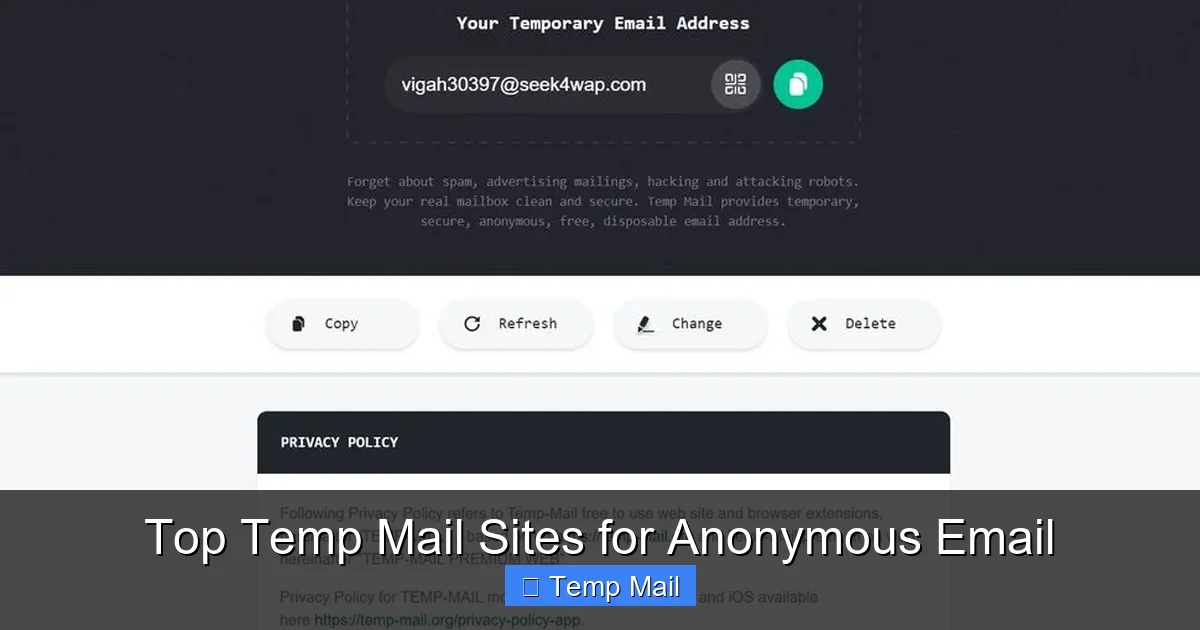
The mechanics are beautifully simple, which is why these services are so fast and accessible. There’s no complex setup. Here’s the step-by-step process:
Visual guide about Top Temp Mail Sites for Anonymous Email
Image source: cdn.mos.cms.futurecdn.net
- You Visit the Site: You navigate to a temp mail provider’s homepage.
- Inbox Generation: The site instantly generates a random email address for you, often with a selectable domain (e.g., @mailinator.com, @10minutemail.com). This address is tied to a temporary, randomly generated inbox ID in their system.
- You Use the Address: You copy this address and paste it wherever an email is required—a website registration, a download form, etc.
- Email Reception: When an email is sent to your temp address, the provider’s mail server receives it. Because the inbox isn’t password-protected (or has a simple, known refresh code), the service displays the email directly on a public web page linked to your session.
- Access & Deletion: You refresh the page on the temp mail site to see new emails. You can often click links or view attachments directly. After a set time (usually 10 minutes to 1 hour) or when you close the browser, the inbox and its contents are purged from the server.
This entire process happens server-side. Your browser is just a window into a pre-existing, publicly accessible mailbox. That’s why you never set a password—anyone with the exact URL (which often contains a unique token) could, in theory, see your temporary emails. This public nature is a key security consideration we’ll revisit.
Top Contenders: A Detailed Review of the Best Temp Mail Sites
Not all disposable email services are created equal. They differ in user experience, ad intrusiveness, lifespan of the inbox, and available domains. Below, we break down the top players, highlighting their unique strengths and ideal use cases.
Visual guide about Top Temp Mail Sites for Anonymous Email
Image source: temp-mail.io
1. Temp-Mail.org (The User-Friendly Powerhouse)
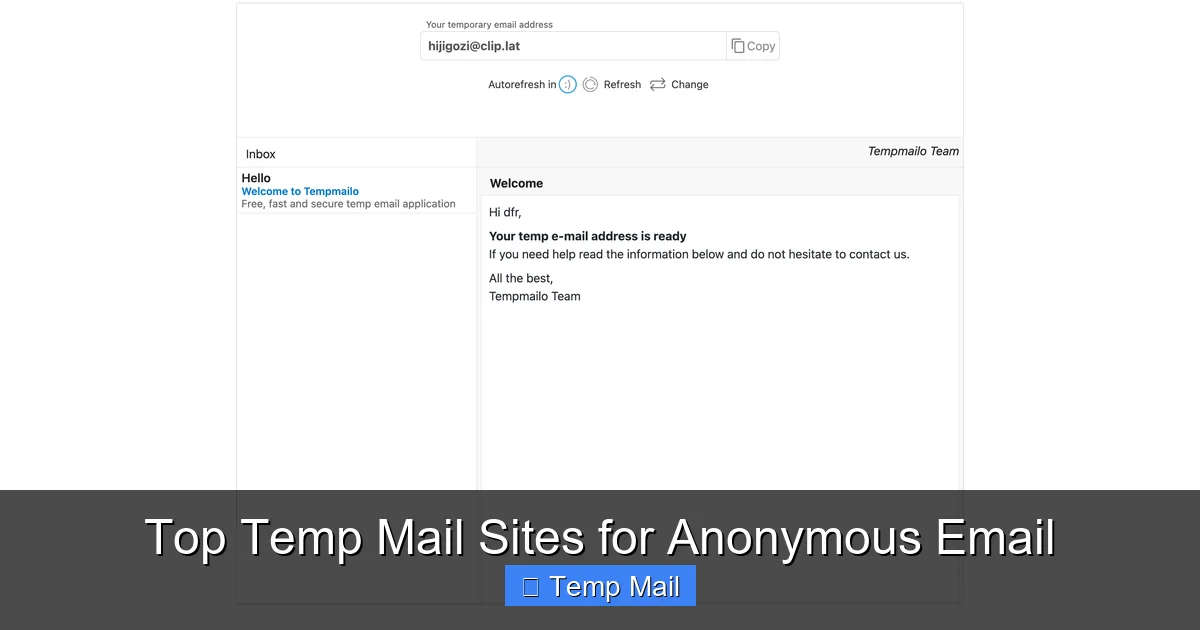
Often considered the gold standard for a reason, Temp-Mail.org excels in usability and features. It provides a clean, modern interface, a choice of multiple domains (including @temp-mail.org, @tempr.email), and a surprisingly generous inbox lifespan of up to 24 hours if you keep the browser tab active. A standout feature is the ability to manually choose your email address from a list of available ones on a specific domain, rather than being stuck with a completely random string. This is great if you need a somewhat readable address. It also offers browser extensions for Chrome and Firefox, a mobile app, and an API for developers. The ad load is moderate but not overly intrusive. For most general-purpose, anonymous email needs, this is the top recommendation.
2. 10MinuteMail.com (The Original Speedster)
As the name implies, 10MinuteMail is brutally simple and fast. You get a random address, a countdown timer starts at 10 minutes, and you have a basic inbox view. The address and all emails self-destruct when the timer hits zero. Its simplicity is its strength: no choices, no fuss, just instant, no-frills anonymity. The domain is always @10minutemail.com. This is perfect for the absolute quickest tasks where you need an email for literally 10 minutes—like a quick forum verification that sends an instant link. However, if the verification email takes longer than 10 minutes to arrive, you’re out of luck. It’s the epitome of “use and forget.”
3. Guerrilla Mail (The Veteran Workhorse)
Guerrilla Mail has been around for ages and is a trusted, reliable workhorse. It offers a bit more control than 10MinuteMail. You can choose from several domains (@guerrillamail.com, @sharklasers.com, etc.), and the inbox lifespan is flexible—you can extend it in 1-hour increments up to 24 hours by clicking a “keep alive” button. It also includes a basic password manager feature, allowing you to set a password to “lock” your inbox temporarily if you need to step away, though this is not for high security. The interface is functional but a bit dated and ad-heavy. Its longevity and flexibility make it a solid, dependable choice.
4. Mailinator (The Public Inbox Pioneer – Use with Caution)
Mailinator is arguably the most famous, but also the most public. Any inbox created on Mailinator is, by default, completely public. Anyone can go to mailinator.com and type in any inbox name (e.g., “test123”) and see all emails sent to it. This is great for developers testing email systems but a catastrophic privacy flaw for personal use. If you use a random Mailinator address, you risk someone else stumbling upon your verification email. They do offer a “Private” premium service with password protection, but the free tier’s public nature makes it unsuitable for any personal anonymity. It’s best reserved for public test accounts or when absolute privacy is not a concern.
5. Tempail.com (The Minimalist European Option)
Tempail.com offers a clean, minimalist interface with a focus on speed and privacy under GDPR. It generates a random address with a 60-minute lifespan by default, which can be extended. It provides a good selection of domains and has a relatively low ad count. Its European hosting may appeal to users concerned about US data laws. It lacks some of the advanced features of Temp-Mail.org but is incredibly straightforward and fast. A good, no-nonsense alternative.
Practical Use Cases: When and How to Use Temp Mail Effectively
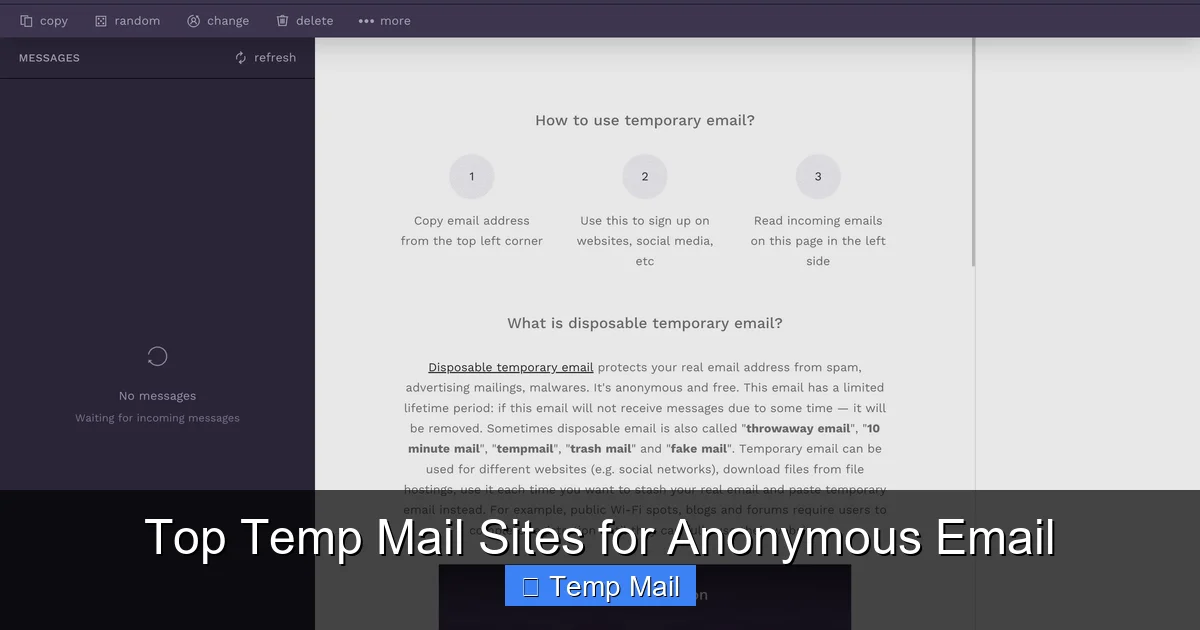
Knowing how to use these tools is as important as knowing which one to pick. Here are common, effective scenarios:
Visual guide about Top Temp Mail Sites for Anonymous Email
Image source: temp-mail.io
For Content Gating & Lead Magnets
This is the #1 use case. A blog or company offers a free eBook, template, or webinar replay in exchange for your email. Using your real address guarantees future promotional emails. A temp mail address lets you get the immediate download link without the long-term spam commitment. Simply paste the temp address, access the download page, and save the file directly to your computer. The temp inbox can then be discarded.
For Account Verification on Low-Stakes Platforms
Need to sign up for a new social media platform, gaming site, or forum to check it out? Use temp mail. If you decide you love the service, you can always add and verify a permanent email later. This prevents cluttering your primary email with “welcome” and “new feature” notifications from platforms you may abandon after a day.
For Software Trials & Download Managers
Many software vendors require an email for a trial download link or to manage a download through a queue. A temp address is perfect here. It bypasses the sign-up wall without exposing your identity to the vendor’s marketing database.
For Testing & Development
Developers and QA testers use temp mail to quickly create test accounts for their own applications or to verify that email notifications are being sent correctly. Services like Mailinator (in its public mode) are specifically designed for this workflow.
Pro Tip: Always check the website’s terms of service. Some explicitly forbid the use of disposable emails for account creation. Using one might get your account flagged or terminated immediately. This is common for financial services, premium subscriptions, or platforms where identity verification is core.
Security and Privacy Deep Dive: The Critical Caveats
This is the most important section. The term “anonymous” can be misleading. Temp mail provides pseudonymity from the recipient, not comprehensive security. Understanding the limitations is non-negotiable for safe usage.
The Public Inbox Reality
As mentioned, most free temp mail inboxes are not password-protected by default. The URL or inbox name is the only key. While they are random, if someone guesses or brute-forces an inbox name (which is easier with shorter names), they can see your emails. This is why you should never use these services for anything containing personal data, passwords, or confidential information. The provider itself also has full access to all emails passing through their servers.
No End-to-End Encryption
Standard email services like Gmail or Outlook use TLS for transit encryption, but the provider can still read the content. Temp mail services typically do not offer any form of encryption. The email is stored in plain text on their servers. Assume anyone with administrative access to the temp mail provider can read your messages. This makes them entirely unsuitable for confidential business or personal communications.
Attachment and Link Dangers
Many temp mail sites allow you to click links or download attachments directly. This is a major malware risk. A malicious sender could include a link to a phishing site or an attachment with a virus. Since you’re using a throwaway address, you might be less vigilant. Always treat emails from temp addresses with the same suspicion as any unknown sender. Hover over links to check URLs, and be extremely cautious with downloads.
IP Logging and Provider Logs
While the recipient sees only the temp address, the temp mail provider logs your IP address and session data when you visit their site. They may also keep logs of which emails were accessed from which session. If law enforcement comes with a warrant for a specific illegal threat sent via a temp mail service, the provider can likely trace it back to the IP address that was viewing that inbox at the time. True anonymity would require using Tor or a trustworthy VPN in addition to the temp mail service.
Limitations and Risks: Why Temp Mail Isn’t a Magic Bullet
Beyond security, there are practical limitations that define the boundaries of this tool.
Short Lifespan and No Recall
The defining feature is also a major drawback. If you need to access a verification email 2 hours after signing up on a site, but your temp inbox expired after 1 hour, you’re locked out. There is no “resend to my real email” option because the site only has the temp address on file. You must use the temp mail service in real-time or with a service that offers a longer, extendable lifespan (like Guerrilla Mail or Temp-Mail.org).
Blacklisting by Major Platforms
Many large, reputable platforms (Google, Microsoft, Facebook, major banks) actively block known disposable email domains. If you try to sign up for a Google Account with a temp mail address, it will be rejected outright. This is a spam prevention measure. Therefore, temp mail is only viable for smaller websites, forums, content blogs, and download portals that haven’t implemented such blocks.
No Two-Factor Authentication (2FA) or Account Recovery
You cannot set up 2FA on a temp mail inbox. If a website you signed up with later requires email-based 2FA or a password reset, you will be unable to comply because the inbox is gone. This can lead to permanent loss of access to any account created with a disposable address.
Poor for Sending Mail
While some services allow you to *reply* to emails received, sending *new* emails from a temp address is often disabled, unreliable, or the messages will be flagged as spam by major providers. Temp mail is designed for *receiving* verification and notification emails, not for correspondence.
Best Practices and Final Recommendations
To use temp mail wisely, follow this checklist:
- Match the Tool to the Task: Use a short-timer (10MinuteMail) for instant, in-session tasks. Use an extendable service (Temp-Mail.org) for tasks where email delivery might be delayed.
- Never Use for Critical Accounts: Absolute rule: no banking, no primary cloud storage, no main social media, no work accounts, no anything where losing access would be a disaster.
- Assume the Inbox is Public: Do not receive personal documents, ID scans, or sensitive links. Treat it like a public notice board.
- Use a VPN for Added Privacy: If your IP anonymity is a concern, enable a reputable VPN before visiting the temp mail site. This separates your real IP from the temp mail provider’s logs.
- Clear Your Browser: After finishing, close the browser tab entirely. For maximum hygiene, clear your browser’s cache and cookies for that temp mail site to remove any session tokens.
- Have a Primary Email Ready: If you discover a service you love and need to keep long-term, immediately go into your account settings and replace the temp email with your permanent, secure one.
Conclusion: Temporary email services are an invaluable, free tool in the modern digital toolkit for managing your online footprint. They are a first line of defense against inbox overload and a simple method for accessing gated content without commitment. However, they are a tool with very specific and narrow parameters. Their power lies in their disposability, but that same disposability makes them fragile and insecure. By understanding their mechanics, respecting their limitations, and adhering to best practices, you can leverage them effectively and safely. For any activity where security, longevity, or true confidentiality matters, a traditional encrypted email service remains the only appropriate choice. Use temp mail not as a shield, but as a tactical, single-use pass for the low-stakes corners of the web.
Frequently Asked Questions
Is using a temporary email address legal?
Yes, using disposable email services is perfectly legal in virtually all jurisdictions. They are legitimate tools for privacy and spam avoidance. The legality issues arise from how the address is used (e.g., for fraud, threats, or illegal purchases), not from the act of creating the address itself.
Can I send emails from a temporary address?
Generally, no. Most free temp mail services are designed for receiving emails only, not for sending. Some may allow limited replies to emails you’ve received via their platform, but initiating new emails from a disposable address is typically disabled to prevent spam abuse. The sent messages would also likely be blocked by major providers like Gmail.
How long do temporary emails last?
The lifespan varies significantly by provider. Some, like 10MinuteMail, last a strict 10 minutes. Others, like Temp-Mail.org or Guerrilla Mail, can last from 1 hour up to 24 hours if you actively keep the session alive by refreshing the page. Always check the specific service’s policy before relying on it for a task with a delayed email.
What’s the difference between a temp mail site and a VPN?
They serve different, complementary purposes. A VPN encrypts all your internet traffic and masks your IP address from the websites you visit, providing network-level anonymity. A temp mail service masks your email identity from the specific website you’re signing up with. Using both together (VPN + temp mail) provides a stronger privacy layer for that specific activity.
Can I receive attachments with a temporary email?
Yes, most major temp mail services allow you to receive and download attachments directly from your web inbox. However, you should exercise extreme caution. Attachments can contain malware or viruses. Since the inbox is public and the service has minimal security scanning, only download attachments from sources you completely trust.
What is the best practice for choosing a temp mail service?
For most users, prioritize services that offer a longer, extendable inbox lifespan (like Temp-Mail.org) and a clean, ad-light interface. Avoid services that make your inbox publicly searchable by default (like the free tier of Mailinator). Always read the provider’s privacy policy briefly to understand what data they log (like your IP). For one-minute tasks, the ultra-simple 10MinuteMail is perfectly adequate.
Leave a Reply