Free disposable email services provide temporary, anonymous email addresses perfect for one-time signups, shielding your primary inbox from spam, data breaches, and unwanted marketing. These “temp mail” accounts auto-delete after short periods, offering a clean, secure way to access gated content or verify accounts without long-term commitment. They’re a essential tool for digital privacy in our data-driven world.
You’re about to download a free e-book. You click “Get My Copy,” and a signup form appears. It asks for your email. You hesitate. That little voice in your head whispers: “Is this safe? Will this lead to a lifetime of spam?” You’re not alone. This exact moment is why free disposable email for one-time signups exists. It’s the digital equivalent of using a burner phone—a simple, clever, and increasingly essential tool for navigating the modern web without leaving a trail of digital breadcrumbs. In this guide, we’ll unpack everything you need to know about temporary email, from how it works to exactly when and how to use it wisely.
Key Takeaways
- Purpose: Disposable emails are single-use, temporary inboxes designed for signups where you don’t want to use your permanent email address.
- Mechanism: They work by generating a random address on a public server that receives mail for a limited time (usually 10 minutes to 24 hours) before being destroyed.
- Primary Benefit: They effectively prevent spam, phishing attempts, and data aggregation from cluttering your primary email and compromising your privacy.
- Key Limitation: They are not for important accounts (banking, social media) or receiving critical documents, as the inbox and its contents are permanently deleted.
- Best Practice: Always use disposable emails for new websites, software trials, forum registrations, or any service you’re testing or may not use long-term.
- Legal & Ethical Use: They are perfectly legal tools for privacy protection, but using them to evade bans, commit fraud, or bypass legitimate paid services violates terms of service.
📑 Table of Contents
- What Exactly Is a Disposable Email Address?
- How Does Free Disposable Email Actually Work?
- When and Why You Should Use a Disposable Email (The Perfect Use Cases)
- The Flip Side: Limitations and Risks You Must Know
- Best Practices: How to Use Disposable Email Like a Pro
- Alternatives and the Future of Email Privacy
- Conclusion: A Simple Tool for a Complex Problem
What Exactly Is a Disposable Email Address?
Let’s start with the basics. A disposable email address (often called “temp mail,” “throwaway email,” or “10-minute mail”) is a temporary, anonymous email inbox that you can use without registering or providing any personal information. Think of it as a public locker for your digital mail. You walk up, get a random address, check the inbox, and walk away. The locker (and everything inside it) gets wiped clean after a set time.
The Core Characteristics of Temp Mail
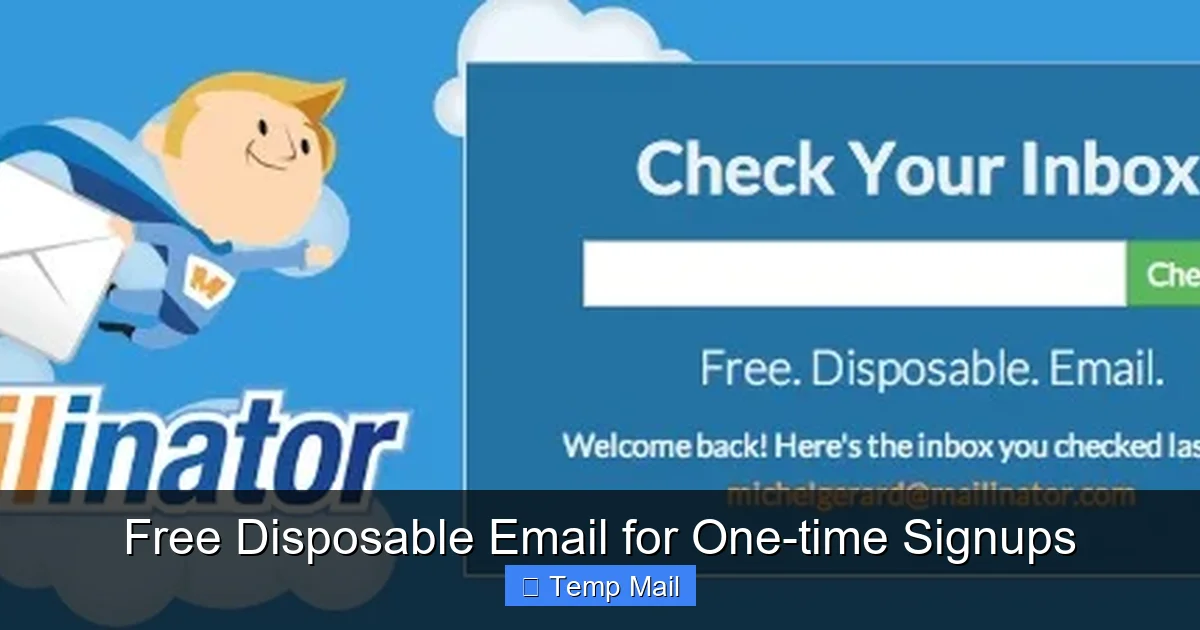
What makes these services distinct from your Gmail or Outlook account? First, anonymity. No name, no phone number, no recovery questions. The address is randomly generated. Second, ephemeral nature. These inboxes are designed to be short-lived. Most services keep emails for anywhere between 10 minutes to 48 hours, after which the entire address and its contents vanish into the digital ether. Third, no password required. Anyone with the URL can access the inbox, which is why you never use it for anything sensitive. Finally, public accessibility. The inboxes exist on a shared domain (like mailinator.com, temp-mail.org, or guerrillamail.com), making them easy to generate on the fly.
How Does Free Disposable Email Actually Work?
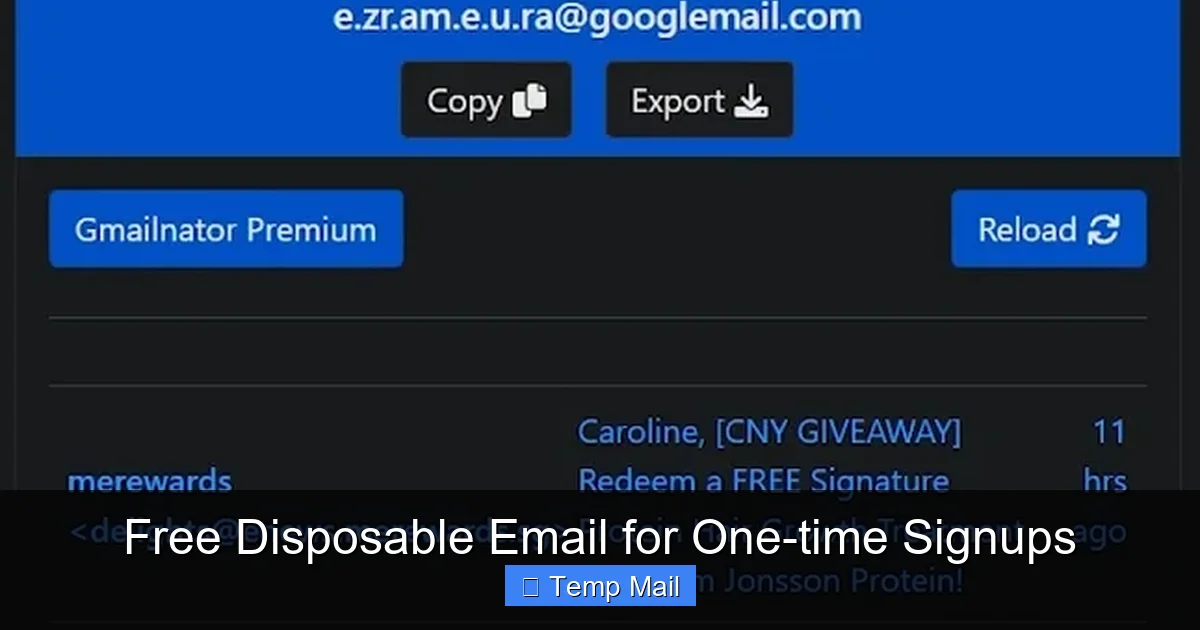
The magic behind free disposable email is beautifully simple, which is part of its appeal. There’s no complex setup. Here’s the step-by-step process:
Visual guide about Free Disposable Email for One-time Signups
Image source: images.squarespace-cdn.com
The Generation and Reception Process
1. You Visit a Temp Mail Site: You navigate to a service like Temp-Mail.org.
2. An Address is Automatically Created: The site instantly generates a random email address for you, something like [email protected]. This address is now active on their server.
3. You Use It for Signup: You copy that address and paste it into the website or app you’re signing up for.
4. Incoming Mail is Routed: When that service sends a verification email or newsletter, it goes to the temp mail provider’s server.
5. You Check the Public Inbox: You return to the temp mail website (or keep the tab open) and see the email appear in your public inbox. You can open it, click verification links, or read codes—all within the browser.
6. Automatic Deletion: After the timer (set by the service, often 1 hour, 24 hours, etc.) expires, the inbox and all its emails are automatically deleted from the server. The email address is then recycled and given to a new user.
Behind the Scenes: Server Management
These services run on large pools of server space and domain names. They manage millions of transient inboxes simultaneously. The technical infrastructure is built for high-volume, short-duration storage and automatic purging. It’s a business model often supported by ads on their site (since you’re visiting it to check your mail) or premium tiers with longer retention and custom domains. The free tier is the powerful, no-frills tool most people need.
When and Why You Should Use a Disposable Email (The Perfect Use Cases)
Knowing *how* it works is one thing. Knowing *when* to use it is the real skill. Using disposable email for the wrong reasons can backfire. Here are the prime scenarios where it shines.
Visual guide about Free Disposable Email for One-time Signups
Image source: pantika.com
1. One-Time Content Gating and Downloads
This is the #1 use case. A blog post offers a valuable PDF checklist in exchange for an email. A software site offers a free trial download. A webinar requires registration. You want the resource, but you have zero interest in a long-term relationship with the company. Use disposable email. Get your download or trial link, and move on. No newsletter subscriptions, no follow-up spam, no guilt about unsubscribing later.
2. Creating Test Accounts for New Services
Signing up for a new project management tool, a photo editor, or a social platform to test its features? Use a temp address. This lets you explore the service’s onboarding and core functions without committing your real email. If you decide it’s not for you, you simply abandon the disposable account. No cleanup needed.
3. Avoiding Spam from Forums and Comment Sections
Many forums, news sites, or blog comment sections require an email to post or participate. Often, these platforms have weak security or sell member lists. Using your primary email here is a spam invitation. A disposable address protects you while still allowing participation.
4. Protecting Your Identity on Public Wi-Fi or Shared Computers
If you’re using a library computer or a cafe Wi-Fi to sign up for something, using your personal email is a security risk. Keyloggers or shoulder surfers could capture your credentials. A temp mail service adds a layer of anonymity. You access the disposable inbox in an incognito window, and when you leave, no trace is left on that public machine.
5. Bypassing “Email Required” Walls on Informational Pages
Some company websites hide basic contact information, pricing, or whitepapers behind an email form. If you’re just researching and don’t want a sales call, a disposable email gets you the information you need without triggering a CRM entry and a sales pipeline.
The Flip Side: Limitations and Risks You Must Know
Disposable email is a powerful tool, but it’s not a magic shield. Understanding its limitations is crucial to using it effectively and safely.
Visual guide about Free Disposable Email for One-time Signups
Image source: pantika.com
What Disposable Email Is NOT For
- Important Accounts: Never use it for banking, financial services, primary cloud storage (Google Drive, iCloud), or your main social media profiles (Facebook, Twitter, Instagram). You will be locked out permanently if you lose access to the inbox.
- Password Recovery: If you use a disposable email for an account and then forget your password, you’re locked out. The recovery email is gone.
- Receiving Critical Documents: No contracts, legal notices, medical records, or official government correspondence should be sent to a disposable address. They will disappear.
- Any Service with Long-Term Value: If you anticipate needing to log back into something months or years later, use your real email.
Security and Privacy Considerations
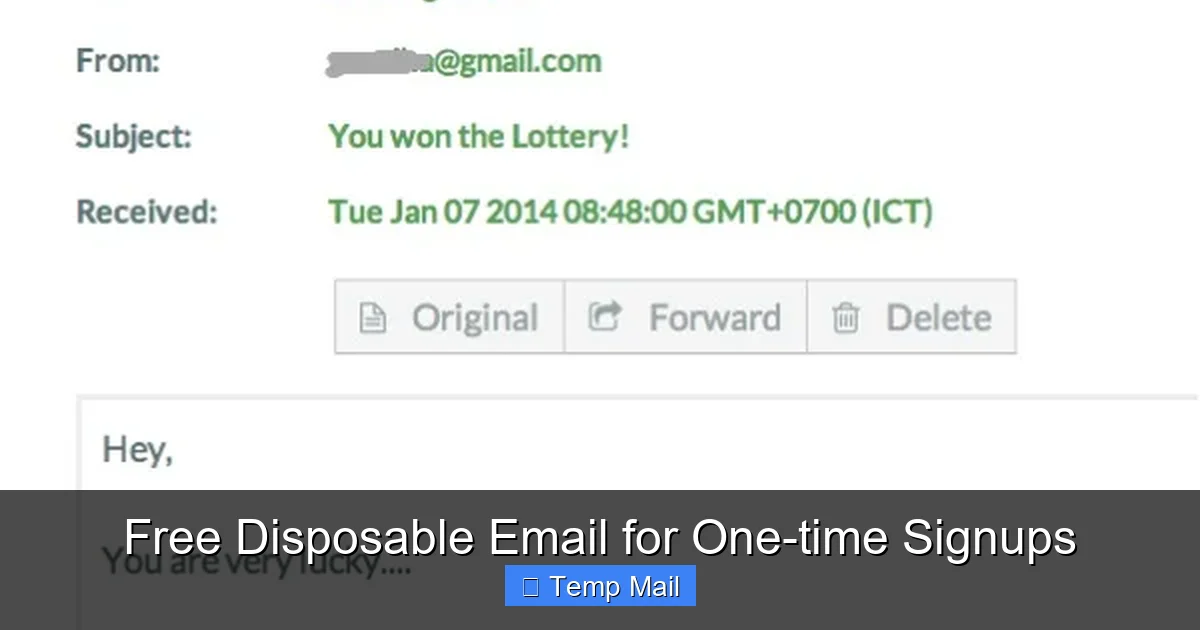
While they protect your primary inbox, remember that the disposable inbox itself is public. Anyone who knows or guesses the random address can view the emails. Do not send sensitive information *to* a disposable address, and understand that the service provider can technically see all mail passing through their servers. For highly sensitive activities, end-to-end encrypted email is the only solution. Also, some sophisticated websites actively block known disposable email domains to prevent abuse. You might find the signup rejected.
Best Practices: How to Use Disposable Email Like a Pro
To get the most out of these services while staying safe, follow these practical tips.
Choose a Reputable Service
Not all temp mail providers are created equal. Stick with well-known, established services that have a clear privacy policy (even if minimal). Popular, reliable options include Temp-Mail.org, 10MinuteMail.com, GuerrillaMail.com, and Maildrop.cc. Avoid obscure sites that might be harvesting data themselves or injecting malware.
Use a Different Browser or Incognito Mode
For an extra layer of cleanliness, open your disposable email site in your browser’s incognito/private window. This prevents cookies from your normal browsing session from being associated with your temp mail activity. It also means when you close the window, all session data is wiped from your local machine.
Don’t Get Too Attached
The philosophy is “use and forget.” If you need to refer back to an email (like a verification code) for more than a few hours, copy and paste it into a secure note or document immediately. Do not rely on the inbox being there later. Bookmark the temp mail site if you need to check back within its lifespan, but don’t expect it to be a permanent archive.
Know When to Switch to Your Real Email
If a service passes your initial “test” and you decide it’s valuable enough to keep using, immediately add it to your list of accounts to migrate to your primary email. Change the email address in the account settings to your real one. This ensures you don’t lose access when the disposable address expires. This two-step process—test with temp mail, commit with real email—is the gold standard.
Alternatives and the Future of Email Privacy
Disposable email is just one tool in the privacy toolkit. For those who want a more permanent but still private solution, there are alternatives.
Alias Services (The Middle Ground)
Services like SimpleLogin, AnonAddy, or DuckDuckGo’s Email Protection create unique, forwardable email aliases that route to your real inbox. You can create [email protected] and use it for all online shopping. You can delete the alias at any time, stopping all mail from that sender. This offers the convenience of a permanent inbox with the control of disposability. It’s a great next step if you find yourself using temp mail too frequently.
Dedicated “Spam” Email Accounts
An old-school method is to create a secondary email account (e.g., a new Gmail) solely for signups and newsletters. This keeps spam out of your primary inbox but still requires you to manage a separate account. It’s less convenient than a 10-minute mail but more reliable for services you might use occasionally.
Conclusion: A Simple Tool for a Complex Problem
The next time you face that signup form, that gated download, that forum registration, pause. Ask yourself: “Is this a relationship I want to have?” If the answer is no, or maybe, or you’re just curious, reach for a free disposable email. It’s a low-stakes, high-reward decision. You protect your primary identity, you keep your inbox clean, and you sidestep the relentless machinery of data collection and marketing spam. It’s not a solution for everything—your bank and your family still need your real email—but for the vast universe of one-off, low-value, high-spam-risk interactions online, free disposable email for one-time signups is arguably one of the simplest and most effective privacy tools available. Use it wisely, understand its limits, and reclaim control over your digital footprint, one temporary address at a time.
Frequently Asked Questions
Is using a disposable email address legal?
Yes, using disposable email services is completely legal in most countries. They are legitimate privacy tools. However, using them to commit fraud, evade legal bans, or violate a website’s terms of service (e.g., creating multiple free trial accounts) can be illegal or result in account termination.
Can I send emails from a disposable address?
Most free disposable email services are receive-only. They are designed for you to *get* verification codes or download links, not to *send* emails. Some premium services offer sending capabilities, but for the standard free model, you typically cannot initiate outgoing mail.
Will I still receive attachments with a disposable email?
Yes, you can usually receive and download attachments sent to your disposable address while the inbox is active. However, be cautious with attachments from unknown senders, as they could contain malware. Since the inbox is public, never open sensitive documents sent this way.
How long does a disposable email last?
The lifespan varies by provider. Common durations are 10 minutes, 1 hour, 24 hours, or until you close the browser tab. Some services allow you to extend the time manually. Always check the specific timer on the service you are using.
Can websites detect I’m using a disposable email?
Yes, many websites maintain lists of known disposable email domains and will block signups from those addresses. This is a common anti-abuse measure. If your signup is rejected, the site likely detected the domain as a temporary provider.
What’s the main difference between a disposable email and an alias service?
A disposable email creates a completely independent, public inbox that expires. An alias service (like SimpleLogin) creates a unique forwarding address that sends mail to your *permanent, private* inbox. Aliases give you the control of disposability (you can delete the alias) with the convenience and security of your main email account.
Leave a Reply