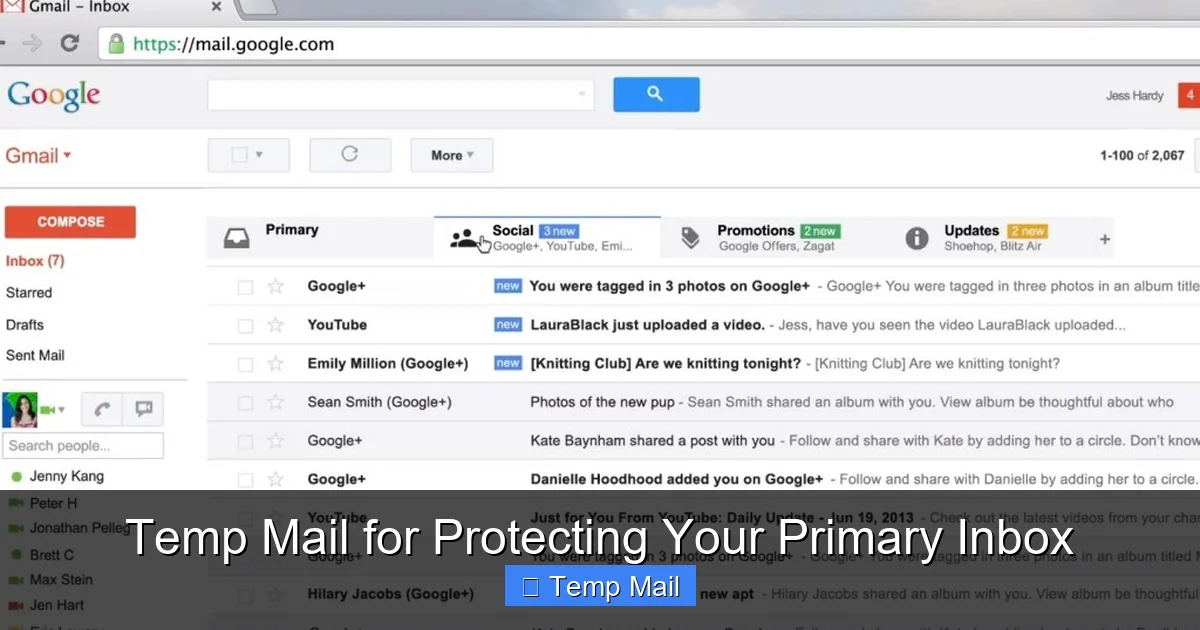
Your primary email address is a digital fingerprint—once shared, it’s nearly impossible to retract. Temp mail services provide disposable, anonymous email addresses that act as a protective shield, intercepting spam, marketing emails, and potential phishing attempts before they reach your important inbox. By using a temporary address for online sign-ups, downloads, and sketchy websites, you safeguard your personal information, reduce clutter, and maintain control over your digital footprint. It’s a simple, free, and powerful tool for anyone looking to enhance their online privacy and security without hassle.
Key Takeaways
- Anonymity First: Temp mail creates a barrier between your real identity and the online world, preventing data brokers and spammers from linking activities to your primary email.
- Spam Interception: It acts as a spam sponge, absorbing unwanted marketing and scam emails so your main inbox remains clean and manageable.
- Enhanced Security: By never exposing your primary address on low-trust sites, you drastically reduce the risk of phishing attacks and data breaches targeting your main accounts.
- Use Case Specific: Ideal for one-time sign-ups, accessing gated content, software trials, and forum registrations where you have no long-term interest.
- Not for Important Accounts: Never use temp mail for banking, primary social media, job applications, or any service where account recovery is critical.
- Inherent Limitations: Inboxes are temporary, often auto-deleting after hours or days, and cannot be used for password recovery on important services.
- Proactive Privacy Habit: Incorporating temp mail into your routine is a low-effort, high-impact habit that significantly bolsters your overall digital hygiene.
📑 Table of Contents
- Your Inbox is Under Siege: The Problem with Sharing Your Primary Email
- What Exactly is Temp Mail? Your Disposable Digital Shield
- Top 5 Use Cases: When to Absolutely Use a Temp Mail Address
- Choosing a Temp Mail Provider: What to Look For
- The Critical Limitations: What Temp Mail CANNOT Do
- Best Practices: Using Temp Mail Responsibly and Effectively
- Conclusion: A Simple Habit for a Cleaner, Safer Inbox
Your Inbox is Under Siege: The Problem with Sharing Your Primary Email
Think about your primary email address. It’s likely the key to your social media, your bank account, your cloud storage, and countless other essential services. It’s a single point of failure. Every time you type it into a website—a new forum, a discount newsletter, a free software download—you are handing over a piece of your digital identity. That address gets added to marketing lists, sold to data brokers, and scraped by bots. The result? An inbox flooded with promotions, scam attempts, and sheer noise that drowns out what’s actually important. This isn’t just annoying; it’s a security vulnerability. The more places your email appears, the higher the chance it will be caught in a data breach, making you a target for sophisticated phishing attacks. Protecting that primary address isn’t paranoia; it’s a necessary modern digital defense.
The Domino Effect of a Compromised Inbox
When your primary email is exposed, the consequences cascade. First, the spam. Unsubscribe links become a game of whack-a-mole. Second, the security risk. If that email ends up in a breach, hackers can use it to reset passwords on other sites (if you reuse passwords, which you shouldn’t, but many do) or craft highly convincing “account activity” phishing emails that look legitimate because they know your address. Your inbox transforms from a tool of convenience into a weaponized attack vector. Reclaiming control means drastically limiting the number of entities that ever have your real address in the first place.
What Exactly is Temp Mail? Your Disposable Digital Shield
Temp mail, short for temporary mail, is a service that provides you with a random, disposable email address for a short period—usually a few hours to a few days. It’s also commonly called a disposable email, throwaway email, or fake email generator. The key feature is anonymity and temporariness. You visit a temp mail website, it instantly generates an address like [email protected] for you, and you use that address wherever you don’t want to use your real one. Any emails sent to that temporary address are displayed in a web-based inbox on the temp mail site. Once the time limit expires or you manually delete it, the address and all its emails vanish into the digital ether. There’s no password, no long-term account, and no link back to you.
Visual guide about Temp Mail for Protecting Your Primary Inbox
Image source: interestingfacts.org
How It Works: A Simple, Ingenious Process
The mechanics are beautifully simple. When you visit a provider like Temp-Mail.org, 10MinuteMail, or Guerrilla Mail, their system automatically assigns you an available inbox from a large pool of domains they control. That inbox exists on their server. You copy the generated address and paste it into the website you’re signing up for. Any confirmation email, newsletter, or download link is routed to that server and displayed in a simple, often plain-text list on the temp mail site’s interface. You click the links you need (like a verification code) directly from that temporary inbox. Once you close the browser tab or the timer runs out, that specific inbox address is recycled and given to the next user. Your activity leaves no persistent trace tied to your IP or real identity, especially if you use a VPN in conjunction.
Top 5 Use Cases: When to Absolutely Use a Temp Mail Address
Knowing *when* to use temp mail is just as important as knowing how. It’s not for everything, but for specific, low-stakes interactions, it’s perfect.
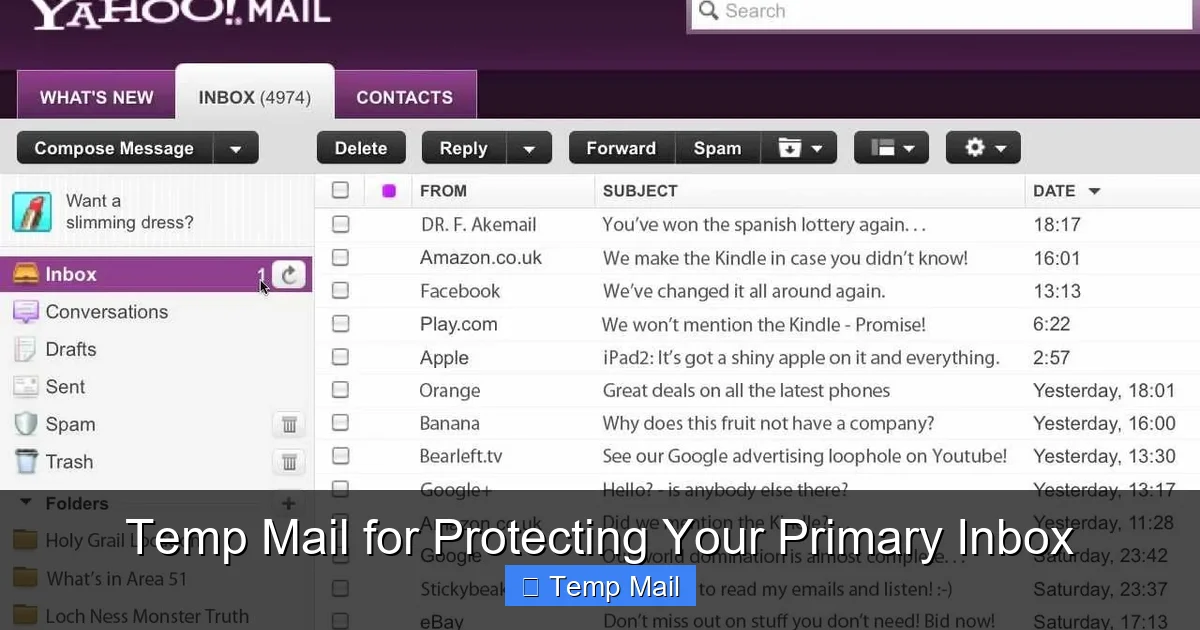
Visual guide about Temp Mail for Protecting Your Primary Inbox
Image source: i.ytimg.com
1. One-Time Registrations and Gated Content
This is the #1 use case. You want to read an article on a news site that demands an email sign-up. You want to download a free PDF guide or e-book. You need to access a “free trial” of a SaaS tool that immediately starts a marketing drip campaign. You want to post once on a niche forum. In all these scenarios, you have zero intention of maintaining a long-term relationship with the service. Using your primary email here is a pure data giveaway. Temp mail lets you get the content or access you need and then walk away with zero inbox clutter and zero future marketing emails from that entity.
2. Downloading Software from Third-Party Sites
That free photo editor, video converter, or game mod you found on a less-than-official website? They often require an email address to send a download link. These sites are notorious for bundling adware and for selling email lists. Providing your real address is asking for spam and potential malware-laden emails. Use a temp address, grab your download, and delete the inbox. Your primary email stays pristine and out of the hands of shady download portals.
3. Creating Test Accounts for Apps and Services
If you’re a developer, tester, or just someone who likes to poke around in a new app before committing, temp mail is invaluable. You can quickly create an account to explore features without cluttering your real inbox with welcome sequences and promotional noise. It’s also useful for testing email-based features in your own projects or for creating a second, anonymous account on a service like Reddit or Twitter for specific interests, keeping your main persona separate.
4. Avoiding Unwanted Newsletters and Promotions
How many times have you made a single online purchase only to be subscribed to a dozen daily promotional emails from the company and its “partners”? Using a temp mail for that initial purchase sign-up (if an email is mandatory) can prevent this. The promotional flood hits the disposable inbox, which expires or gets cleared, leaving your main inbox free of those relentless “Flash Sale!” and “Last Chance!” notifications.
5. Protecting Your Identity on Low-Trust Platforms
When signing up for a new social platform, comment section, or review site that you’re unfamiliar with or that has a poor privacy reputation, using a temp mail is a smart first step. It protects your primary email from being publicly visible (some platforms show user emails), from being hacked if the platform itself has weak security, and from being used to profile your online behavior across sites. It’s a foundational step in compartmentalizing your digital identity.
Choosing a Temp Mail Provider: What to Look For
Not all temp mail services are created equal. While they all perform the core function, features, usability, and reliability vary. Here’s what to consider when picking your go-to tool.
Visual guide about Temp Mail for Protecting Your Primary Inbox
Image source: heatfeed.net
Inbox Lifespan and Customization
Check how long the inbox lasts. Some providers offer 10 minutes, others 1 hour, 1 day, or even up to a week. For most uses, 1-4 hours is sufficient to get a verification code and click a link. If you need a bit more time for a longer process, look for services that allow you to extend the timer manually. Some advanced providers also let you choose your own inbox name (e.g., [email protected]) instead of a random string, which can be easier to remember and type.
Domain Variety and Reliability
A good service offers multiple domain options (e.g., @tempmail.net, @tmpmail.org, @dispostable.com). This is useful if a particular website blocks emails from a known temp mail domain. Having alternatives is key. Reliability is paramount—you need the inbox to load quickly and receive emails without delay. Read recent user reviews to see if a service is currently stable or prone to downtime.
User Interface and Features
The interface should be clean, ad-light (many free services are ad-supported), and intuitive. You should easily see new emails, refresh the inbox, and click links. Some premium features to look for include: password protection for a specific inbox (if you need to access it from multiple devices), the ability to reply to emails (rare but useful), and browser extensions that auto-fill temp addresses on common sites.
Privacy Policy and Data Handling
This is critical. Read the provider’s privacy policy. Do they log IP addresses? Do they store email content after deletion? Do they sell data? The best temp mail services explicitly state they do not log user activity, do not store emails after the inbox is deleted, and do not require any personal information to create an inbox. Your anonymity is the product; if the service itself is shady, you’re trading one risk for another. Stick with well-known, reputable providers with transparent policies.
The Critical Limitations: What Temp Mail CANNOT Do
Understanding the boundaries of temp mail is non-negotiable for safe and effective use. Misusing it for the wrong purposes leads to frustration and real-world problems.
It’s Not for Account Recovery or Important Accounts
This is the golden rule. Never, under any circumstances, use a temp mail address for:
- Banking, Financial Services, or Crypto Wallets: You will be locked out forever if you need to reset a password or receive a security alert.
- Primary Email Account (Gmail, Outlook, etc.): Recovery of your main email is the master key to your digital life. Lose it, lose everything.
- Social Media Profiles (Facebook, Instagram, Twitter/X): These accounts are often used for identity verification elsewhere. Losing access is a major headache.
- Job Applications & Professional Portals (LinkedIn): Employers need to reach you. A dead email address looks unprofessional and will get your application discarded.
- Government Services, Healthcare Portals, University Accounts: These contain vital official communications. Missing them has serious consequences.
No Long-Term Storage or Archiving
Temp mail is a sieve, not a storage vessel. Do not expect to use it to archive receipts, important documents, or travel confirmations. Those emails will disappear. The service is designed for transient communication only.
Potential for Delivery Issues
Some websites and services actively maintain blacklists of known temp mail domains and will block sign-up attempts. If you encounter this, you’ll need to switch to a different provider’s domain. Also, while rare, some critical transactional emails (like a two-factor authentication code for a payment) might be delayed or filtered as spam by the temp mail service’s own filters, causing you to miss a deadline. For any process with a tight time limit, consider if the risk is worth it.
Best Practices: Using Temp Mail Responsibly and Effectively
To get the most out of temp mail while staying safe, follow these practical guidelines.
Treat It Like a Physical Public Mailbox
Imagine your temp mail address is a PO box you rented for a month. You’d use it to receive a catalog, but you wouldn’t have your driver’s license mailed to it. Apply that same logic digitally. Use it for low-value, one-way communication where you are the *receiver* (of a download link, a coupon code), not the *owner* of an ongoing relationship.
Always Have Your Primary Ready for Verification
If a service requires email verification, use the temp mail to receive the initial link or code. However, once you’re in and setting up your profile, navigate to the account settings immediately and change the registered email to your **real, primary address**. This is crucial for any service you intend to use long-term. The temp mail got you in the door; your real email ensures you can get back in later.
Never Use It for Password Resets Anywhere Important
Even if you change the email later, the initial sign-up with a temp address might lock you out of password reset flows on some rigid platforms. For any service you value, sign up with your real email from the start, or be prepared for a support ticket if you mess up.
Combine with Other Privacy Tools
Temp mail is one layer. For maximum privacy, use it in conjunction with a reputable VPN (to mask your IP from the temp mail provider itself), a privacy-focused browser, and consider using a separate, secondary “burner” email address (from a provider like ProtonMail or Tutanota) for slightly more important but still non-critical accounts that require a more stable address than a 10-minute one.
Clean Up After Yourself
While the inbox auto-deletes, be a good digital citizen. If you manually close an inbox before the timer, you’re instantly freeing up that address for reuse. Don’t let unused inboxes linger if you don’t need them. Also, be aware that the content of emails you receive is technically visible to the temp mail provider while the inbox exists. Do not use it to receive highly sensitive personal documents, private messages, or anything you wouldn’t want a stranger to potentially see.
Conclusion: A Simple Habit for a Cleaner, Safer Inbox
In the battle for your digital privacy and sanity, your email address is frontline territory. Handing it out indiscriminately is like leaving your house key under the doormat for anyone to find. Temp mail services provide a simple, free, and effective way to stop that practice in its tracks. They are not a magic bullet for all online privacy woes, but they are an exceptionally powerful tool for a specific, common problem: the relentless pollution of your primary inbox and the associated security risks.
By adopting the habit of asking “Does this service *really* need my real email?” and using a disposable address for the countless low-stakes interactions that fill our digital days, you take back control. You reduce spam, you lower your attack surface for phishing, and you keep your primary inbox a place of genuine importance—for your family, your work, and your critical accounts. Start using a temp mail today for your next free download or newsletter sign-up. Experience the immediate relief of an uncluttered inbox and the quiet confidence that comes from knowing your primary digital address is no longer public property. It’s a small change that delivers a massive return on your digital peace of mind.
Frequently Asked Questions
Is using temp mail legal?
Yes, using a temporary email service is completely legal. It is a legitimate tool for privacy protection. However, using it to commit fraud, evade bans, or send illegal content is, of course, illegal regardless of the email address used.
Is temp mail safe from hackers and tracking?
It is safer for your *primary* identity, as it doesn’t link back to you. However, the temp mail provider itself can technically see emails in your temporary inbox. For maximum safety, use reputable providers with clear no-logging policies and consider accessing them over a VPN. Never use it for highly sensitive personal data.
How long do temp mail addresses last?
It varies by provider. Common lifespans are 10 minutes, 1 hour, 1 day, or 1 week. Many services allow you to extend the time manually for a bit longer. Always check the timer displayed on your inbox page.
What’s the difference between temp mail and a disposable email address?
They are essentially the same concept. “Temp mail” and “disposable email” are interchangeable terms. Some might argue “disposable” emphasizes the short lifespan, while “temporary” is slightly more formal, but in practice, they refer to the same service model: anonymous, short-lived email inboxes.
What happens if I need an email from a site I signed up for using temp mail?
If the site sends an important email (like a service update or a critical alert) after your temp inbox has expired, you will not receive it. This is why you must only use temp mail for sites where you do not expect or need future important communication. For any service you value, update the email to your primary address immediately after sign-up.
Can I use temp mail on my phone or as a browser extension?
Yes, most major temp mail services have mobile-friendly websites that work perfectly on phone browsers. Some also offer dedicated apps for iOS and Android. Additionally, several providers offer browser extensions (for Chrome, Firefox, etc.) that can automatically generate and insert a temporary email address into web forms with a single click, making the process even faster.
Leave a Reply