Blog

  • How Temp Email Helps Avoid Spam

    How Temp Email Helps Avoid Spam

    Temporary email services provide you with a short-lived, anonymous email address you can use for sign-ups, downloads, and any situation where you don’t want to use your primary email. This creates a vital barrier between your real identity and the digital world’s spam machines. By using a temp mail address, you prevent promotional emails, data breaches, and unwanted tracking from ever reaching your main inbox. It’s a simple, free, and powerful tool for taking back control of your online privacy and inbox sanity.

    You know that feeling. You’re excited to download a free e-book, sign up for a webinar, or get a discount code from a new online store. You click the link, land on the form, and reach the email field. A little voice in your head whispers, “Do I really want this company to have my real email?” You hesitate, knowing that once you hand it over, you’re likely signing up for a lifetime of promotional newsletters, “special offers,” and who knows what else. That little voice is your digital guardian, and it’s telling you to use a temporary email.

    In the constant battle for our attention and our data, temporary email services have emerged as one of the simplest yet most effective weapons in the average internet user’s arsenal. But what exactly is “temp email,” and how does it work to avoid spam? This isn’t about hiding from the world; it’s about being strategic. Think of it as using a burner phone for a Craigslist ad or a PO box for a mysterious package. You create a disposable, anonymous email address for a specific, low-stakes purpose, use it, and then let it vanish into the digital ether, taking all the associated spam with it. This guide will walk you through exactly how this process protects you, why it matters more than ever, and how you can start using it today to reclaim your inbox and your privacy.

    Key Takeaways

    • Primary Defense: Temp email acts as a sacrificial shield, absorbing spam and promotional emails meant for your primary address.
    • Privacy Protector: It prevents websites from collecting and selling your personal email address, reducing targeted advertising and data profiling.
    • Inbox Zero Helper: By filtering out low-priority sign-up confirmations and newsletters, it keeps your main inbox clean for important personal and professional communications.
    • Security Layer: If a temp mail address is involved in a data breach, your real identity, financial accounts, and contacts remain safe and unaffected.
    • Effortless Management: No need to create and remember a new password; temp emails are generated instantly and discarded after use, simplifying your digital footprint.
    • Cost-Effective: Most temp email services are completely free, offering a no-risk way to test services or access gated content without commitment.
    • Not for Everything: Critical accounts (banking, main cloud storage, primary social media) must use a secure, permanent email you control absolutely.

    Understanding the Spam Problem: Why Your Inbox is a Target

    Before we dive into the solution, let’s clearly define the problem. Spam isn’t just annoying; it’s a multi-billion-dollar industry built on the collection and sale of email addresses. Every time you use your primary email to sign up for a service, enter a contest, or download a resource, you are adding it to a vast, interconnected ecosystem of data brokers and marketers.

    The Journey of a Single Email Address

    Your email address is a golden ticket. When you provide it to a legitimate website, that site’s privacy policy (which you probably didn’t read) often includes clauses allowing them to share your data with “partners” or “affiliates.” Suddenly, your address is on a list sold to third-party advertisers. That list might be leaked in a data breach, scraped by bots, or simply passed along again and again. Within weeks, that one address can be on dozens of lists you never consented to. The result? A primary inbox flooded with:

    • Promotional newsletters you never wanted (and can barely unsubscribe from).
    • “Phishing” attempts disguised as your bank, Amazon, or PayPal, trying to steal your credentials.
    • Malware-laden attachments and links.
    • “Task” or “money mule” scams promising easy cash for forwarding packages.

    The cost is more than just time spent deleting emails. It’s the mental clutter, the risk of missing an important email in the noise, and the constant exposure to security threats. Your primary email is the master key to your digital life—it’s used for password resets on every site, for two-factor authentication, and for communication with friends and family. Guarding it is paramount.

    How Temporary Email Works: The Mechanics of Disposability

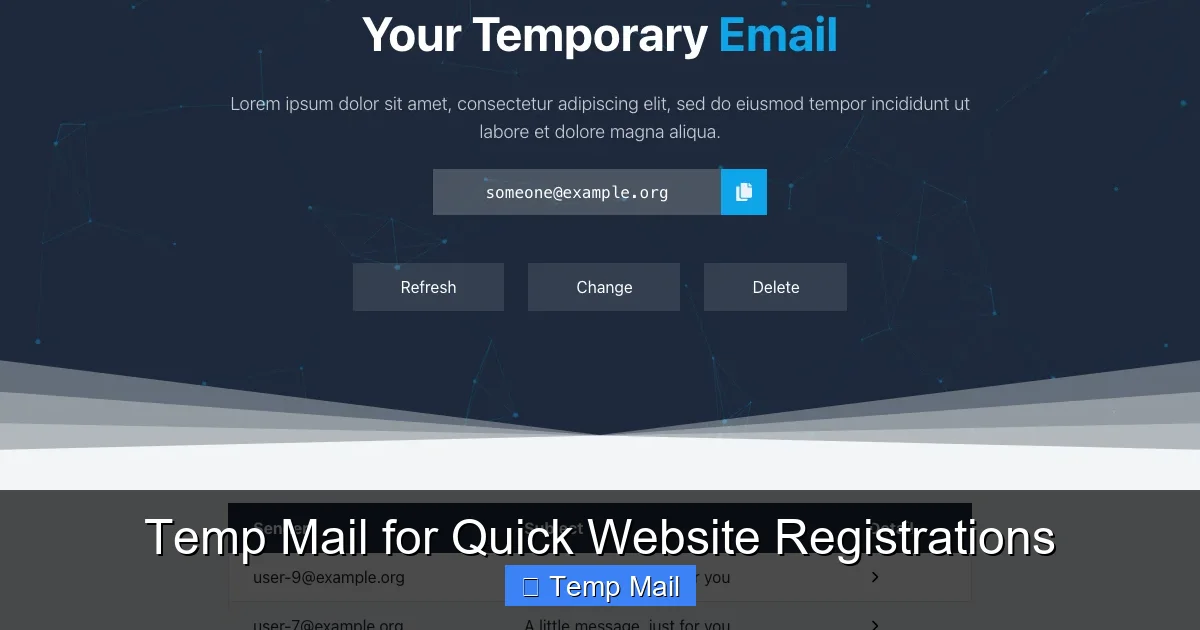
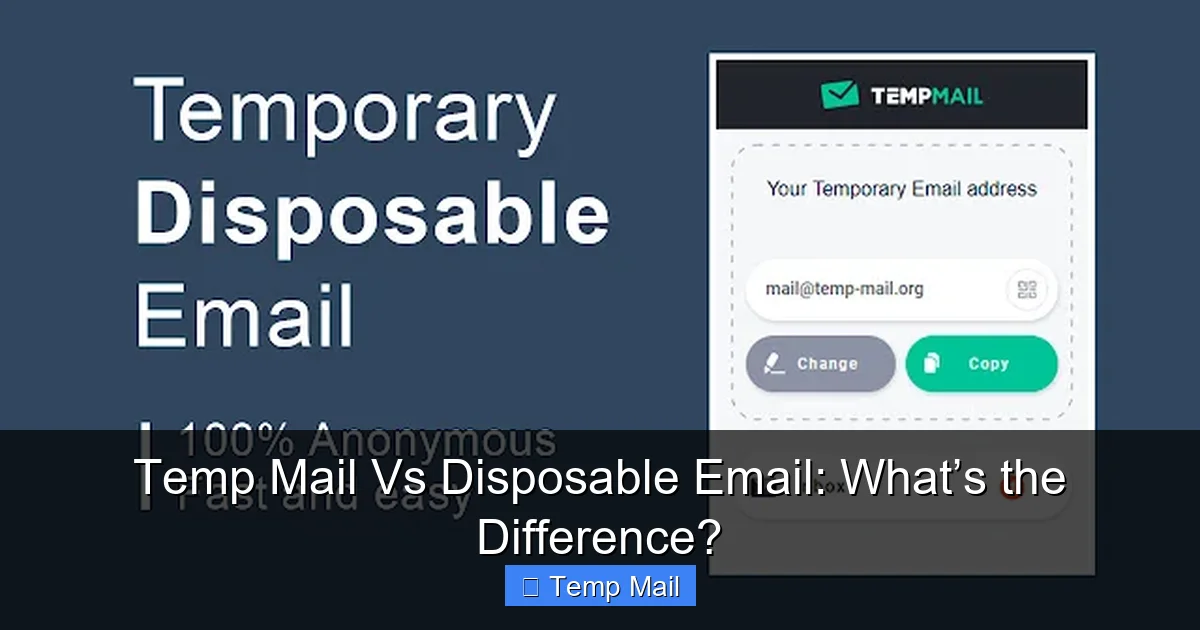
    Temporary email services are beautifully simple in concept. You visit a website like Temp-Mail, 10MinuteMail, or Guerrilla Mail. The service instantly generates a random email address for you, something like [email protected]. That address exists on their server, and you can view any emails sent to it by refreshing the inbox page on their site. That’s it. There’s no registration, no password, no personal details required.

    How Temp Email Helps Avoid Spam

    Visual guide about How Temp Email Helps Avoid Spam

    Image source: gridinsoft.com

    The Lifecycle of a Temp Email Address

    These addresses are designed to be short-lived. The “temporary” part is key. Common lifespans are:

    • 10-30 minutes: For a quick download or one-time code.
    • 1-24 hours: For a more involved sign-up process or a short-term project.
    • Until browser tab is closed: Some services tie the address to your session.

    After the time expires, the address is automatically deleted from the service’s system. Any future emails sent to it bounce back or are simply discarded. The address, and all the spam it may have attracted, vanishes completely. You can generate a brand new one with a single click. This cyclical process—create, use, discard—is what makes it so powerful against spam.

    What’s Happening Behind the Scenes?

    From a technical standpoint, the temp mail service is running a standard mail server. When you’re given an address, it’s actively receiving emails on that domain and storing them in a temporary database linked to your unique session ID (often stored in your browser’s cookies or local storage). When you close the session or the timer runs out, that database entry is purged. The service provider has no way to link that disposable address back to you personally, because you never provided any identifying information. This anonymity is the cornerstone of its spam-fighting power.

    Now let’s connect the dots. Using a temporary email address directly attacks the spam pipeline at its source: your primary email address.

    How Temp Email Helps Avoid Spam

    Visual guide about How Temp Email Helps Avoid Spam

    Image source: tempail.com

    1. The “No Harvest” Principle

    Websites and data harvesters can’t sell or leak what you never gave them. By using a temp address for any non-essential sign-up, you ensure your primary, valuable address stays off their mailing lists entirely. It never gets added to the CRM (Customer Relationship Management) system, never gets shared with “partners,” and is never part of a breached database. Your primary address remains pristine, used only for accounts you truly intend to keep and maintain.

    2. Containing the “Spam Blast Radius”

    Let’s say you use your primary email to sign up for a free trial of a sketchy “password manager” that turns out to be a scam. They sell their user list. Now, your primary address is on a list of people who are interested in security tools, making you a target for more sophisticated phishing and malware campaigns. The blast radius of that one bad decision is unlimited. If you had used a temp email for that trial, the blast radius is confined to that single disposable address. The spam goes to [email protected], not [email protected]. You simply stop checking that temp inbox after the trial, and the problem is contained and forgotten.

    3. Eliminating the “Unsubscribe” Hassle

    We’ve all been there: you scroll to the bottom of a promotional email, hunt for the tiny “unsubscribe” link, click it, and are taken to a page asking you to confirm your email and sometimes more personal details. Some senders make unsubscribe deliberately difficult or ignore the requests altogether. With temp email, this entire process is moot. You don’t need to unsubscribe because the email address will cease to exist. The sender’s next campaign will simply bounce. It’s the ultimate, effortless unsubscribe.

    Practical Scenarios: When and How to Use Temp Email

    Knowing the theory is one thing; applying it is another. Here is a practical guide to integrating temp email into your daily digital life.
    How Temp Email Helps Avoid Spam

    Visual guide about How Temp Email Helps Avoid Spam

    Image source: supertechman.com.au

    For Gated Content and Downloads

    This is the #1 use case. You want a free PDF, whitepaper, template, or software trial. The website demands an email. Use a temp address. You’ll receive the download link in the temporary inbox, grab your file, and then abandon the address. No follow-up “we miss you” sequences. No “upgrade to premium” spam. Pure, clean access.

    For Online Account Creation (Non-Essential)

    Creating an account for:

    • A one-time forum post or comment.
    • A new social media platform you’re just testing out.
    • A streaming service for a single show (using a free trial).
    • A gaming site or app.
    • Any retail site where you plan to make a single purchase with a guest checkout but they still push for an account.

    Pro Tip: Always use a temp email for the initial sign-up. If, after a week or two, you find you genuinely love and will use the service regularly, you can often change the email address in the account settings to your primary one. This filters out the truly valuable services from the disposable ones.

    For Avoiding “Email Spam for Discounts”

    Retailers and restaurants love to offer “10% off your first order!” in exchange for your email. Use a temp address. You’ll get the discount code, use it, and then the promotional floodgates for that store will open to a dead address. Your primary inbox stays clean for receipts from stores you actually shop at regularly.

    For Software and App Registrations

    Many desktop applications and mobile apps require an email for activation or updates. If it’s a utility tool you’re trying out, use temp mail. The activation email will work, and you won’t be signed up for their product update newsletter forever.

    Choosing a Temp Email Service: Features to Look For

    Not all temp mail services are created equal. While most are free and straightforward, some offer features that improve usability and security.

    Core Features: What You Absolutely Need

    • No Registration: The best services require zero sign-up. You arrive, get an address, and go.
    • Multiple Domain Options: Some services offer a choice of domains (e.g., @temp-mail.org, @tmpmail.org). If one domain gets blocked by a particular site, you can try another.
    • Inbox Auto-Refresh: The inbox should update automatically or with a simple click to show new emails without reloading the entire page.
    • Reasonable Lifespan: At least 1-2 hours for most uses. Some go up to 48 hours.
    • Copy/Paste Functionality: Easy buttons to copy the email address or any received links/codes.

    Advanced Features (The Nice-to-Haves)

    • Custom Username: The ability to choose the first part of your temp address (e.g., [email protected]) for easier recognition.
    • Longer Lifespan Options: Some services offer “extend” buttons if you need the address for a bit longer.
    • Browser Extensions: Tools that integrate with your browser to auto-fill temp addresses on known sites.
    • API Access: For developers or businesses wanting to automate temp email use.

    Popular, Reliable Options: Temp-Mail.org, 10MinuteMail.com, Guerrilla Mail, Maildrop.cc, and Tempail.com are all well-established and have been operating for years. Always use a reputable service; an unknown site could potentially log the emails you receive.

    Limitations and Crucial Warnings: What Temp Email Can’t Do

    Temp email is a fantastic tool, but it is not a universal solution. Understanding its limits is critical for using it safely and effectively.

    It is NOT for Account Recovery or Critical Services

    Never, ever use a temporary email for:

    • Your primary email account (Gmail, Outlook, etc.).
    • Banking, financial services (PayPal, Venmo, crypto exchanges).
    • Primary cloud storage (Google Drive, Dropbox, iCloud).
    • Important utility accounts (electric bill, internet provider).
    • Any service where losing access would cause significant financial loss or life disruption.

    If you forget your password for an account tied to a temp email, you will be permanently locked out. There is no “forgot password” recovery because the address no longer exists. Use a permanent, secure, and private email (consider using a dedicated “important accounts” email separate from your main personal one) for these essential services.

    Potential Site Blocks and Detection

    Some websites actively block known disposable email domains to prevent abuse (e.g., fake account creation for spam). If you try to sign up and the site rejects your temp address, you’ll need to use a different domain from your temp mail provider or switch to a different provider altogether. This is a minor inconvenience but a reality of using these services.

    Security Considerations

    While the service provider doesn’t know who you are, the temporary inbox is technically accessible to anyone who has the exact URL or session ID for that inbox if you are not careful. Do not use temp email for:

    • Sensitive personal information (SSN, ID scans).
    • Confidential business documents.
    • Private communications you need to keep secret.

    Treat the temp inbox like a public library computer—use it, get your info, and log off. Never leave it open on a shared computer.

    The Bigger Picture: Temp Email as Part of a Privacy Strategy

    Using a temporary email is not about being paranoid; it’s about being privacy-conscious. It’s one tool in a larger toolkit for managing your digital footprint. Combine it with other practices:

    • Use a password manager to create and store unique, strong passwords for your important accounts, so a breach on a low-stakes site doesn’t compromise anything else.
    • Enable two-factor authentication (2FA) on all critical accounts, preferably using an authenticator app (like Google Authenticator or Authy) instead of SMS-based 2FA, which can be intercepted.
    • Regularly audit app permissions on your social media and Google accounts, revoking access to apps you no longer use.
    • Consider a dedicated “public” email address for newsletters and non-essential sign-ups, separate from your “private” email for friends and family. Temp email is the next logical, more extreme step for the most ephemeral interactions.

    The goal is data minimization. Every piece of personal information you withhold from a company is a win for your privacy. Temp email directly minimizes the most common piece of data harvested: your primary email address.

    Conclusion: Reclaiming Your Inbox and Your Peace of Mind

    The relentless stream of spam is not an inevitable part of the internet; it’s a direct consequence of our collective habit of freely giving away our primary email addresses. Temporary email services flip the script. They give us a simple, free, and powerful method to say “no” to unsolicited contact without sacrificing access to the tools and content we want.

    By adopting the habit of “temp mail for everything non-essential,” you build an impermeable firewall around your real identity. Your primary inbox transforms from a chaotic spam repository back into a focused communication hub for what truly matters: messages from loved ones, colleagues, and the handful of services you have consciously chosen to engage with long-term. You reduce your exposure to phishing scams, minimize data broker profiling, and save countless hours of digital housekeeping.

    Start today. Keep a tab with your favorite temp mail service open. The next time a website asks for your email for a “free guide” or a “special discount,” paste in that disposable address instead. Experience the quiet satisfaction of knowing that the spam tsunami is being diverted to a sinkhole that will vanish in an hour. That’s not just avoiding spam; that’s taking control. In the modern digital landscape, that control is priceless.

    Frequently Asked Questions

    Is using a temporary email address legal?

    Yes, using a temporary or disposable email address is completely legal. It is a legitimate tool for protecting your privacy online, similar to using a PO box or a separate phone number. The service itself operates within legal frameworks.

    Can I receive attachments with a temp email?

    Most reputable temporary email services do allow you to receive attachments, but there are often size restrictions (typically 10-25MB). It’s wise to avoid opening unexpected or suspicious attachments even in a temp inbox, as they could contain malware.

    Will a website know I’m using a temp email?

    Yes, if the website maintains a list of known disposable email domains (which many do to prevent fraud), they may block the sign-up attempt or flag it. They cannot, however, trace the temp email address back to your real identity or IP address through the service itself.

    What happens to my emails after the temp address expires?

    Once the temporary address expires, the service’s servers permanently delete all emails associated with that address from their system. The address is then recycled and given to a new user. Any emails sent to the expired address will bounce back to the sender.

    Are temporary email services secure?

    Security varies by provider. Reputable services do not log your IP address or personal data. However, the temporary inbox is not encrypted in the same way as a secure provider like ProtonMail. Therefore, you should never use temp email for highly sensitive communications or data transmission.

    Can I use a temp email for password resets on important sites?

    Absolutely not. You must use a permanent, secure email address that you will always have access to for any account where you might need to recover a password or access. Using a temp email for this will result in permanent lockout when the address expires.
  • Top Benefits of Using Temp Mail Services

    Top Benefits of Using Temp Mail Services

    Tired of your inbox being flooded with spam and your personal data being sold? Temp mail services offer a simple, powerful solution by providing disposable email addresses for any online interaction. These services act as a protective shield, allowing you to sign up for websites, download files, or access content without ever revealing your primary, personal email. By using a temporary inbox, you effectively stop spam in its tracks, safeguard your digital identity, and maintain complete control over your online footprint with minimal effort.

    Let’s be honest: your email address is a goldmine for marketers and a primary target for scammers. Every time you use it to sign up for a newsletter, download a PDF, or create an account on a new app, you’re handing over a key piece of your digital identity. This leads to a cluttered inbox, relentless spam, and increased privacy risks. But what if you could have a secret weapon—a digital decoy—that handles all the messy, low-stakes online interactions for you? Enter the world of temporary email, or “temp mail,” services. These platforms generate disposable email addresses that are active for a short period, typically 10 minutes to a few hours, and then vanish without a trace. They are not for your important communications but are perfect for everything else. In this guide, we’ll dive deep into the top benefits of using temp mail, showing you how this simple tool can revolutionize your approach to online safety, cleanliness, and convenience.

    Key Takeaways

    • Spam Prevention: Temp mail completely isolates your primary email from marketing lists and data breaches, eliminating spam at the source.
    • Enhanced Privacy: It minimizes your digital footprint by preventing websites from collecting and linking your real email address to your identity and browsing habits.
    • Simplified Registrations: Instantly access gated content, forums, or one-time promotions without the commitment of using your personal email.
    • Cost-Effective: Most basic temp mail services are entirely free, offering a zero-cost barrier to entry for improved online hygiene.
    • Security Layer: It reduces the risk of phishing attacks and credential stuffing targeting your main accounts by using a throwaway address for low-trust sites.
    • No Long-Term Maintenance: Unlike a permanent email, there’s no need to manage or clean these inboxes; they auto-delete after use, requiring zero upkeep.
    • Universal Access: Most services work directly in your web browser with no installation, providing instant, anonymous inboxes from any device.

    1. Ultimate Spam Prevention and Inbox Sanity

    This is the most immediate and gratifying benefit. Spam isn’t just annoying; it’s a productivity killer and a security hazard. It clogs your filters, distracts you, and often contains malicious links. The cycle usually starts when you reluctantly use your personal email to access something online. That company’s “partner” list gets shared, a data breach occurs, or they simply sell your address. Before you know it, your primary inbox is a wasteland of unwanted offers.

    How Temp Mail Creates a Spam-Proof Barrier

    By using a temp mail address for any non-critical sign-up, you create an impermeable barrier. The disposable address receives all the follow-up marketing emails, promotional blasts, and potential spam. Since you never check this inbox (or it disappears quickly), the spam never reaches you. It’s like giving out a “burner phone” number instead of your real one. The junk mail is directed to a terminal address that self-destructs, leaving your cherished personal inbox pristine and under your control.

    Practical Example: You want to read a premium article on a news site that requires a free account. Instead of using [email protected], you generate a temp mail like [email protected]. You sign up, read the article, and forget about it. The site may email you a “welcome” and a weekly digest. Those emails go to the temp address, which expires in an hour. Your real inbox sees nothing. The marketing team at the news site has no way to ever link that activity to your real identity.

    2. Unparalleled Privacy and Digital Footprint Minimization

    Your email address is a unique identifier. It’s often the username for countless other accounts (from social media to banking) and is used to track your behavior across the web. Every time you provide it, you create a data point that can be sold, profiled, or linked back to you. Temp mail is a powerful tool for data minimization—a core principle of privacy.

    Top Benefits of Using Temp Mail Services

    Visual guide about Top Benefits of Using Temp Mail Services

    Image source: darksms.com

    Reducing Data Collection and Profiling

    When you use a disposable address, the website you’re visiting collects an email that is effectively a dead end. It cannot be tied to your real name, your other accounts, or your long-term identity. This breaks the chain of data aggregation. Advertisers and data brokers thrive on connecting email addresses to real people and their browsing histories. A temp address is a wildcard; it provides no useful linkage, rendering that particular data point worthless for profiling purposes.

    Anonymous Browsing and Registration

    For users in sensitive situations—journalists, activists, or those researching private health matters—temp mail offers a layer of anonymity. It allows you to explore forums, sign petitions, or access resources without leaving a traceable email signature. While not a complete anonymity solution (your IP address is still visible to the site), it removes the most common and persistent personal identifier from the registration form.

    Tip: Use a different temp mail alias for each new website or service you engage with. This practice, sometimes called “email aliasing on steroids,” ensures that even if one site’s data is breached, the breach contains only a single-use, meaningless address that cannot be cross-referenced with your other activities.

    3. Seamless Access to Gated Content and One-Time Services

    How many times have you abandoned a download, a discount code, or a useful tool because it demanded an email sign-up you didn’t trust? Temp mail removes this friction entirely. It transforms “I’m not giving them my email” into “Sure, here you go,” with zero consequences.

    Top Benefits of Using Temp Mail Services

    Visual guide about Top Benefits of Using Temp Mail Services

    Image source: darksms.com

    Bypassing “Email Walls” Effortlessly

    Many legitimate, useful resources use email gates as a lead generation tactic. This includes whitepapers, industry reports, free software trials, and coupon codes. Instead of adding another sender to your permanent subscription list, you use a temp address, get the immediate resource (the PDF, the code), and walk away. The business gets their lead metric, and you get what you wanted without the long-term spam liability.

    Testing and Development Made Easy

    For developers, QA testers, or anyone building online forms, temp mail is indispensable. Need to test if a registration email sends correctly? Or verify a password reset flow? Create a temp inbox, trigger the email, and check the delivery in seconds—all without creating a dummy Gmail account or risking your work email. It streamlines testing workflows and keeps development environments clean.

    Practical Example: A software company offers a 14-day free trial of their project management tool. The trial requires an email to send the login link. Using temp mail, you get the link, log in, and test the tool for a few hours. The trial expiration email and any “upgrade now” reminders go to the disposable inbox. Your real email is never marketed to for a product you decided not to use.

    4. A Cost-Effective Security Layer Against Targeted Attacks

    While not an antivirus, temp mail is a smart, passive security habit. It directly mitigates two common attack vectors: phishing and credential stuffing.

    Top Benefits of Using Temp Mail Services

    Visual guide about Top Benefits of Using Temp Mail Services

    Image source: on4t.com

    Reducing Phishing and Scam Exposure

    Phishing emails often target known email addresses with personalized lures (“Your [Bank Name] account has a problem!”). If you only use your primary email for trusted financial and official institutions, any phishing email landing there is more likely to be a sophisticated, convincing fake. By using temp mail for everything else, you train yourself to be suspicious of emails arriving at your main address. More importantly, any phishing attempt sent to a temp address is completely harmless because you’ll never see it. It neutralizes the threat before it reaches your awareness.

    Containing the Damage of Data Breaches

    Data breaches are inevitable. When a small e-commerce site you used once gets hacked, the stolen email list is often sold on the dark web. If you used a temp address for that site, the breached data is useless to spammers and attackers because the address no longer exists. Your primary email, which you reserve for banks, Amazon, and your employer, remains off those compromised lists. This practice, known as “email compartmentalization,” contains the blast radius of any single breach.

    Security Mindset: Think of your personal email as your “fort Knox” address—used only for the most critical, trusted accounts where password resets and security alerts are vital. Everything else gets the temp mail treatment. This simple rule dramatically increases your overall security hygiene.

    5. Zero Commitment and No Maintenance Required

    Unlike creating a new permanent email account, which requires a password, security questions, and ongoing management, temp mail is the ultimate in low-effort tools. It’s the definition of “use and forget.”

    Instant Setup, Instant Disposal

    You visit a temp mail website, and an inbox is automatically generated for you with a random address. You copy it, paste it into the site you’re accessing, and you’re done. There’s no registration, no verification, no “forgot password” flow. The inbox is live immediately. After the timer runs out (usually 10-60 minutes), the address and all its emails are purged from the server forever. There is no inbox to clean, no newsletters to unsubscribe from, and no storage to manage. It’s the ultimate in ephemeral communication.

    Freedom from “Email Debt”

    How many old, unused email accounts do you have floating around? They represent “email debt”—accounts you created once and forgot, but which still exist and could be compromised. Temp mail eliminates this concept entirely. Every address is designed to die. This gives you the freedom to experiment online without creating permanent digital artifacts. You can sign up for that sketchy-looking forum, that one-time webinar, or that controversial newsletter to see what it’s about, with the absolute certainty that the digital trail will vanish.

    6. Understanding the Limitations and Best Practices

    For all its benefits, temp mail is not a silver bullet and has clear limitations. Using it incorrectly can cause frustration. Understanding these boundaries is key to using it effectively.

    Critical Limitations to Accept

    First and foremost: never use temp mail for any account you need to recover or access long-term. This includes your primary email itself, social media logins (especially for recovery), banking, government services, school portals, or any subscription you pay for. Once the temp address expires, you will be locked out of that account forever with no way to reset the password. Second, some websites actively block known temp mail domains to prevent abuse. While most reputable sites don’t, you might occasionally find a sign-up form that rejects your disposable address. Third, you cannot send emails from a temp address; it is receive-only.

    Best Practices for Optimal Use

    • Use a Reputable Service: Stick with well-known providers like Temp-Mail, 10MinuteMail, or Guerrilla Mail. They are more likely to be reliable and have better uptime.
    • Keep It for Non-Essentials: Have a strict mental rule: temp mail is for access, not for identity. If the website is important for your career, finances, or long-term projects, use your real email.
    • Check the Inbox Promptly: Since addresses expire quickly, if you’re expecting a confirmation link, have the temp mail tab open and refresh it frequently until the email arrives.
    • Don’t Use for Password Recovery: This is the cardinal sin. If you set a recovery email to a temp address, you will lose access to the main account when you inevitably get locked out.

    Conclusion: Embracing a Cleaner, Safer Digital Life

    The benefits of using temp mail services extend far beyond just avoiding spam. They represent a fundamental shift in how we manage our digital identity—from a single, overloaded point of failure to a compartmentalized, controlled system. By adopting the habit of using disposable emails for the vast majority of your online interactions, you reclaim your inbox, shroud your personal data in anonymity, and build a resilient defense against the inevitable data breaches and spam storms of the modern web. It’s a free, effortless, and incredibly powerful practice. Start today: the next time a website asks for your email, ask yourself, “Is this something I need to own, or something I just need to access?” If it’s the latter, a temp mail address is your best friend. Embrace the ephemeral, and enjoy a dramatically cleaner, safer, and more private online experience.

    Frequently Asked Questions

    Is using a temp mail service legal?

    Yes, using temporary email services is completely legal. They are legitimate tools designed for privacy and convenience. The legality only becomes an issue if the disposable address is used for illegal activities like fraud, harassment, or sending threats, which applies to any communication tool.

    Are temp mail services safe to use?

    For their intended purpose—receiving verification emails and accessing gated content—they are safe. However, you should never use them for sensitive communications, as the inboxes are not encrypted and anyone with the URL could potentially see the emails. The primary safety benefit is that it protects your real email from being exposed in a data breach.

    How long do temp email addresses last?

    It varies by provider, but most disposable email addresses are active for a short, predefined period. Common durations are 10 minutes, 1 hour, or 24 hours. Some allow you to extend the time manually. After the expiration, the address and all its emails are permanently deleted.

    Can I send emails from a temp mail address?

    No, temp mail services are almost universally receive-only. They are designed to let you receive a single confirmation or download link, not to engage in two-way correspondence. You cannot use them to send emails to friends, family, or businesses.

    Will websites block my temp mail address?

    Sometimes. Some popular, high-security, or financial websites (and a few social media platforms) maintain lists of known disposable email domains and will block sign-ups from those addresses. This is to reduce spam and fraudulent account creation on their platforms. If this happens, you’ll need to use a different temp domain or your real email.

    What happens if I need to recover an account I signed up with a temp mail?

    You will not be able to recover it. This is the most critical limitation. If you use a temp email to sign up for an account and later forget your password, the “forgot password” link will be sent to an inbox that no longer exists. You will be permanently locked out of that account. This is why the golden rule is: never use temp mail for any account you care about long-term.

  • Is Temporary Email Safe to Use?

    Is Temporary Email Safe to Use?

    Temporary email services offer a quick way to avoid spam and protect your primary inbox, but they come with significant security and reliability trade-offs. While they’re safe for low-stakes sign-ups like downloading a free ebook, they are dangerously unsafe for any account involving personal data, finances, or password recovery. The lack of long-term access, encryption, and accountability makes them a privacy tool, not a security solution.

    Key Takeaways

    • Temp mail is a privacy shield, not a security vault: Its primary function is to hide your real email from spam, not to protect sensitive communications or data from hackers.
    • You have zero control or recourse: If a service you signed up for with a temp email sends a crucial update or you need to reset a password, the email—and your account access—is permanently gone.
    • Many websites actively block disposable email domains: To prevent fraud and abuse, major platforms and services routinely blacklist known temp mail providers, making them unusable for sign-up.
    • Not all temp mail services are created equal: Some offer basic encryption and shorter retention, while others may log IP addresses or have poor security practices, posing their own risks.
    • The “sender” reputation is non-existent: Emails from a temporary domain often have poor sender reputation scores, causing them to land in spam folders or be blocked entirely by recipient servers.
    • Use it for ephemeral interactions only: Safe uses include accessing a gated article, getting a one-time discount code, or signing up for a forum you’ll never use again.
    • Avoid it for anything persistent or valuable: Never use temp mail for social media, banking, cloud storage, professional accounts, or any service where account recovery is vital.

    The Allure and Anxiety of the Disposable Inbox

    You’re clicking through the internet, excited to download that free e-book, snag a one-time discount code, or finally access that research paper behind a wall. The form asks for your email. Your stomach sinks a little. You know that handing over your primary Gmail or Outlook address is like giving a salesman your personal phone number—it starts with a confirmation email and can end with a lifetime of promotional spam, data broker listings, and a cluttered inbox. Then, you see the light: a website offering a “temporary email,” “disposable email,” or “10-minute mail” service. It feels like a magic trick. A fake email address that vanishes into the ether after you’re done. No spam. No strings. What could be safer?

    This is the siren song of temporary email. It promises anonymity, cleanliness, and control. But in the digital world, anything that seems too good to be true often requires a closer look. The question “Is temporary email safe to use?” doesn’t have a simple yes or no answer. Its safety is entirely contextual, dependent on what you define as “safe” and, more importantly, what you plan to use that temporary inbox for. For protecting your primary email from marketing spam? It’s wonderfully safe. For securing a bank account or recovering a lost password? It’s a catastrophic risk. Understanding this distinction is the key to using this tool wisely and avoiding a digital disaster.

    Demystifying Temporary Email: How It Actually Works

    The Core Mechanism: No Account, No Password

    Traditional email services like Gmail or Yahoo require you to create a persistent account with a username, password, and often recovery information. You log in, your emails are stored on servers indefinitely (until you delete them), and you have complete control. Temporary email services flip this model on its head. You visit a website like Temp-Mail.org, 10MinuteMail.com, or GuerillaMail.com. The site instantly generates a random email address for you, something like [email protected]. That’s it. There’s no sign-up form. No password to create or remember. The inbox for that address is displayed right there on your browser tab.

    Is Temporary Email Safe to Use?

    Visual guide about Is Temporary Email Safe to Use?

    Image source: safescaffoldingltd.com

    You copy that address, paste it into the website you’re trying to access, and wait. Any emails sent to that address are routed to the service’s server and displayed in your temporary inbox window. The entire lifespan of that address—from creation to deletion—is managed by the service’s own rules, typically ranging from 10 minutes to 24 hours. After that time, the address, and all emails within it, are purged permanently. There is no archive. There is no “trash” folder you can check later. It’s designed to be a single-use, forgettable tool.

    Behind the Curtain: Server Operations and Data Handling

    This simplicity, however, masks important operational details. Who runs these services? Often, they are small operations or individual developers, not large corporations with transparent privacy policies. The technical setup is straightforward: they run mail servers configured to accept mail for any address at their domain without authentication. When your browser loads the inbox page, it’s essentially polling the server for new messages for that specific, randomly generated local part (the part before the @).

    This is where the first major safety question arises: what does the service do with your data? While the email is “temporary” for you, the service provider sees everything. They see the emails you receive (which may contain your name, the service you signed up for, and sometimes even links or data), your IP address (which can be tied to your approximate location and ISP), the user-agent string of your browser, and the time of access. Reputable services may state they do not log this information or use it for advertising, but verifying this claim is difficult. Less scrupulous services could easily collect and sell this metadata or scan email content for keywords. You are operating entirely on trust, with no Terms of Service you’ve actually read or account dashboard to control your privacy settings.

    The Safety Spectrum: Privacy vs. Security vs. Reliability

    To evaluate safety, we must separate three distinct, often conflated, concepts: privacy, security, and reliability. A temporary email service performs well on one, poorly on another, and disastrously on the third.

    Is Temporary Email Safe to Use?

    Visual guide about Is Temporary Email Safe to Use?

    Image source: temporary-email.net

    Privacy: The Strong Suit

    Privacy is about controlling who has your personal information. In this regard, a basic temporary email service excels. By using a disposable address, you prevent your primary, personally-identifiable email address from being shared with a third-party website. This breaks the direct link between that website’s marketing database and your main identity. It protects you from:

    • Data Breaches: If the website you sign up for suffers a breach, hackers will only obtain your temporary, now-invalid email address, not your primary one linked to other accounts.
    • Data Brokers: It limits the amount of sellable personal data (your email) you feed into the data aggregation ecosystem.
    • Cross-Platform Profiling: It makes it harder for advertising networks to correlate your activity across different sites using your email as a universal identifier.

    This is the primary, legitimate use case for disposable email: privacy from marketing and data harvesting.

    Security: The Major Weakness

    Security is about protecting your accounts and data from unauthorized access. This is where temporary email fails catastrophically. Security relies on control, longevity, and authentication. A temporary address provides none of these.

    • No Account Recovery: If you use a temp mail to sign up for a service and later forget your password, the “reset password” email goes to an inbox that no longer exists. Your account is permanently locked.
    • No Two-Factor Authentication (2FA): Many services use email for 2FA codes. A temporary inbox will receive the code, but if you close the browser window before entering it, or the inbox expires, you’re locked out.
    • Vulnerable to Takeover: Because there’s no password, anyone who stumbles upon your open browser tab or can guess the randomly generated address (if the service uses predictable patterns) can read your incoming emails. The “security through obscurity” is very thin.
    • No Encryption Guarantee: While some services use HTTPS for the web interface, email transit between servers (from the sender to the temp mail server) may not be encrypted (lacking TLS). The service itself may not encrypt stored emails at rest.

    Reliability: The Unpredictable Factor

    Reliability is about the consistent, predictable delivery of your messages. Temporary email is inherently unreliable.

    • Blocked by Major Platforms: Gmail, Outlook, Yahoo, Facebook, Twitter, LinkedIn, most banks, and payment processors (PayPal, Stripe) actively maintain and update blacklists of disposable email domains. Attempting to sign up with one will almost certainly be rejected with an error message like “Please provide a valid email address.”
    • Poor Sender Reputation: The domain of a temp mail service is used by thousands of people for spammy, fraudulent, or one-time sign-ups. This tanks the domain’s overall sender reputation. Even if a website accepts your temp address, its confirmation email might be automatically filtered into the website’s *own* spam folder, or your temporary inbox might receive it with a delay.
    • No Forwarding: You cannot set up forwarding from a temporary address to your real one. You must actively watch the browser tab to see emails arrive, and if you navigate away, you may miss them.

    Conclusion on Safety: Temporary email is “safe” for privacy preservation in low-value, non-recovery scenarios. It is insecure for any account you need to access again. It is unreliable for important communications.

    The Critical Risks and Hidden Dangers

    Permanent Loss of Access and Digital Identity

    This is the single biggest, most underappreciated risk. You might think, “I’ll just use it for a free trial and then give them my real email later.” But what happens when you forget to upgrade? The account associated with that temp email becomes a digital ghost. Any content you created, purchases you made, or data you stored in that account is potentially lost forever. For a free trial of a design tool, this might be a minor inconvenience. For a social media account where you’ve started building a profile, or a cloud storage folder with important documents, it’s a total loss. You are trading long-term access for short-term convenience.

    Is Temporary Email Safe to Use?

    Visual guide about Is Temporary Email Safe to Use?

    Image source: temporary-email.net

    Man-in-the-Middle and Phishing Amplification

    Because the temporary inbox has no security barrier, it can become a perfect vector for phishing. Imagine you use a temp mail to sign up for a sketchy “free VPN” service. That service now has your temp email address. They can send a “urgent security alert” with a link to a fake login page *to that same temp inbox*. Since you’re already watching that inbox for the confirmation email, you might be more likely to click it. The attacker knows you’re expecting an email from that domain. The temporary service itself, if malicious, could even inject its own phishing emails into your inbox stream, masquerading as the service you just signed up for. Your guard is down because you assume the inbox is “throwaway,” but the *act* of interacting with it is not.

    Using a temporary email for any legally-binding or regulated activity is a recipe for trouble. This includes:

    • Financial Services: Opening a brokerage account, applying for a loan, or signing up for a credit card with a temp email means you will never receive legally required disclosures, terms of service updates, or tax documents (like 1099 forms). This could violate agreements and have financial consequences.
    • Professional Licenses or Certifications: If you’re applying for a job or professional certification and use a temp email for the application, the hiring body or certifying organization has no reliable way to contact you for interviews, document requests, or to send your certificate. It appears unprofessional and can disqualify you.
    • Government Communications: Any interaction with a government agency (tax, permits, benefits) requires a reliable, traceable point of contact. A disposable email is antithetical to this.

    In these contexts, using a temporary email isn’t just unsafe; it’s actively fraudulent or negligent.

    Legitimate Use Cases: When Temporary Email Is Actually a Good Idea

    Despite the risks, temporary email is a valuable tool in the digital hygiene toolkit. The key is to restrict its use to scenarios where the trade-offs are acceptable. Think of it as a digital paper shredder for your email address.

    The “Content Gate” Bypass

    This is the #1 safe use. A website wants your email in exchange for a PDF guide, a whitepaper, or a webinar recording. You have no intention of engaging with that company long-term. You want the content, not the relationship. Using a temporary email here is perfect. You get the download link, the inbox expires, and the company has no way to add you to their nurture campaign. You’ve privatized the transaction without risking future access.

    One-Time Verification and Test Sign-Ups

    Need to quickly test if a website’s sign-up flow works? Need to verify a phone number using an email fallback on a service you’re trying out? A temporary email is ideal. You can complete the flow, see the confirmation email, and let it expire. No cleanup needed. Developers and QA testers use this constantly.

    Protecting Your Identity on Forums or Public Platforms

    If you want to post on a controversial forum, comment on a politically charged news article, or join a hobbyist community where anonymity is desired, a temp email prevents that forum from having your real email, which could be used to doxx you or link your anonymous persona to your primary identity. The trade-off is you must remember your forum password separately, as you cannot recover it via email.

    Downloading from Low-Trust or “Grey Area” Sites

    Sites offering free software cracks, pirated media, or highly aggressive ad-filled “free download” portals are notorious for selling email lists. Using your primary address here is asking for a tsunami of spam. A temporary inbox contains the blast. However, be extra cautious on these sites, as the download links themselves may be malware. The temp email only protects your inbox, not your computer.

    Choosing a Service: What to Look For (and What to Avoid)

    If you’ve decided a use case is appropriate for a temp email, not all services are equal. Here’s a pragmatic checklist.

    Green Flags: Features of a Better Service

    • HTTPS Everywhere: The entire site, including the inbox view, must use SSL/TLS (the padlock icon in your browser). This encrypts the connection between you and their server, preventing network eavesdroppers from seeing which emails you’re viewing.
    • No Registration Required: The core principle. If a service asks you to create an account to get a temp email, it’s defeating the purpose and collecting your data.
    • Clear, Short Retention Policy: The site should state clearly how long inboxes last (e.g., “10 minutes,” “until browser tab is closed,” “1 hour”). Avoid vague “until we need the space” policies.
    • No Ads or Malicious Scripts: Some free temp mail sites are infested with aggressive pop-ups, misleading download buttons, and tracking scripts. Use an ad-blocker and be vigilant. A clean interface is a good sign.
    • Open Source or Transparent Operation: A few services are open-source, allowing security audits. Others have clear “About” pages explaining their mission (often privacy advocacy). This builds trust.

    Red Flags: Immediate Avoidance

    • Requests for Personal Info: Any service asking for your name, real email, or phone number to “generate” a temp address is a data trap.
    • Poor Web Design & Excessive Ads: This often indicates a service more interested in ad revenue than user utility or security. They may also be hosting malicious ads (malvertising).
    • No Clear Policy on Data Deletion: If you can’t find out when emails are deleted from their servers, assume they are kept indefinitely.
    • IP Address Logging Admitted: If the privacy policy explicitly states they log and store your IP address, avoid it if anonymity is your goal.
    • Domain on Known Blacklists: Before using a service, you can check if its domain is on common disposable email blacklists (a quick web search). If it is, many websites will block it anyway.

    Alternatives and Best Practices for Email Hygiene

    Temporary email is a blunt instrument. For more nuanced needs, consider these superior alternatives.

    Alias Services (The Gold Standard)

    Services like SimpleLogin, AnonAddy, or Firefox Relay (now part of Mozilla) are the modern evolution of disposable email. They create unique, forwardable email aliases (e.g., [email protected]) that forward to your real inbox. You can:

    • Send replies from the alias, keeping your real address hidden.
    • Block an alias instantly if it starts getting spam, without affecting your other aliases.
    • Keep a permanent record of emails sent to that alias in your main inbox (with the alias as the recipient).
    • Use it for account recovery because you still receive the emails in your main, secure inbox.

    This provides the privacy benefits of temp mail with the reliability and security of your primary account. Many offer free tiers (e.g., 5-10 aliases).

    Dedicated “Spam” or “Burner” Email Account

    The old-school method is to create a separate, free email account (e.g., a new Gmail) used exclusively for newsletter sign-ups, online shopping, and forums. Use a strong, unique password and enable 2FA on this account. This contains spam to one place and keeps your primary email pristine. It’s more work than a one-click temp mail but far more reliable and secure. You can even use this dedicated account as the “recovery email” for your main account, creating a layered defense.

    Browser-Based Email Aliases (Built-in)

    Firefox Relay is built into Firefox. Apple’s “Hide My Email” feature (part of iCloud+) generates random email addresses that forward to your iCloud mail. These are seamless, integrated solutions with excellent security from trusted platform providers.

    The Golden Rule: The Email Recovery Hierarchy

    Never use an email address for an account that you cannot also use for recovery. If you sign up for Service X with a temp mail, you must also provide a *different, reliable* email or phone number for account recovery. If you don’t, you are deliberately creating a time bomb for that account. Your hierarchy should be:

    1. Primary Email (with 2FA): For banking, primary cloud storage, main social media, password manager.
    2. Secondary/Recovery Email (with 2FA): Used as the recovery email for your primary account. Also used for important but secondary services (e.g., Amazon, work tools).
    3. Alias or Dedicated Spam Account: For newsletters, forums, one-off downloads.
    4. Temporary Email: For the most ephemeral, no-recovery-needed interactions.

    Conclusion: A Tool, Not a Lifestyle

    So, is temporary email safe? The answer is a firm “It depends on your definition of safe and your intended use.” As a tool for privacy from marketing spam during low-stakes, non-recoverable interactions, it is safe and effective. It successfully severs the link between your primary identity and a website you don’t trust or won’t revisit. In this narrow lane, it’s a fantastic piece of digital hygiene.

    However, it is profoundly unsafe for any account you value, need to access repeatedly, or that involves personal data, finances, or professional identity. The risks of permanent lockout, lack of security features, poor reliability, and potential data exposure from the service itself make it a terrible choice for anything more substantial than a one-time content download. Viewing it as a security tool is a dangerous misconception.

    The savvy internet user doesn’t rely on a single tool. They employ a layered strategy. For true long-term privacy and control, invest time in setting up alias services or a dedicated spam account. Reserve the disposable, 10-minute mail for its intended purpose: the digital equivalent of using a public restroom. You go in, you take care of your business, you wash your hands, and you leave without a trace, never intending to return. Use it with that specific mindset, and it will serve you well. Use it for anything else, and you’re likely to learn the hard way that some things cannot be thrown away.

    Frequently Asked Questions

    Can I use a temporary email for Gmail or Facebook sign-up?

    Almost certainly not. Both Google and Facebook, along with most major social networks and email providers, actively block known disposable email domains during registration. They do this to reduce spam, fraud, and fake accounts. Your sign-up will be rejected.

    Is it legal to use a temporary email?

    Yes, using a temporary email address is legal. The services operate in a legal gray area focused on privacy. However, using one to commit fraud, evade legal obligations, or sign up for services where you are misrepresenting your identity could be illegal based on the activity, not the email type itself.

    What happens to my temporary email after it expires?

    The email address and all its contents are permanently deleted from the service’s servers. It is irretrievable. The address may be recycled and given to another user in the future, meaning if a website sends a “welcome back” email to that address later, a stranger will see it.

    Can websites detect I’m using a temporary email?

    Yes, easily. Websites maintain lists of domains from known disposable email providers (like temp-mail.org, guerrillamail.com). When you enter an address, they check the domain against these lists. If it matches, they block the sign-up. This is the most common form of detection.

    What’s the biggest risk of using temporary email?

    The biggest risk is permanent loss of account access. If you use a temp email to sign up for a service and later need to reset your password, the reset email goes to an inbox that no longer exists. You will be locked out of that account forever, along with any data or purchases associated with it.

    Should I use temporary email for online shopping?

    No. For any e-commerce site (Amazon, eBay, retail stores), you need order confirmations, shipping updates, receipts, and return instructions. These are critical communications. If sent to a temporary inbox that expires before your package arrives, you will have no proof of purchase or tracking information, making returns and disputes impossible.

  • Temp Mail for Quick Website Registrations

    Temp Mail for Quick Website Registrations

    Struggling with spam after signing up for a new service? A temporary email address is your secret weapon. It lets you create quick, throwaway accounts for any website without ever giving out your personal email. This shields your primary inbox from clutter, marketing emails, and potential data breaches, all while letting you access gated content or test services instantly. It’s the simplest, most effective tool for maintaining digital privacy and a clean inbox in today’s sign-up-heavy world.

    You click the shiny “Sign Up” button, excited to access a new tool, download a whitepaper, or join an online community. The form asks for your email. You pause. Do you really want yet another company owning your email address? Do you trust them not to sell it, spam it, or lose it in a breach? This tiny moment of hesitation is universal. It’s the friction point between opportunity and privacy. But what if you could have both? What if you could breeze past that registration wall instantly, get what you need, and never think about it again? Enter the world of temporary email, or temp mail—a simple, powerful tool designed precisely for these quick website registrations.

    Temp mail isn’t about hiding illegal activity; it’s a pragmatic tool for digital hygiene. Think of it like using a public restroom versus your own pristine bathroom. Sometimes you just need to use a facility quickly and leave without leaving a trace or committing to a long-term relationship with the establishment. Similarly, temp mail gives you a public, disposable inbox for the countless online interactions that require an email but don’t deserve your permanent one. In this guide, we’ll dive deep into how temp mail works for quick sign-ups, its undeniable benefits, the best practices for using it, and why it’s becoming an essential part of a smart, privacy-conscious digital life.

    Key Takeaways

    • Instant Privacy Shield: Temp mail provides a disposable email address, keeping your real personal or work email completely separate and protected from websites you don’t fully trust.
    • Spam & Clutter Prevention: By using a temp mail for registrations, all promotional and unwanted emails go to the disposable inbox, which you simply delete, keeping your primary inbox pristine.
    • Hassle-Free Access: Bypass email verification walls on forums, download pages, or trial sign-ups instantly without the commitment of using your real contact information.
    • Enhanced Security: Reduces risk in data breaches; if a site using your temp mail is hacked, your primary email and linked accounts remain safe and unaffected.
    • No Long-Term Commitment: These addresses are designed to be short-lived, typically expiring after a set period (e.g., 24 hours) or a few uses, requiring no cleanup or unsubscribe actions.
    • Test Services Risk-Free: Perfect for trying out new apps, software trials, or online tools where you’re unsure about the company’s email practices or the service’s longevity.
    • Simple & Usually Free: Most temp mail services are web-based, requiring no software installation or account creation themselves, offering a straightforward, cost-effective solution.

    What Exactly Is Temp Mail and How Does It Work?

    At its core, a temporary email service provides you with a random, fully functional email address that exists for a short duration—usually 24 to 48 hours, or for a limited number of messages. You don’t create an account to get one. You simply visit a website like Temp-Mail.org, Guerrilla Mail, or 10MinuteMail, and it instantly generates an address for you, such as [email protected]. That’s it. You can then copy that address and paste it into any website’s registration form.

    The Behind-the-Scenes Magic

    These services work by maintaining a pool of domain names and generating unique inbox names on the fly. When an email is sent to your temporary address, the service’s servers catch it and display it in a simple web-based inbox interface linked to that specific session. You refresh the page to see new emails. Once the time limit is up or the inbox is cleared, the address is retired and recycled. There’s no password, no persistent login, and no permanent storage. It’s email as a public utility—available when you need it, gone when you don’t.

    Is It Really “Free”?

    Yes, the vast majority of popular temp mail services are completely free for basic use. They are typically supported by unobtrusive ads on their own interface. Some offer premium plans with extended inbox lifespans, custom domains, or ad-free experiences, but for quick website registrations, the free tier is more than sufficient. The business model is simple: provide a useful, free service and monetize through optional upgrades and advertising.

    The Core Problem: Why Your Primary Email is a Target

    To understand the value of temp mail, you must first recognize the problem with using your main email everywhere. Your primary email address is a digital skeleton key. It’s often the username for critical accounts like your bank, social media, cloud storage, and password manager. It’s a verified point of contact. When you give it to a random website for a quick download or forum access, you’re handing over a piece of your digital identity.

    Temp Mail for Quick Website Registrations

    Visual guide about Temp Mail for Quick Website Registrations

    Image source: images-websitehunt.s3.amazonaws.com

    The Spam Funnel

    The most obvious consequence is spam. That free e-book site you signed up for? It likely sold your email to marketing partners. Now your inbox is flooded with “exclusive offers” from companies you’ve never heard of. Each new sign-up is a potential spam tap being turned on. Even if you unsubscribe (which often just confirms your email is active and valid), the flow can be relentless. Temp mail acts as a spam sponge, absorbing all that marketing runoff into a disposable container you incinerate after use.

    The Data Breach Domino Effect

    More sinister is the data breach risk. Small blogs, niche forums, and even some larger services have poor security. When they get hacked, user databases—including email addresses—are stolen and sold on the dark web. Your email, now in a criminal’s hands, becomes a target for phishing attacks, credential stuffing (where hackers try your email/password combo on other sites), and social engineering. Using a temp mail for low-stakes registrations means that if that specific site is breached, the compromised email is a dead end. It can’t be used to reset your real bank or social media password because it’s not linked. It breaks the domino chain before it can reach your valuable accounts.

    Step-by-Step: Using Temp Mail for a Website Registration

    Using a temporary email for a quick sign-up is remarkably simple, but following a clear process ensures you actually get the verification email you might need.

    Temp Mail for Quick Website Registrations

    Visual guide about Temp Mail for Quick Website Registrations

    Image source: temp-mail.best

    1. Find a Reputable Service

    Start by opening a new browser tab and navigating to a trusted temp mail provider. Some of the most reliable and user-friendly include Temp-Mail.org, Guerrilla Mail, and 10MinuteMail. Avoid obscure sites that look outdated or have too many misleading download buttons. The interface should be clean, with a clearly displayed email address and a prominent inbox area.

    2. Generate Your Disposable Address

    Upon loading the page, the service will automatically generate a new email address for you. It will look something like [email protected]. This is your temporary identity. Copy this address to your clipboard. Most services have a big “Copy” button next to the address.

    3. Use It on the Target Website

    Go to the website where you want to register. Paste the temp mail address into the email field. Fill out any other required information (you can use a pseudonym here too if the site allows) and submit the form. If the site requires email verification, click the “Send Verification Email” button.

    4. Retrieve the Verification Email

    Immediately switch back to your temp mail tab. You should see a new email appear in the inbox within seconds or minutes. Click on it to open the message. Look for a verification link or code. Click the link (which will often open in a new tab) or copy the code back into the registration site to complete your sign-up. Important: Do this quickly! Some temp mail inboxes only exist for 10-60 minutes, and the email might disappear if you wait too long.

    5. Complete Your Goal & Abandon the Inbox

    Once you’ve accessed the content, downloaded the file, or created your account, your job is done. You can close the temp mail tab. You do not need to log out or delete anything. The entire inbox and address will self-destruct according to the service’s timer. There is no trace left behind on your end.

    Practical Use Cases: When to Absolutely Use Temp Mail

    Not every sign-up warrants a temp mail, but the number of situations where it’s the smart choice is vast. Here are the prime scenarios where you should reach for a disposable address without hesitation.

    Temp Mail for Quick Website Registrations

    Visual guide about Temp Mail for Quick Website Registrations

    Image source: i0.wp.com

    Downloading Gated Content

    This is the #1 use case. You want a whitepaper, template, software trial, or research report. The form asks for an email to “send the download link.” Using your primary email guarantees that company will add you to their newsletter and nurture campaign. Use a temp mail, get the file instantly, and walk away with zero inbox pollution. The same applies to accessing a single article behind a “subscribe to our newsletter” wall on a news site.

    Signing Up for One-Time Events or Trials

    Registering for a free webinar, a limited-time online workshop, or a 14-day software trial? These are perfect for temp mail. The company will likely send reminders and, after the trial, aggressive “come back” marketing. A disposable address contains the blast. If you genuinely love the product and decide to subscribe, you can always update your email to your real one later.

    Joining Anonymous or Controversial Forums

    Whether it’s a professional forum for a niche hobby, a support group for a sensitive health issue, or a politically charged discussion board, you may not want your real email tied to that identity. A temp mail provides a layer of anonymity, separating your online persona from your primary digital footprint.

    Testing Services & Apps

    As a developer, marketer, or just a curious user, you might need to test how a website or app handles registration flows, email notifications, or user onboarding. Creating dozens of real email accounts is a management nightmare. With temp mail, you can generate a new address for each test run, see the emails, and let them vanish.

    Bypassing “Email Required” for Non-Essential Tools

    Some simple tools—like a free image resizer, a color palette generator, or a basic PDF converter—unnecessarily require an email to process a single file. Using a temp mail here is a no-brainer. You get the utility without the long-term commitment or spam risk.

    Limitations and Crucial Best Practices

    Temp mail is powerful, but it’s not a magic bullet for every situation. Understanding its limitations and following best practices is key to using it effectively and safely.

    What Temp Mail Should NOT Be Used For

    • Critical Accounts: Never use temp mail for your bank, primary cloud storage (Google Drive, iCloud), main social media profiles (Facebook, Twitter, LinkedIn), or password manager. These accounts are foundational to your digital identity and require permanent, secure, and recoverable contact information.
    • Account Recovery: If a service uses your email for password resets, a temp mail means you’ll be locked out forever when the inbox expires. Only use it for accounts where you’ll use a persistent username/password or another recovery method.
    • Legal or Financial Agreements: For any contract, official document, or financial transaction (like opening a brokerage account), a verifiable, permanent email is legally required. Temp mail is inappropriate here.
    • Primary Work Communication: Do not use it for job applications, client communications, or any professional correspondence where you need to build a lasting reputation and be contactable.

    Best Practices for Safe & Effective Use

    First, always check the site’s Terms of Service. Some explicitly forbid disposable email addresses and may ban your account if detected. Second, don’t use it for two-factor authentication (2FA). 2FA emails need to be reliably received on a device you control. A temp inbox that disappears is useless for this. Third, keep your temp mail session open until you’ve completed the registration and any verification steps. Don’t navigate away and expect to find the email later. Finally, use a different temp address for unrelated sites. While all addresses are disposable, using the same one for multiple forums or services can still link those accounts together in the service’s logs, reducing your anonymity.

    The Future of Privacy: Temp Mail in a Tracking World

    As online tracking and data collection become more sophisticated, tools like temp mail represent a grassroots resistance. It’s a low-tech solution to a high-tech problem. We are moving towards a future where our email address is increasingly a tracked asset, used to build comprehensive advertising profiles across the web. By compartmentalizing our digital life—using a permanent email for banks, family, and close friends, and a stream of temporary ones for everything else—we regain control. We decide what deserves a piece of our permanent identity and what doesn’t. It’s a practice of digital minimalism, applying the principle “less is more” to our personal data footprint.

    The rise of privacy-focused browsers, VPNs, and password managers shows a clear consumer trend: people are tired of being the product. Temp mail fits seamlessly into this ecosystem. It’s the last line of defense at the very point of data entry. Before you even click “agree” to a privacy policy you didn’t read, you’ve already decided what level of association you’re comfortable with by choosing which email to provide. In an environment where every click is monetized, that simple choice is a powerful act of self-protection.

    Conclusion: Embrace the Disposable Inbox

    The next time you face a registration form, feel that familiar pang of “Do I really want to give them my email?” remember there is a better way. Temp mail for quick website registrations isn’t a hack; it’s a smart, straightforward strategy for managing your digital life. It slashes spam, contains data breach risks, and saves you from the mental load of endless unsubscribe clicks. It’s free, requires no setup, and takes less than 10 seconds to use.

    Start today. Bookmark one reliable temp mail service. Get in the habit of opening it in a new tab whenever you encounter an email gate for something non-essential. Experience the clean, clutter-free feeling of your primary inbox staying pristine. In the battle for your attention and your data, a disposable email address is a tiny tool with an outsized impact. It’s the digital equivalent of a burner phone—a temporary channel for temporary interactions, leaving your real identity safe and undisturbed. Give it a try on your next download or forum sign-up. You’ll wonder how you ever registered without it.

    Frequently Asked Questions

    Is using a temporary email address legal?

    Yes, using a temporary email service is completely legal. It’s simply a tool for receiving email without creating a permanent account. However, using it to commit fraud, evade bans, or for illegal activities is, of course, illegal regardless of the email type.

    Can websites detect that I’m using a temp mail?

    Often, yes. Many services maintain lists of known disposable email domains and will block them during sign-up. If a site rejects your temp mail address, you’ll need to use a different one or your real email. This is why it’s always good to have a backup temp service in mind.

    What happens to the emails I receive in a temp inbox?

    Emails are stored temporarily on the service’s servers, accessible only to you via the unique, random session URL. Once the inbox expires (due to time limits or page closure), all emails and the address itself are permanently deleted and recycled. They are not forwarded or archived.

    Should I use a temp mail for social media accounts like Facebook or Instagram?

    No, you should not. Social media accounts are primary digital identities used for long-term connection, recovery, and verification. Using a temp mail here will cause you to be locked out when you lose access to the inbox. Always use a secure, permanent email for these accounts.

    Are temp mail services safe? Could they read my emails?

    This is a critical consideration. While the inboxes are temporary, the service provider technically has access to any email that passes through their system. You should only use reputable, well-known providers. Do not use temp mail for sensitive personal information, password resets, or confidential communications. Assume anything sent to a temp mail could be viewed by the service.

    How long do temporary email addresses typically last?

    It varies by provider. Common lifespans are 10 minutes (10MinuteMail), 1 hour, 24 hours, or until you close the browser tab. Some services allow you to extend the time manually. Always check the specific timer on the service you are using to ensure you retrieve any needed verification emails in time.

  • Best Websites to Get a Temporary Email Address

    Best Websites to Get a Temporary Email Address

    Tired of spam clogging your main inbox? A temporary email address is your secret weapon. These disposable inboxes let you sign up for websites, download files, or verify accounts without risking your personal or work email. We’ve tested and ranked the most reliable, user-friendly temp mail services so you can pick the perfect one for any task, from quick one-time sign-ups to more involved projects needing a bit more privacy and control.

Let’s be honest: your email address is a golden ticket for marketers, data miners, and spammers. Every time you use it to sign up for a free e-book, a discount newsletter, or a sketchy forum, you’re handing over a piece of your digital identity. The consequences? A primary inbox flooded with promotions, a higher risk of your data being sold or breached, and a cluttered digital life. But what if you could have a throwaway email address, just for those one-off moments? Enter the world of temporary email—a simple, powerful tool for taking back control of your online privacy. This isn’t about being paranoid; it’s about being practical. In this complete guide, we’ll explore the best websites to get a temporary email address, breaking down exactly how they work, what to look for, and which services are worth your time.

Key Takeaways

  • Temp mail is a privacy shield: It creates a short-lived, anonymous inbox to protect your primary email from spam, data breaches, and unwanted marketing.
  • Not for critical accounts: Never use a temporary email for banking, primary social media, or any account where password recovery is vital, as you will lose access permanently.
  • Features vary widely: Services differ in inbox lifespan (10 minutes to 1 week), custom domain options, attachment support, and browser extension availability.
  • Security is your responsibility: While these services add a layer of anonymity, avoid sending sensitive personal data through any temporary inbox.
  • Legal and ethical use is key: Temp mail is perfectly legal for legitimate privacy protection but violates terms of service for many platforms if used to circumvent bans or create fraudulent accounts.
  • Choose based on your need: For a 5-minute verification, a 10-minute service is fine. For a multi-day project, choose one offering 24-48 hour or longer retention.

📑 Table of Contents

What Exactly is a Temporary Email Address?

Think of a temporary email address as a burner phone for your inbox. It’s a fully functional email account that you can use to receive messages, but it’s designed to be used briefly and then discarded. These services generate a random email address for you on their domain (like [email protected]), which you can then use to sign up for a website or service that requires email verification. The key feature? The inbox and its address are automatically deleted after a set period—often anywhere from 10 minutes to 1 week—or sometimes after you close your browser session.

How It Works: The Simple Mechanics

The process is beautifully simple. You visit a temp mail website. Instantly, a random email address is generated and displayed on the screen. You copy it, paste it into the sign-up form of the site you’re visiting, and then return to the temp mail site to check for the verification email. The service’s server intercepts all emails sent to that address and displays them in a web-based inbox interface for you to read. No password is required to access this inbox because it’s tied to your browser session or a unique URL. Once the timer runs out or you manually delete the inbox, that email address is gone forever, and so is any data associated with it.

Temp Mail vs. Disposable Email vs. Anonymous Email

You’ll often hear these terms used interchangeably, and for good reason—they describe the same core concept. However, there are subtle distinctions:

  • Temporary/Disposable Email: The most common term. Emphasizes the short lifespan. The address is deleted after use.
  • Anonymous Email: Highlights the privacy aspect. These services often don’t require any personal information to generate the address and may offer stronger encryption or no-logs policies.
  • 10-Minute Mail: A specific, ultra-short subtype. Perfect for a single, immediate verification where you’ll click the link within minutes.

For our purposes, we’re focusing on the broad category of services that provide these ephemeral inboxes, regardless of their specific marketing name.

Why You Absolutely Need a Temporary Email (The Benefits)

Using a temporary email isn’t just a trick for avoiding your mom’s forwarded jokes. It’s a fundamental hygiene practice for a clean, secure digital life. Here’s why millions of people use them daily.

Best Websites to Get a Temporary Email Address

Visual guide about Best Websites to Get a Temporary Email Address

Image source: images.surferseo.art

1. Slay the Spam Dragon Forever

This is the number one reason. Every time you use your real email for a freebie, you’re signing up for a potential stream of promotional emails. Companies sell email lists. Even if you unsubscribe, your address is already in the system. A temporary email acts as a firewall. You get the download link or the account activation, and then that address—and any future spam sent to it—vanishes into the void. Your primary inbox remains a sanctuary for important emails from family, friends, and work.

2. Dodge Data Breaches and Trackers

Data breaches are a fact of modern life. When a company you signed up with gets hacked, the email address you used is often part of the stolen data trove. If that was your main Gmail or Outlook address, it’s now in the hands of criminals, linked to your identity. If it was a temp mail address, the breach is meaningless. That address is dead, unlinked to your real identity, and useless to hackers. Furthermore, some companies use your email to track your activity across the web. A disposable address severs that tracking chain at the source.

3. Bypass “Email-Required” Gated Content

How many times have you wanted to read an article, download a whitepaper, or see a PDF report only to be stopped by a form demanding your email? Often, the content isn’t worth the inevitable spam. A temporary email lets you politely say “no thank you” to the marketing list while still getting what you came for. It’s a ethical workaround for content that should arguably be free but is gated behind an email capture form.

4. Test Services and Software Anonymously

Are you a developer, tester, or just a curious tech enthusiast? You might need to create multiple test accounts for a new app or service. Using your real email for 50 test accounts is messy and unprofessional. Temp mail lets you spin up as many unique addresses as you need to test registration flows, features, or account limits without ever revealing your identity or cluttering your real inbox.

5. Protect Your Identity on Untrusted Platforms

Let’s say you’re joining a new forum, a gaming server, or a comment section on a controversial news site. Do you really want that platform, and potentially its users, to have your primary email address? A temp mail provides a layer of anonymity, protecting you from doxxing, targeted harassment, or unwanted attention that could stem from having your real email associated with a particular username or community.

The Top Contenders: Best Websites for a Temporary Email Address

Not all temp mail services are created equal. Some are bare-bones and fleeting, while others offer surprising features like custom usernames, longer retention, or browser extensions. After extensive testing for usability, reliability, inbox lifespan, and feature set, here are our top picks for the best websites to get a temporary email address.

Best Websites to Get a Temporary Email Address

Visual guide about Best Websites to Get a Temporary Email Address

Image source: media.nbcdfw.com

1. Temp-Mail.org: The Feature-Packed Powerhouse

Temp-Mail is arguably the most popular and feature-rich option in the space. It’s not just a simple inbox; it’s a full-featured temporary email platform.

Key Features:

  • Custom Domain & Username: Unlike most random generators, you can often choose your username (e.g., [email protected]) from a list of available domains.
  • Longer Lifespan: The default inbox lasts for an impressive 48 hours. You can often extend this manually.
  • Attachments Supported: You can receive emails with attachments (images, PDFs, etc.) and download them directly.
  • Browser Extension: Available for Chrome and Firefox, allowing one-click generation and access without visiting the site.
  • API Access: For developers, they offer an API to integrate temporary email functionality into their own applications.

Best For: Users who need more than 10 minutes, want a slightly personalized address, or need to receive attachments. Its reliability and feature set make it a great all-around choice.

2. Guerrilla Mail: The Veteran Minimalist

Guerrilla Mail has been around for ages and is loved for its extreme simplicity and speed. It’s the epitome of “in and out, no fuss.”

Key Features:

  • Instant Setup: You land on the site, and an address is ready in seconds. No clicks.
  • Manual Inbox Reset: You can manually reset the address to get a new one at any time, keeping the same browser session.
  • Basic Attachment Support: Can handle simple attachments.
  • No Frills Interface: A clean, ad-supported (but not overly intrusive) webpage with just the inbox and address.

Best For: The quickest, most anonymous sign-up where you don’t care about the username. Perfect for a 10-30 minute task. Its longevity and trustworthiness are proven.

3. 10MinuteMail: The Ultra-Short-Term Specialist

As the name implies, this service is laser-focused on providing a truly fleeting address. The default timer is 10 minutes, but you can extend it in 10-minute increments if needed.

Key Features:

  • Predictable Short Lifespan: The 10-minute clock is clearly visible, forcing you to act quickly. Great for immediate verifications.
  • Extremely Simple: One page, one address, one inbox. The definition of a tool, not a platform.
  • No Account Needed: Completely anonymous and session-based.

Best For: When you know you’ll receive and click a verification link within 5-10 minutes. It’s the ultimate “use it and lose it” tool. Don’t use it if you might need the email later in the day.

4. Temp-Mailo.com: The User-Friendly Modern Option

Temp-Mailo (and similar modern interfaces like tmpmail.org) focuses on a clean, modern UI and a slightly longer default lifespan (usually 1 hour, extendable).

Key Features:

  • Clean, Ad-Light Interface: Much less cluttered than older services, making it easy to read emails.
  • Copy Button: A big, obvious button to copy the address to your clipboard.
  • Auto-Refresh Inbox: The inbox page can auto-refresh, so you see new emails arrive without manual reloading.
  • Multiple Domain Options: Often lets you switch between a few different domain names for your address.

Best For: Users who prioritize a pleasant, uncluttered user experience and need a bit more than 10 minutes but less than 48 hours.

5. DropMail: The “Real” Email Forwarder

DropMail operates a bit differently. It creates a real, randomly named email address on its domain (@dropmail.me), but crucially, it forwards all incoming mail to the real email address you provide during setup. The temporary address is just a proxy.

Key Features:

  • Forwarding to Your Real Inbox: You get the email in your primary inbox, but the sender only sees the DropMail address. This is great if you don’t want to check a separate web inbox.
  • Address Expiry: The proxy address expires after a set time (e.g., 1 day), after which emails sent to it bounce.
  • Custom Address Creation: You can often create a specific, memorable temporary address to forward from.

Best For: People who hate switching tabs to a separate inbox. It lets you keep everything in your main email client while still masking your primary address from the sender. Be aware: your real email is still one hop away from the sender.

How to Choose the Right Temporary Email Service for You

With all these options, which one should you pick? It depends entirely on your specific use case. Ask yourself these questions:

Best Websites to Get a Temporary Email Address

Visual guide about Best Websites to Get a Temporary Email Address

Image source: assets-global.website-files.com

What is My Timeframe?

This is the most critical factor.

  • Under 30 minutes? Go with 10MinuteMail or Guerrilla Mail. They are built for speed and immediate disposal.
  • A few hours to a day? Temp-Mailo or a 1-hour default from another service is perfect.
  • 24-48 hours or more? Temp-Mail.org is your best bet with its 48-hour default and extension options. This is ideal for projects where the verification email might come later, or you need to access the inbox multiple times over a day or two.

Do I Need Attachments?

Not all services handle file attachments. If you’re signing up for a cloud storage service or a site that sends a PDF invoice, you need attachment support. Temp-Mail.org and Guerrilla Mail are reliable for this. Always test with a small file first if you’re unsure.

Do I Want a Custom Username?

Do you want [email protected] instead of [email protected]? Only Temp-Mail.org and a few others consistently offer a choice of username from a list. If the username doesn’t matter, any service will do.

Is a Browser Extension Important?

If you find yourself using temp mail frequently, a browser extension is a game-changer. It places an icon in your toolbar, letting you generate a new address and check your inbox with one click, without ever navigating to the main website. Temp-Mail.org has a solid extension. This is a major convenience factor for power users.

What About Privacy and Logs?

Reputable services do not require any personal information to generate an address. They should also have a clear privacy policy stating they do not log or mine the content of your temporary emails. Stick with the well-known names listed here; they have built trust over years by respecting user anonymity. Avoid obscure, ad-heavy sites that might be fishing for clicks or data.

Security & Best Practices: Using Temp Mail Safely

A temporary email is a fantastic privacy tool, but it’s not a magic force field. Using it incorrectly can still cause problems. Follow these essential rules.

The Golden Rule: Never for High-Stakes Accounts

This is non-negotiable. Do not use a temporary email for:

  • Banking, financial services (PayPal, Venmo), or investment accounts.
  • Your primary email for Apple ID, Google Account, or Microsoft Account.
  • Any account where password recovery only sends a reset link to the registered email. If the temp address expires, you are permanently locked out.
  • Official government services, healthcare portals, or legal documents.

The rule of thumb: If you would be severely inconvenienced or suffer financial loss by losing access to the account, do not use a temp email.

Understand the Limitations

Temporary emails are for receiving messages. Most do not allow you to send outgoing emails. You cannot use them to communicate with friends or businesses. They are a one-way pipe for verification and notifications.

Check for HTTPS

Always ensure the temp mail website uses HTTPS (look for the padlock in your browser’s address bar). This encrypts the communication between your browser and their server, preventing anyone on your network from snooping on the emails you receive. All the services we recommend use HTTPS by default.

Don’t Send Sensitive Data

Even though the inbox is anonymous and temporary, the emails themselves are stored on the service provider’s servers. You should never send personally identifiable information (PII) like your full name, address, phone number, social security number, or credit card details through a temporary email. Assume anything you send could be logged, even if briefly.

Use a Reputable Provider

Stick with the well-known, established services mentioned in this guide. Fly-by-night sites may have malicious ads, attempt to phish you, or simply be unreliable (emails not arriving). A good reputation is the best indicator of a service that respects its users and functions correctly.

The temp mail industry is evolving. As email filtering gets smarter and privacy concerns grow, these services are adapting. Here’s where we see the space heading:

AI-Powered Spam and Phishing Detection

Future temp mail services may integrate basic AI to scan incoming emails for known phishing links or malicious attachments before they even appear in your web inbox, adding an extra layer of protection for users who might be less discerning.

Enhanced Encryption and Zero-Knowledge Proofs

To compete with secure email providers, some temp mail services will likely adopt stronger end-to-end encryption models, where even the service provider cannot read the email content. This would make them viable for slightly more sensitive, though still temporary, communications.

Seamless Browser and OS Integration

Expect more sophisticated browser extensions and possibly even native OS-level integrations (like a quick “Generate Temp Email” option in your right-click menu) that make accessing these services even more frictionless than they are today.

Fighting Back Against Blocklists

A constant cat-and-mouse game exists between temp mail services and websites that try to block known disposable email domains. The future will see more dynamic, frequently rotating domain pools and smarter delivery systems used by temp mail providers to ensure their addresses remain accepted by most mainstream websites.

Conclusion: Take Control of Your Inbox Today

Your email address doesn’t have to be a permanent liability. By strategically using a temporary email address from one of the reliable services we’ve covered—whether it’s the feature-rich Temp-Mail.org, the minimalist Guerrilla Mail, or the lightning-fast 10MinuteMail—you can reclaim your primary inbox from spam, reduce your digital footprint, and sign up for online services with confidence. Remember the core principles: use it for low-stakes, non-critical sign-ups; never for accounts you must keep; and always choose a reputable provider. Start small. Next time a website demands your email for a PDF you want, open a new tab, generate a temp address, and experience the simple freedom of a clutter-free, more private digital life. It’s a small habit that makes a big difference.

Frequently Asked Questions

Is using a temporary email address legal?

Yes, using a temporary email address is completely legal in virtually all jurisdictions. It is a legitimate privacy tool. Its legality only comes into question if it is used for illegal activities like fraud, identity theft, or to circumvent a legal ban or court order.

Are temporary email services safe to use?

Reputable temporary email services are safe for their intended purpose: receiving non-sensitive verification emails and newsletters. The primary risk is not the service itself, but user error—like accidentally using a temp email for an important account or sending personal data through it. Always use HTTPS-enabled sites and avoid transmitting sensitive information.

How long does a temporary email last?

The lifespan varies dramatically by service. Some, like 10MinuteMail, last only 10 minutes by default. Others, like Temp-Mail.org, offer 48-hour inboxes. Some services allow you to manually extend the time. Always check the timer displayed on the inbox page so you know when your address will expire.

What’s the difference between a temporary email and a disposable email?

There is no technical difference; the terms are synonyms. “Temporary email” and “disposable email” both describe an email address designed for short-term use that is automatically deleted after a period of inactivity or a set time. “Anonymous email” is a related term that emphasizes the privacy aspect.

Can websites block temporary email addresses?

Yes, many websites actively maintain blocklists of known temporary email domains. If you try to sign up with an address from a blocked domain, the site will reject it. This is why using a less common or frequently updated service (like Temp-Mail.org with its many domain options) can be more successful than using a very famous, heavily-blocked domain.

Which temporary email service is the best overall?

For most users, Temp-Mail.org offers the best balance of features, reliability, and a usable lifespan (48 hours). Its support for custom usernames, attachments, and browser extensions makes it versatile for a wide range of tasks, from quick sign-ups to slightly longer-term projects. For the absolute fastest, most anonymous 10-minute task, Guerrilla Mail or 10MinuteMail are excellent specialized choices.

  • How to Create a Temp Email Instantly

    How to Create a Temp Email Instantly

    Creating a temporary email address is the fastest way to sign up for websites, download files, or verify accounts without using your personal or primary email. These disposable inboxes are generated on-demand by free web services, requiring no sign-up, no password, and no personal information. You simply visit a temp mail site, copy the provided address, use it wherever needed, and then abandon it when done, keeping your real inbox spam-free and secure.

    You’re about to download a free e-book, sign up for a webinar, or access a gated article. The website asks for your email address. You hesitate. Is it safe? Will this lead to a lifetime of spam? What if you just need to get past this one form and never hear from them again? This is the universal modern dilemma, and the elegant, instant solution is a temporary email. Forget complicated software or shady practices. Creating a temp email is remarkably simple, takes less than 10 seconds, and is a fundamental tool for digital hygiene. This guide will walk you through exactly how it works, step-by-step, and why mastering this small act is a big win for your online privacy.

    Key Takeaways

    • Instant Setup: A temp email address is created the moment you visit a provider’s website—no forms, no passwords, no waiting.
    • Primary Purpose is Privacy: Its core function is to shield your permanent email from spam, data breaches, and unwanted marketing.
    • Ephemeral by Design: These inboxes are typically deleted after a short period (hours to days) or if inactive, making them “disposable.”
    • Not for Critical Accounts: Never use a temp email for banking, primary social media, or any account where recovery and long-term access are essential.
    • Simple Workflow: The process is always: visit site > get address > use it > check the inbox on the same site > discard.
    • Security is Limited: While good for privacy from marketers, temp emails are not encrypted; avoid sending sensitive personal data through them.
    • Provider Variability: Features like inbox duration, domain choice, and email forwarding differ between services like Temp-Mail, 10MinuteMail, and others.

    📑 Table of Contents

    What Exactly is a Temporary Email?

    Let’s start with the basics. A temporary email, also called a disposable email, throwaway email, or fake email, is a single-use or short-lived email address provided by a web-based service. Think of it as a digital burner phone. Its sole purpose is to be a middleman between you and a service you don’t fully trust or don’t plan to engage with long-term.

    The Core Philosophy: Separation of Concerns

    The internet runs on email addresses. They are the keys to countless digital doors. Using your primary, personal email for every single interaction is like using your house key for every lock you encounter—including the ones on storage unit lockers and random public lockers. It’s unnecessary and risky. A temp email creates a clean separation. Your primary email remains pristine, reserved for friends, family, work, and critical services. The temp email becomes your “junk drawer” key, used for one-off tasks and then forgotten.

    How It Differs from Regular Email

    Unlike Gmail, Outlook, or your ISP’s email, a temp email service has a few critical differences:

    • No Account Creation: You do not sign up. The service does not ask for your name, a password, or a recovery email.
    • No Storage Guarantee: Inboxes are temporary. They might auto-delete after 10 minutes, 1 hour, 1 day, or a week, depending on the provider.
    • No Persistent Identity: The address is randomly generated. It has no link to your identity unless you explicitly put your name in the “name” field when using it (which you shouldn’t).
    • Web-Only Access: You access the inbox by returning to the same website where you got the address. There is no dedicated app or POP/IMAP access for most services.

    How Temporary Email Services Work: The Magic Behind the Curtain

    The technology is surprisingly straightforward, which is why these services can be offered for free. Understanding this helps you use them more effectively and set realistic expectations.

    How to Create a Temp Email Instantly

    Visual guide about How to Create a Temp Email Instantly

    Image source: blog.aspose.com

    The Random Generator & Shared Domain Pool

    When you visit a site like Temp-Mail.org or 10minutemail.com, the server immediately generates a random string of characters (e.g., [email protected]) and assigns it to your unique browser session. This address exists in a pool of millions of possible addresses under the service’s domain (like @temp-mail.org or @guerrillamail.com). The “inbox” for that specific random address is created on the server and is linked only to your session cookie or a simple identifier. No login is needed because the service remembers which browser is viewing which random inbox.

    Receiving and Viewing Emails

    When a website sends a confirmation email to your temp address, the temp mail service’s server receives it. Since the inbox for [email protected] is active and associated with your current session, you can see that email appear in real-time on the web page. You click “refresh” or the page auto-refreshes, and there’s your verification code or download link. You copy it, use it on the original site, and you’re done.

    The Inevitable Deletion

    This is the “disposable” part. The service runs automated scripts that constantly purge old, inactive inboxes. If an inbox hasn’t received an email for a set time (e.g., 10 minutes on 10MinuteMail, 24 hours on others), it’s deleted. If the domain’s total inbox capacity is reached, the oldest ones are wiped. Once deleted, that email address is gone forever and may be recycled for a new, random user later. This automatic cleanup is what keeps the service free and prevents storage costs from ballooning.

    Step-by-Step: How to Create a Temp Email in Under 30 Seconds

    Now, for the practical part. The process is identical across almost all major providers. We’ll use a generic flow that applies whether you’re on a desktop or phone.

    How to Create a Temp Email Instantly

    Visual guide about How to Create a Temp Email Instantly

    Image source: slash1.startupheroes.io

    Step 1: Choose and Visit a Provider

    Open your browser and go to a reputable temp mail website. Popular, long-standing options include Temp-Mail (temp-mail.org), 10MinuteMail (10minutemail.com), Guerrilla Mail (guerrillamail.com), and MailDrop (maildrop.cc). For this example, we’ll use temp-mail.org. Just type the address in. No download, no installation.

    Step 2: Your Address is Already Ready

    The moment the page loads, look at the top of the screen. You will see a fully formed email address, like [email protected]. It’s already yours for this session. There is no “Create” button to click. The creation was instantaneous and automatic. You can often click a “Copy” button next to it to copy it to your clipboard.

    Step 3: (Optional) Customize Your Address

    Most services allow you to change the random part before the @ symbol. On Temp-Mail, there’s a “Change” button. Click it, and you can type in a desired username (e.g., freetrial), and it will try to generate [email protected] or a close variant if it’s taken. This is useful if you want a slightly more memorable address for a specific sign-up, but remember, it’s still temporary.

    Step 4: Use the Email Address

    Navigate to the website that asked for your email (the download page, forum, etc.). Paste the temp email address into their sign-up or contact form and proceed. Complete whatever action requires verification.

    Step 5: Monitor the Inbox for the Verification Email

    Keep the temp mail tab open. You may need to manually refresh the inbox page every 10-20 seconds. Within moments (or sometimes a few minutes), the email from the service will appear in the list. Click on it to open it and find the verification link or code.

    Step 6: Complete the Action & Close the Tab

    Copy the code or click the link, return to the original site, and complete your download or sign-up. Once you have what you needed, you can simply close the browser tab. There is no account to log out of. Your work is done.

    Step 7: Forget It

    That’s it. Do not try to save that address for later. It will likely be gone when you return. If you need a temp email again tomorrow, you simply repeat Step 1 and get a brand new, random address.

    Practical Example: Downloading a Software Trial

    1. You click “Download Free Trial” on a software site.
    2. A pop-up asks for your email to send the download link.
    3. You switch tabs, go to temp-mail.org, and copy the shown address.
    4. You paste it into the pop-up, click “Send Link.”
    5. You switch back to temp-mail.org and hit refresh.
    6. Within 30 seconds, an email titled “Your Download Link from [Software Name]” appears.
    7. You open it, click the link, and the download starts.
    8. You close the temp-mail tab. Your primary inbox is completely untouched.

    Primary Use Cases: When and Why You Should Use One

    Knowing *how* to create a temp email is only half the battle. Using it appropriately is key. Here are the perfect scenarios.

    How to Create a Temp Email Instantly

    Visual guide about How to Create a Temp Email Instantly

    Image source: d33wubrfki0l68.cloudfront.net

    1. Avoiding Spam from One-Time Sign-Ups

    This is the #1 use case. Any website that offers a “freebie” (e-book, template, whitepaper, discount code) in exchange for an email is a candidate. You want the resource, not a relationship. Using your main email here almost guarantees your address gets added to a promotional list, sold to advertisers, or targeted by daily newsletters. A temp email catches all that spam, which self-destructs in an hour.

    2. Bypassing “Email Required” Walls on Content

    Many blogs and news sites block access to articles unless you subscribe. If you just want to read *one* article and never see the site again, a temp email lets you bypass this wall ethically. You provide a disposable address, get the one-time access link, read the article, and leave. No subscription, no guilt, no spam.

    3. Testing Website or App Sign-Up Flows

    Are you a developer, QA tester, or just curious? You need to test how a website handles email verification, password resets, or welcome emails. Creating dozens of real email accounts is a hassle. A temp mail service lets you generate endless unique addresses from the same browser session to thoroughly test your application’s email logic.

    4. Registering for Forums or Commenting Systems

    Some forums or blog comment sections require registration to participate. If it’s a one-time comment on a site you don’t frequent, use a temp email. This prevents that forum from ever having your real contact information and potentially sending you digest emails or notifications you don’t want.

    5. Accessing Geographically Restricted Trials

    Some software trials or services are only available to users from certain countries. Using a temp email service with a domain that appears generic can sometimes help bypass simple geographic checks during the initial sign-up phase (though more sophisticated services will catch this).

    What NOT to Use a Temp Email For

    Just as important is knowing when not to use it. Never use a temporary email for:

    • Financial accounts: Banks, PayPal, Stripe, investment platforms.
    • Primary social media: Your main Facebook, Instagram, Twitter, LinkedIn accounts.
    • Critical cloud storage: Your main Google Drive, Dropbox, iCloud.
    • Any account you must recover: If you forget your password, the recovery email is your lifeline. A temp email is a dead end.
    • Professional or academic communications.
    • Communications requiring legal or contractual validity.

    Security and Privacy: The Real Benefits and Limitations

    The appeal of a temp email is privacy, but it’s crucial to understand what it protects you from and what it doesn’t.

    The Privacy Shield: What You Gain

    1. Spam Prevention: This is the biggest win. Since the address dies, any spam sent to it vanishes with it. Your primary inbox’s reputation stays clean, which is important for email deliverability if you ever send emails from your main account.
    2. Data Broker Avoidance: Many “free” services harvest your email and sell it to data brokers. By never giving them your real address, you remove yourself from that data chain for that specific interaction.
    3. Reducing Digital Footprint: Each account you create with your real email is a data point linking your identity to a service. A temp email creates a dead-end link, minimizing the connected graph of your online identity.
    4. No Tracking Across Sites: Since the address is random and not tied to you, services cannot use it as a persistent identifier to track your behavior across different websites that might ask for an email.

    The Security Reality: What You Do NOT Get

    1. No Encryption: Emails stored on the temp mail server are typically not encrypted end-to-end. The service provider can, in theory, read the contents of the emails passing through their system. Do not send passwords, credit card numbers, or confidential documents via a temp email.
    2. No True Anonymity from the Service: While the service doesn’t ask for your info, your IP address and browser fingerprint are logged when you visit. For highly sensitive anonymity, a more robust setup (like Tor with a secure provider) is needed.
    3. Inbox Accessibility is Fleeting: The service can go down, the domain can be blacklisted, or the inbox can be purged before you check it. You have zero recourse. Never rely on a temp email for anything you might need to access later.
    4. Potential for Abuse: Because they are anonymous and disposable, temp emails are often used for malicious sign-ups, spam, and abuse. This means some websites actively block known temp mail domains from registering. You might find the site you’re trying to use has a blacklist.

    Choosing a Temp Mail Provider: Key Features to Compare

    Not all temp mail services are created equal. While the core function is the same, features vary. Here’s what to look for.

    Inbox Lifespan

    This is the most important differentiator. 10MinuteMail is famously short (10 minutes). Temp-Mail offers options, often defaulting to several hours or until you close the browser. Guerrilla Mail gives you about an hour. Consider your task. For a quick verification code, 10 minutes is fine. If you need to download a file that requires an email with a link that might take 5 minutes to arrive, a longer lifespan is safer.

    Domain Variety

    Some services offer multiple domain names (e.g., @temp-mail.org, @tmpmail.org, @tmpbox.net). This is useful if a particular website has blacklisted the main domain of one service. You can switch to a different domain from the same provider to bypass the block.

    Browser-Based vs. Local Storage

    Most services store the inbox on their server, tied to your session cookie. If you close the tab, you lose access (unless they offer a “save” feature). A few advanced services might offer a local storage option where the inbox data is stored in your browser’s local storage, allowing you to close the tab and reopen it later within the same browser, but this is less common and has its own privacy implications.

    User Interface and Experience

    Some sites are cluttered with ads (their primary revenue model). Others are cleaner. Look for a service with a large, clear inbox display, a obvious “Copy Address” button, and a simple refresh mechanism. A clean UI reduces the chance of accidentally clicking a malicious ad.

    No-Captcha Requirement

    Good temp mail services do not require you to solve a CAPTCHA to get your email address. The entire point is instant access. If a service asks for a CAPTCHA before showing the address, it’s often a sign of heavy abuse on that platform, and it might be less reliable.

    • Temp-Mail (temp-mail.org): Very popular, reliable, offers multiple domains, customizable address, and a decent lifespan (usually 1-24 hours). Ad-heavy but functional.
    • 10MinuteMail (10minutemail.com): The classic. Simple, no-frills, and true to its name. Perfect for ultra-quick tasks. Very minimal UI.
    • Guerrilla Mail (guerrillamail.com):strong> Offers a slightly longer default lifespan (1 hour) and the ability to “boost” time or send emails from the temp address. Good for slightly longer interactions.

    Best Practices for Safe and Effective Use

    To get the most out of temp emails without hassle, follow these simple rules.

    Always Open the Temp Mail Tab FIRST

    Before you even begin the sign-up process on the target website, have your temp mail provider tab open and the address copied. This ensures you don’t miss the verification email because you were waiting for it in your main inbox.

    Refresh Manually and Frequently

    Don’t rely on auto-refresh. After pasting the temp email and submitting the form on the target site, immediately switch to the temp mail tab and hit refresh. Do it every 15-30 seconds for the first few minutes. Some services send verification emails almost instantly; others have delays.

    Check Spam/Junk Filters (on the Target Site)

    Sometimes, the verification email gets flagged as spam by the sending service’s own filters, not yours. If you don’t see the email in the temp inbox after 3-4 minutes, check the “Spam” or “Junk” folder within the temp mail interface. It’s often there.

    Copy the Address, Don’t Type It

    Always use the “Copy” button provided by the temp service. Manually typing the long, random string is error-prone. One mistyped character means you’ll never receive the email.

    Do Not Personalize the “From” Name

    When you use the temp email to sign up elsewhere, the site will ask for your name. Use a generic name or your first name only. Never put your full legal name or any personal identifier in a field associated with that disposable address.

    Close the Tab After Completion

    Once you have the verification code or download link and have completed the action, close the temp mail browser tab completely. This helps end the session cleanly and is a psychological cue that the address is “used and done.”

    Have a Backup Provider Ready

    If a website rejects the temp mail domain (you’ll get an error like “invalid email domain”), don’t waste time trying to force it. Open a new tab, go to a different temp mail provider (e.g., switch from Temp-Mail to 10MinuteMail), get a new address, and try again.

    The Future and Alternatives: Beyond Basic Temp Mail

    The landscape is evolving. For power users or those with specific needs, there are more advanced options.

    Email Aliasing Services

    Services like SimpleLogin or AnonAddy (now part of Proton) offer a more sophisticated, permanent solution. They create unique, forwardable aliases (e.g., [email protected]) that forward to your real inbox. You can disable an alias at any time. This is a “semi-disposable” system—more control and permanence than a true temp mail, but with the same spam-blocking benefit. These usually require a free account.

    Plus Addressing

    If your primary email provider supports it (Gmail, Outlook.com, iCloud), you can use “plus addressing.” For example, if your email is [email protected], you can sign up for a site as [email protected]. All emails will still arrive in your main inbox, but you can filter or block emails sent to that specific plus address. It’s not truly disposable, but it offers excellent segmentation. This is a great built-in alternative if your provider supports it.

    The Enduring Value of True Disposability

    Despite these alternatives, the pure, no-account-required, instant nature of classic temp mail remains unbeatable for the specific use case of “I need an email address right now for one thing and will never use this address again.” It requires zero commitment, zero setup, and leaves zero trace behind. For that reason, it will remain a vital tool in the digital privacy toolkit for the foreseeable future.

    Conclusion: Your Digital Bouncer

    Learning how to create a temp email instantly is a tiny skill with an outsized impact on your digital peace of mind. It’s the equivalent of having a bouncer for your primary inbox, checking IDs and turning away the riffraff (spam, data-hungry marketers) before they can even knock on your door. The process—visit a site, copy an address, use it, forget it—is so simple that it should be second nature. By deliberately using a disposable address for any non-critical, one-time online interaction, you actively combat data proliferation, declutter your main email, and take a small but significant step toward reclaiming your online privacy. So the next time a website asks for your email to give you a freebie, don’t hesitate. Open a new tab, get a temp email in 5 seconds, and proceed with confidence. Your future, less-spammed self will thank you.

    Frequently Asked Questions

    Is using a temporary email legal?

    Yes, using a temporary email service is completely legal. These services operate within the law. However, using a temp email to commit fraud, harassment, or illegal activities is, of course, illegal regardless of the email type used.

    Are temporary emails safe from hackers?

    Temp emails are safe from hackers targeting *your* main accounts because they are isolated and short-lived. However, the inboxes themselves are not secure communications channels. Never send sensitive data like passwords, financial information, or confidential documents through a temp email, as the content could potentially be accessed by the service provider.

    How long does a temporary email last?

    It varies by provider. Some, like 10MinuteMail, expire after 10 minutes. Others, like Temp-Mail, may last 1-24 hours or until you close your browser session. Always assume the inbox will be gone within a few hours and do not rely on long-term access.

    Can I send emails from a temporary address?

    Some advanced temp mail services, like Guerrilla Mail, allow you to send a limited number of reply emails from the disposable address. However, most basic services are receive-only. Their primary function is to let you *receive* verification codes and links, not to initiate correspondence.

    What happens if a website blocks a temp email domain?

    Many websites maintain blacklists of known temp mail domains to prevent abuse. If you try to sign up with an address from a blocked domain, the site will reject it as invalid. Simply switch to a different temp mail provider (which uses a different domain) and try again with a new address.

    Will I still get spam if I use a temporary email?

    You might receive spam *to that specific temporary address* during its short lifespan, but it will vanish when the inbox is deleted. The key benefit is that this spam never reaches your permanent, valuable email address, protecting your primary inbox’s reputation and your long-term peace of mind.

  • Temp Mail Vs Disposable Email: What’s the Difference?

    Temp Mail Vs Disposable Email: What’s the Difference?

    Temp mail and disposable email are often used interchangeably, but they have distinct differences. Temp mail refers to a temporary inbox that auto-deletes after a set time (like 10 minutes to 24 hours), ideal for quick verification. Disposable email is a one-time-use address that dies after a single email is received. While both protect your primary inbox from spam, their lifespan, purpose, and security implications vary significantly. Understanding these nuances helps you pick the right tool for signing up, testing, or safeguarding your online privacy.

    Key Takeaways

    • Core Lifespan Difference: Temp mail lasts for a predefined short duration (e.g., 1 hour), while disposable email is destroyed immediately after receiving its first message.
    • Primary Use Case: Temp mail is best for ongoing short-term tasks like multi-step sign-ups; disposable email is for single, one-off interactions like downloading a file.
    • Security & Privacy Vary: Both hide your real email, but disposable addresses offer a stricter “burn after reading” privacy layer for maximum anonymity.
    • Not for Critical Accounts: Neither should be used for banking, main social media, or any account requiring password recovery, as you’ll permanently lose access.
    • Provider Reliability Matters: Free temp/disposable services can be unreliable; some domains are blocked by popular websites, requiring you to try a different provider.
    • Legal & Ethical Use: These tools are for legitimate spam avoidance and testing, not for fraud, harassment, or bypassing website bans, which can violate terms of service.

    📑 Table of Contents

    Introduction: The Battle of the Burner Inboxes

    You’re about to sign up for a new online service. It asks for your email. You hesitate. You know that handing out your primary email address is like giving out your home address to every catalog company in the world—spam is inevitable. Your solution? A temporary email address. But then you hear the terms “temp mail” and “disposable email” floating around. Are they the same thing? A rose by any other name would smell as sweet, but in the world of online privacy, these two names represent subtly different tools for slightly different jobs.

    This confusion is common and understandable. Most people use the terms interchangeably, and many service providers blur the lines themselves. However, if you want to be a savvy digital citizen—someone who uses the right tool for the right task—understanding the distinction is crucial. Using the wrong one can lead to a frustrating “email not received” error or, worse, getting locked out of an account you need. Think of it like tools in a workshop: a hammer and a mallet both pound, but you’d choose one for driving a nail and the other for gently assembling furniture. Let’s clear the dust and see exactly what sets temp mail and disposable email apart.

    What Exactly Is Temp Mail?

    “Temp mail” is short for temporary mail. At its heart, it’s a service that provides you with a random, functional email address and a corresponding inbox that exists for a limited, predetermined period. This isn’t just an alias; it’s a fully working email account you can receive messages in, but it has an expiration date built into its DNA.

    Temp Mail Vs Disposable Email: What’s the Difference?

    Visual guide about Temp Mail Vs Disposable Email: What’s the Difference?

    Image source: temp-mail.eu.com

    The Mechanics of a Temporary Inbox

    When you visit a temp mail website like Temp-Mail.org, 10minutemail.com, or Guerrilla Mail, the service instantly generates an email address for you. You don’t need to register, create a password, or provide any personal information. The address might look something like [email protected] or [email protected]. You can then copy this address and use it on a website that requires email verification.

    The magic happens in the background. The service sets a timer. That inbox will remain active and able to receive new emails for a specific window—commonly 10 minutes, 30 minutes, 1 hour, or 24 hours. You can refresh the inbox page to see if the verification email has arrived. Once the timer hits zero, the entire address and all its messages are permanently deleted from the server. The address is then recycled and given to a new user. This is the key: the lifespan is time-based, not event-based.

    Best Use Cases for Temp Mail

    Temp mail shines in scenarios where you anticipate a short back-and-forth. Imagine you’re signing up for a forum that sends a confirmation email, and then maybe a welcome email or a reply to your first post. You need the inbox to be alive long enough to get that first confirmation code and perhaps one or two follow-ups. A 1-hour temp mailbox is perfect for this. It’s also excellent for:

    • Testing website email flows: Developers and QA testers use temp mail to see how a site’s registration or password reset emails look without cluttering their real inbox.
    • Accessing gated content: Many blogs or whitepapers require an email for a PDF download. A temp address gets you the file without subscription spam.
    • Quick, multi-step verifications: Some services send a code, then ask you to confirm your account on a second page. Temp mail gives you a window to complete these steps.

    What Exactly Is Disposable Email?

    “Disposable email” (also called “throwaway email” or “one-time email”) is a more radical concept. The principle is the same—get a temporary address to protect your real one—but the lifecycle is fundamentally different. A disposable email address is designed to self-destruct after receiving its very first email.

    Temp Mail Vs Disposable Email: What’s the Difference?

    Visual guide about Temp Mail Vs Disposable Email: What’s the Difference?

    Image source: atempmail.com

    The “Burn After Receiving” Philosophy

    Services like Mailinator (in its public inbox mode), ThrowAwayMail, or Getnada’s disposable mode operate on this principle. You generate an address, say [email protected]. You use it on a website. The moment an email is delivered to that address’s inbox, the address is marked as “used” and is deactivated. Any subsequent emails sent to it will bounce. The inbox might still be viewable for a short time (minutes or hours) so you can read that first message, but the address is dead for new incoming mail.

    This makes disposable email an extreme privacy tool. It leaves virtually no trace. The entire purpose is to receive one single communication, typically a confirmation link or a downloadable file, and then vanish. There is no “lifetime” in the traditional sense; there is only a single-use allowance.

    Ideal Scenarios for Disposable Email

    Disposable email is your go-to for the most minimal, one-off interactions. Use it when:

    • Downloading a single file: A site wants an email to send a ZIP file or ebook. You give a disposable address, get the file, and the address dies. No follow-up emails possible.
    • Instant, single verification: Some sites send a login link that’s valid for 5 minutes. You click it, log in, and you’re done. The disposable address has served its sole purpose.
    • Maximum anonymity is critical: If you are extremely concerned about any potential data linkage and want to ensure the address can never be used to contact you again, disposable is the strictest option.

    Key Differences at a Glance: Lifespan, Purpose, and Security

    Now we get to the heart of the matter. While both services achieve the broad goal of “not using your real email,” their operational differences have real-world consequences. Let’s break it down side-by-side.

    Temp Mail Vs Disposable Email: What’s the Difference?

    Visual guide about Temp Mail Vs Disposable Email: What’s the Difference?

    Image source: store-images.s-microsoft.com

    1. The Lifespan & Activation Rule

    Temp Mail: Time-based activation. The address is alive and receiving from the moment it’s generated until the timer expires (e.g., 1 hour). It can receive multiple emails during that window.

    Disposable Email: Event-based deactivation. The address is alive and receiving until the first email arrives. The moment that first message hits the inbox, the address is retired. It can only ever receive one email.

    2. Intended Purpose & User Flow

    Temp Mail: Designed for short sessions. You might need to check the inbox 2-3 times over 30 minutes to get a code, click it, and maybe receive a welcome note. It accommodates a mini-workflow.

    Disposable Email: Designed for single transactions. You use it, get what you need from the first email, and abandon it. There is no expectation of a second message.

    3. Security and Anonymity Implications

    Both offer good privacy by decoupling an activity from your identity. However, disposable email provides a higher degree of operational anonymity because the address’s entire purpose is fulfilled and erased in one shot. With temp mail, if you use it on a site that sends daily newsletters, you’ll get those spammy emails for the full hour, increasing the window for potential data tracking. Disposable email cuts that off immediately after the first contact.

    4. Risk of Accidental Lockout

    This is a critical practical difference. If you use a disposable email on a site that sends a confirmation email and then later sends a password reset or notification email, you will never receive those crucial follow-ups. You’ll be locked out. Temp mail gives you a larger window (the full timer) to receive such follow-ups if they happen quickly, but you still risk lockout if the site emails you after the timer expires.
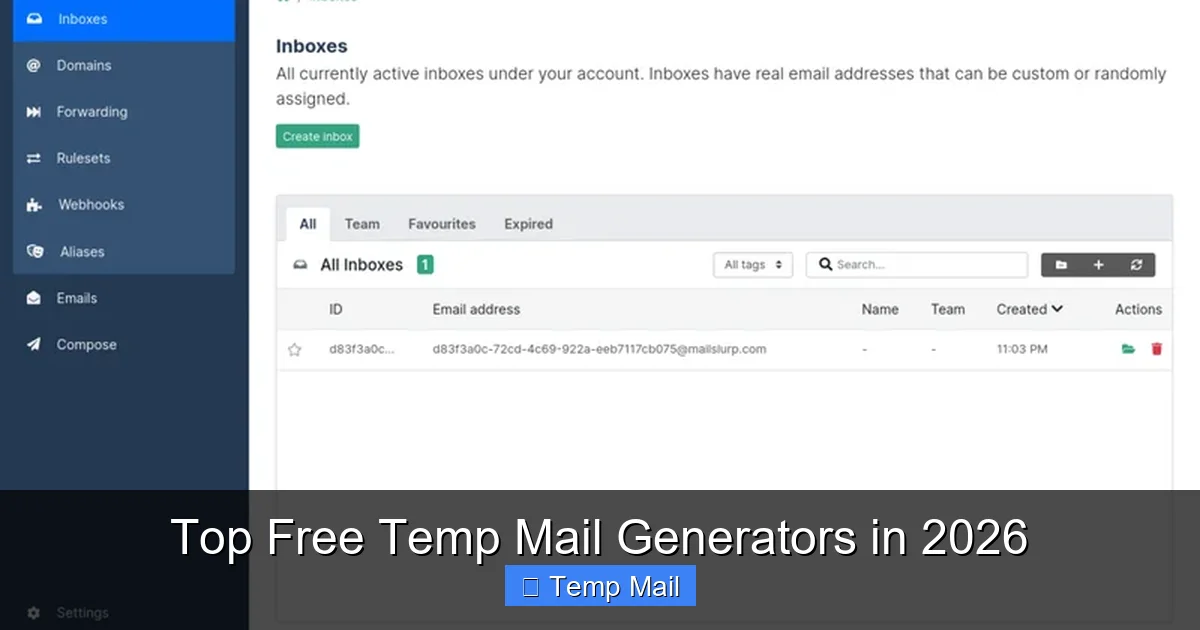
    Practical Examples: Which One Do You Choose?

    Let’s make this concrete with real-world situations. Your choice here determines whether you succeed or get a frustrating “email not found” error.

    Scenario 1: Signing Up for a New Social Media Platform

    The platform sends a confirmation link. After you confirm, it may send a “welcome” email with tips, and perhaps a notification when your first friend joins. Choice: Temp Mail (1-2 hour timer). You need the inbox alive for more than just the first minute to capture the welcome series and early notifications. Using disposable email here would mean missing everything after that first confirmation.

    Scenario 2: Downloading a Free Ebook from a Blog

    You enter your email, click “Send PDF,” and the file is attached to the email that arrives in 10 seconds. The blog’s system might not send anything else. Choice: Disposable Email. This is the perfect, clean, one-time use. The address dies right after you get the file, ensuring no future newsletter sign-up (if the blog is shady and auto-subscribes you).

    Scenario 3: Testing a Website’s “Forgot Password” Feature

    As a developer or tester, you need to see the password reset email. You’ll trigger the feature, get the email, click the reset link, set a new password, and maybe get a “password changed” confirmation email. Choice: Temp Mail (with a 30-60 minute timer). You need the inbox to be active for the entire test cycle, which involves multiple emails in a short burst.

    Scenario 4: Creating a Burner Account for a One-Night Event

    You’re attending a virtual conference that requires an account for the chat platform. You’ll only use it for 3 hours that evening. Choice: Temp Mail. You’ll likely get a confirmation, maybe a schedule email, and access links. The 1-hour or 4-hour temp mailbox covers your entire usage window.

    Important Warnings and Limitations You Must Know

    Before you run off to generate a thousand temp addresses, there are crucial caveats. Both tools have significant limitations and risks if misused.

    They Are Not for Primary or Important Accounts

    This is the golden rule. Never, ever use a temporary or disposable email for:

    • Banking, financial services, or cryptocurrency exchanges.
    • Your main email account (Gmail, Outlook, etc.) for password recovery.
    • Any social media account you intend to keep long-term (Facebook, Instagram, Twitter/X).
    • Government services, healthcare portals, or official documentation.
    • Any service where losing access would cause financial loss, legal trouble, or loss of important data.

    Why? You will lose access permanently. If you forget your password, the recovery email is gone. The account is a digital ghost.

    Provider Reliability and Blocklists

    Not all temp/disposable domains are created equal. Many popular websites and services (like Google, Facebook, Netflix, many banks) actively maintain blocklists of known disposable email domains. If you try to sign up with @tempmail.demo, the site may reject it outright. You might need to cycle through a few different providers to find one whose domain isn’t blocked. This can be a hassle. Reputable temp mail services often have multiple domain options to help circumvent this.

    Because these tools offer anonymity, they are sometimes used for malicious purposes: creating fake accounts for spam, fraud, or harassment. This is illegal and unethical. Using them to circumvent a website’s ban (e.g., you were banned from a forum, so you make a new account with a temp email) is almost always a violation of the site’s Terms of Service and can result in a permanent IP ban. Always use these tools responsibly for their intended purpose: managing your own inbox spam and testing.

    How to Actually Use These Services: A Quick Guide

    Using these services is intentionally simple, but here’s a step-by-step to avoid pitfalls.

    1. Choose a Provider: Search for “temp mail” or “disposable email.” Popular, reputable options include Temp-Mail.org, 10MinuteMail.com, Guerrilla Mail, and Mailinator (use with caution as public inboxes are searchable by anyone).
    2. Generate Your Address: Visit the site. It will immediately show you a random email address. Some allow you to customize the local part (the part before @). Copy the full address.
    3. Use It: Paste it into the website or service you’re signing up for.
    4. Monitor the Inbox: Stay on the provider’s page and refresh it periodically (some auto-refresh). Wait for the verification email. Click the link or copy the code.
    5. Complete Your Task: Finish the sign-up or download. If it’s temp mail, note the countdown timer. If it’s disposable, you’re done after the first email.
    6. Close the Tab: Once you’re done, simply close the browser tab. There is no account to log out of. The data will be wiped automatically based on the service’s rules.

    Pro Tip: If a verification email doesn’t arrive within a minute or two, check the spam/junk folder of the temp inbox (some providers have this). If it’s still missing, the website may have blocked the disposable domain. Generate a new address from a different provider and try again.

    Conclusion: Picking the Right Tool for the Job

    So, temp mail versus disposable email? It’s not about which is “better,” but which is more appropriate for your specific, immediate need. Think of disposable email as a single-use surgical mask: put it on for one quick, specific interaction, then discard it forever. Think of temp mail as a short-term rental car: you have it for a few hours, you can drive it to multiple destinations within that window, but you must return it by a strict deadline.

    For most everyday spam-avoidance tasks—like signing up for a newsletter to get a coupon, accessing a gated article, or creating a temporary forum account—temp mail with a 1-2 hour lifespan is the versatile, safe bet. It provides a small buffer for those inevitable follow-up emails. Reserve disposable email for the purest, most isolated transactions where you are 100% certain only one email will ever be sent, and you want the absolute minimum digital footprint.

    Ultimately, both are powerful tools in the fight against inbox clutter and privacy erosion. By understanding their lifespans—time-based versus event-based—you can wield them effectively, avoid the common pitfall of being locked out of accounts, and keep your primary email address pristine for the people and communications that truly matter. Use them wisely, ethically, and never for anything you’d mind losing access to tomorrow.

    Frequently Asked Questions

    Are temp mail and disposable email addresses legal to use?

    Yes, using these services is perfectly legal for legitimate purposes like avoiding spam or testing. However, using them for fraud, harassment, or to circumvent bans is illegal and violates most websites’ terms of service.

    Can temp mail or disposable emails be traced back to me?

    Generally, no. These services do not require personal information, and the addresses are random. However, the content of the emails you send/receive could contain identifying information. The provider itself may keep logs, but reputable ones claim not to store data. For maximum anonymity, avoid logging in or providing personal details while using them.

    Which is more secure: temp mail or disposable email?

    Both offer similar security in that they isolate your real identity. Disposable email is slightly more “secure” in terms of minimizing your digital footprint because the address dies after one use, eliminating any chance of future correlation. Temp mail has a slightly larger window of exposure but is still very effective for short-term use.

    Can I use a temp mail address for Gmail or Outlook account recovery?

    Absolutely not. This is the cardinal rule. If you lose your password, the recovery email will be gone (temp mail expires, disposable dies after one email). You will be permanently locked out of your account. Always use a permanent, accessible email for critical account recovery.

    Why do some websites block disposable email domains?

    Websites block these domains to prevent spam, fake account creation, and abuse. They want genuine users. If you find your temp/disposable address blocked, it means that domain is on a public blocklist. Try a different provider whose domain isn’t as commonly abused.

    How do I know if I should use temp mail or disposable email for a sign-up?

    Ask: “Will this site likely send me more than one email in the next hour?” If yes (welcome series, notifications), use temp mail. If no (just a single confirmation/download link), use disposable email. When in doubt, temp mail is the safer, more flexible choice.

  • Why You Should Use a Temporary Email Address

    Why You Should Use a Temporary Email Address

    A temporary email address is your first line of digital defense. It shields your primary inbox from spam, phishing attempts, and data breaches by providing a disposable contact point for one-time sign-ups and untrusted websites. This simple tool dramatically enhances your online privacy and security with zero long-term commitment. It’s free, effortless to create, and instantly declutters your main email, making it a must-have for savvy internet users.

    Let’s be honest: your email inbox is a war zone. Between the relentless onslaught of promotional newsletters, the constant drip of spam, and the looming threat of data breaches, your primary email address has become a digital battleground. What if I told you there’s a simple, free, and incredibly powerful tool to fight back? Enter the temporary email address. This isn’t some shady hacker trick; it’s a mainstream privacy and productivity tool used by millions of smart internet users every single day. In this guide, we’ll dive deep into why incorporating a disposable email into your online routine is one of the smartest moves you can make for your digital health.

    Think of your permanent email address as your home address. You wouldn’t give it out to every random store clerk or website you visit in the real world, right? You’d use a P.O. box or a work address for that. A temporary email address functions exactly like that P.O. box for the internet. It’s a sacrificial, throwaway contact point designed for interactions where you have zero trust or long-term interest. The concept is beautifully simple, but its implications for your privacy, security, and sanity are enormous. By the end of this article, you’ll understand exactly how this tool works, the multitude of scenarios where it’s a perfect fit, and how to choose a service that won’t create new problems while solving the old ones.

    Key Takeaways

    • Privacy Shield: A temporary email keeps your real identity and primary email hidden from marketers, hackers, and data-harvesting websites.
    • Spam Annihilator: It completely prevents unwanted promotional emails and newsletters from ever reaching your main inbox.
    • Security Fortifier: By isolating sign-ups to a disposable address, you reduce the risk of your primary email being compromised in a data breach.
    • Zero Commitment: There’s no long-term setup, password to remember, or personal information required for most services.
    • Effortless Management: Instantly create and discard addresses, keeping your digital footprint clean without any manual unsubscribe hassles.
    • Cost-Effective: The vast majority of temporary email services are completely free, offering premium features without a subscription.

    📑 Table of Contents

    Understanding Temporary Email Addresses: How They Work and What They Are

    Before we get into the “why,” let’s solidify the “what.” A temporary email address, also called a disposable email or temp mail, is an email account that is generated instantly, typically without any registration process. These addresses are hosted by specialized services and are designed to be used for a very short period—often just 10 minutes to a few hours—before being automatically deleted along with all received messages.

    The Mechanics of Disposability

    Here’s the typical lifecycle: You visit a temp mail website, and it instantly generates a random email address for you (e.g., [email protected]). You copy that address and use it to sign up for a service, download a file, or access gated content. Any emails sent to that address appear in a web-based inbox displayed on the temp mail site. Once the time limit expires (or you manually delete it), the address and all its contents vanish into the digital ether. There is no password, no recovery option, and no way to access it again. This inherent impermanence is its core feature and strength.

    Permanent vs. Temporary: A Fundamental Difference

    Your Gmail, Outlook, or Yahoo account is a permanent email address. It’s tied to your identity, contains years of personal and professional correspondence, and is the key to resetting passwords for countless other accounts. Losing access to it is a disaster. A temporary email address is the opposite. It is anonymous, ephemeral, and contains nothing of value beyond the single transaction it was created for. You have zero emotional or practical attachment to it. This fundamental difference is why using a disposable address for low-stakes interactions is a strategic no-brainer.

    The Triple Threat: Privacy, Spam Reduction, and Enhanced Security

    The benefits of a temporary email address cluster around three interconnected pillars that form a powerful shield for your primary digital identity. Let’s break down each one.

    Why You Should Use a Temporary Email Address

    Visual guide about Why You Should Use a Temporary Email Address

    Image source: tempmailmaster.io

    1. Reclaiming Your Privacy in an Data-Hungry World

    Every time you enter your real email on a website, you are handing over a piece of your digital identity. That email becomes a key data point in your online profile. It’s used for tracking your behavior across sites, building a profile for targeted advertising, and, worst of all, potentially being sold or leaked in a data breach. A temporary email address acts as a privacy buffer. The website gets an email, but it’s not *yours*. It’s a phantom address linked to nothing else. This means they cannot build a persistent profile around *you*. You browse, you sign up, you get what you need, and you vanish. Your real identity remains isolated and protected. For anyone concerned about the pervasive surveillance economy, this is a simple yet powerful act of digital self-defense.

    2. The Ultimate Spam Prevention Tool

    Spam is more than a nuisance; it’s a productivity killer and a security threat. That “free ebook” you downloaded three years ago? Its publisher now sends you a daily deal. That forum you once registered for? It’s been hacked, and now you’re getting phishing emails. The only surefire way to stop this flow is to never give your primary address in the first place. A temporary email address is a spam dead-end. Since the address self-destructs after use, any future emails sent to it simply bounce into the void. No more “unsubscribe” links that take 10 clicks. No more marking messages as junk. The spam never enters your ecosystem. It’s a preventive measure, not a reactive one, and it’s 100% effective for the sites where you use it.

    3. Containing the Blast Radius of Security Breaches

    Data breaches are a matter of “when,” not “if.” Major companies, from social networks to gaming platforms, suffer breaches that expose millions of user email addresses and passwords. When your permanent email address is in that database, you become a target. Hackers often use breached email lists for credential stuffing attacks (trying common passwords on other sites) and highly targeted phishing campaigns. If you had used a temporary email address for that breached service, the exposed email is a dead end. It leads to nothing. Your primary email, your bank accounts, your social media—they remain safe because the breach was contained to a disposable identity. You’ve effectively quarantined the risk.

    Essential and Creative Use Cases for a Disposable Email

    Knowing the theory is one thing; knowing *when* to use it is what makes it practical. Here are the most common and smartest applications for a temporary email address.

    Why You Should Use a Temporary Email Address

    Visual guide about Why You Should Use a Temporary Email Address

    Image source: i.ytimg.com

    The Classic: One-Time Downloads and Content Gates

    This is the #1 use case. You want a whitepaper, a template, a discount code, or a piece of software. The website demands an email address. Do you trust them? Probably not. They might sell your email or spam you forever. Use the temp mail. Get the file via the download link sent to the disposable inbox, and walk away. The address dies before they can send you a single follow-up.

    Signing Up for Low-Trust or Unknown Services

    Are you trying a new app, forum, or online tool? Do you need to create an account to test its features? Before you commit your primary email, use a temporary email address. If the service is great, you can always upgrade and use your real email later. If it’s sketchy, spammy, or just not for you, you’re already protected. This is crucial for apps that require an account just to browse basic features.

    Protecting Your Identity on Public or Shared Computers

    Using a library or hotel computer? Never log into your personal email or social accounts. The risk of keyloggers or someone else accessing the browser is too high. If you need an email for a one-off task, generate a temporary email address on that public machine. Use it, and close the browser. No trace, no risk to your permanent accounts.

    Bypassing Regional Restrictions or Forum Registrations

    Some forums or communities require registration to view content. You may not want to be a permanent member or associate your main identity with that community. A disposable address lets you get past the gate, access the information you need, and leave without a footprint.

    Testing Email Deliverability and Forms

    If you’re a developer, marketer, or website owner, testing your own sign-up or contact forms is vital. Using your real email means you have to clean out those test emails later. Using a temporary email address lets you test the entire flow—sign-up, confirmation email, password reset—without cluttering your professional inbox.

    How to Choose a Reliable Temporary Email Service

    Not all temporary email address services are created equal. A bad one can be more trouble than it’s worth. Here’s what to look for.

    Why You Should Use a Temporary Email Address

    Visual guide about Why You Should Use a Temporary Email Address

    Image source: pakgreeneagles.com

    Key Features of a Good Service

    First, look for no registration. The best services generate an address for you immediately upon visiting the site. Second, check the inbox refresh rate. A good service updates the inbox in real-time or every few seconds so you don’t miss a verification email. Third, consider the domain options. Some services offer multiple domain choices (e.g., @tempmail.com, @disposable.com), which can help if a particular site blocks known temp mail domains. Fourth, a browser extension is a huge quality-of-life feature, allowing you to generate addresses without leaving the website you’re on.

    Red Flags to Avoid

    Steer clear of services that require you to create an account—that defeats the purpose of anonymity and simplicity. Be wary of sites overloaded with intrusive ads, pop-ups, or misleading “download” buttons that lead to malware. Also, avoid services that store your emails long-term or claim to offer “permanent” disposable addresses; true disposability is key to the privacy benefit. Finally, if a service asks for personal information to generate an address, close the tab immediately.

    Top Contenders in the Market

    While I can’t endorse one specific service, widely respected names in the space include Temp-Mail.org, 10MinuteMail.com, and Guerrilla Mail. They generally offer the core features: instant generation, no sign-up, and auto-deletion. Always visit the site directly to assess its current usability and ad load before relying on it for an important task.

    There’s a cloud of misconception around temporary email address tools. Let’s clear the air.

    Myth: “They’re Only for Illegal Activities”

    This is the biggest fallacy. While it’s true bad actors *can* use them, the vast, overwhelming majority of users are perfectly legitimate people—freelancers, journalists, researchers, developers, and everyday netizens—using them for the exact reasons outlined here: privacy, spam avoidance, and security. Using a temp mail to download a free ebook is no different in principle from using a cash wallet instead of a credit card for a one-time purchase.

    Myth: “They’re Insecure and Will Hack You”

    The security model is actually simple and safe. The service provider has no incentive to hack you; they don’t have your personal data, your passwords, or any connection to your real identity. The emails in your temporary inbox are isolated. The real security risk comes from *not* using one—by exposing your permanent email to untrusted sites where it can be phished or breached. The temporary email address itself is a security *tool*, not a vulnerability.

    Myth: “They’re Illegal or Against Terms of Service”

    Using a disposable email is perfectly legal. However, some websites’ Terms of Service explicitly forbid the use of disposable emails for account creation. This is their right. They do this to combat spam and fake accounts on their platform. The consequence is usually that your account gets flagged and deleted if detected. So, it’s important to use common sense: use a temp mail for downloading content or testing, but for any service you intend to use long-term (like social media, banking, or primary communication tools), use your real email. The rule of thumb: if you’d be upset if the account vanished, use your permanent email.

    Using a temporary email address is ethical when you’re using it to protect your own privacy from entities that have not earned your trust. It becomes unethical if you use it to defraud someone, evade legitimate bans, or commit cybercrime. The tool is neutral; the user’s intent determines the ethics. For 99% of privacy-conscious users, the intent is purely protective and sensible.

    Integrating Temporary Email Into Your Digital Hygiene Routine

    Now that you’re convinced, how do you make this a seamless habit? It’s easier than you think.

    Make It Your Default for New, Unknown Sites

    Train yourself to reach for the temp mail *first*. When you see an email field on a website you’re unfamiliar with, pause. Open your preferred temp mail service in a new tab, generate an address, and paste it. Only if you decide the service is invaluable and trustworthy should you go back and update your profile with your primary email. This mindset shift is the most powerful change you can make.

    Use Browser Extensions for One-Click Access

    As mentioned, a good browser extension is a game-changer. Install one, and with a single click on any email field, it will generate and paste a new temporary email address. This removes all friction. The action becomes as automatic as using a password manager.

    Keep a “Clean” Primary Inbox

    The joy of opening your primary email and seeing only messages from real people—family, friends, colleagues, and services you truly value—is profound. By routing all other traffic to your disposable address, you restore your email to its intended purpose: meaningful communication. This reduces stress and ensures you never miss an important email buried under a pile of promotional fluff.

    Combine with Other Privacy Tools

    A temporary email address is one pillar of a good privacy stack. Use it alongside a reputable password manager, a VPN for public Wi-Fi, and two-factor authentication on all important accounts. Together, these tools create a robust, layered defense for your digital life that is surprisingly easy to maintain.

    Conclusion: A Simple Step Toward a Safer, Cleaner Digital Life

    In an era where our personal data is the commodity, taking proactive steps to protect it is not paranoia—it’s prudence. A temporary email address is one of the lowest-effort, highest-impact tools available. It’s a digital force multiplier that simultaneously bolsters your privacy, eradicates spam, and contains security threats. It costs nothing but a moment of your time and requires no technical expertise. The next time a website asks for your email to access a PDF or try a feature, you have a choice. You can hand over the keys to your digital kingdom (your primary email), or you can use a disposable key that opens one lock and then vanishes. Choose the latter. Embrace the simplicity and power of temporary mail, and take back control of your inbox and your online identity today. Your future self, with a clean inbox and peace of mind, will thank you.

    Frequently Asked Questions

    Is using a temporary email address legal?

    Yes, using a temporary email address is completely legal. It is a privacy tool, not an illegal instrument. However, some websites’ Terms of Service may prohibit its use for creating permanent accounts, which could result in that account being suspended if detected.

    How long does a temporary email address last?

    It varies by service, but most temporary email addresses last between 10 minutes and 48 hours. The standard is often 1 hour. After this time, the address and all received emails are permanently deleted from the server.

    Can I send emails from a temporary email address?

    Most disposable email services are designed primarily for receiving emails, like verification links. Sending capabilities are often limited or non-existent to prevent abuse for spam. You should assume you can only receive mail on a typical temp mail address.

    Are temporary emails safe for password recovery?

    No, you should never use a temporary email address for any account where you need long-term access, such as social media, banking, or primary cloud storage. If you lose access to the temp mail, you will be locked out of the account permanently. Always use your secure, permanent email for accounts that matter.

    What happens if I need an email after the temporary address expires?

    Once a temporary email address expires, it is gone forever. All emails sent to it are deleted and cannot be recovered. This is why it is only for one-time transactions. If you anticipate needing future communication from a sender, use your permanent email address.

    Will websites block or detect my temporary email?

    Many popular websites and platforms actively block known disposable email domains to prevent spam and fake accounts. If a site rejects your temp mail, you’ll need to use a different domain (if your service offers it) or simply use your real email. This is a common limitation to be aware of.

  • Top Free Temp Mail Generators in 2026

    Top Free Temp Mail Generators in 2026

    Tired of spam cluttering your primary inbox? Free temp mail generators are your digital shield, providing instant, disposable email addresses for sign-ups and verifications without any registration. In 2026, these tools are smarter, faster, and more integrated with privacy ecosystems than ever. This guide cuts through the noise to reveal the most reliable, user-friendly services that keep your real email safe and your online activity private. We’ll show you exactly how to use them and what to watch out for.

    Ever feel like you’re fighting a losing battle against email spam? You sign up for a free e-book, a discount code, or a new app trial, and suddenly your inbox is flooded with promotional offers you never asked for. Your primary email address, once a tool for communication, has become a commodity bought and sold by data brokers. But what if you could hit the "unsubscribe" button before you even get the first email? Enter the world of temporary email, or "temp mail"—your first line of defense in the ongoing war for digital privacy.

    The concept is beautifully simple: instead of handing over your real, personal email address, you use a randomly generated, disposable one from a free online service. You get the verification link or file you need, and then the address self-destructs, taking all future spam potential with it. It’s like using a burner phone for a single call. As we move through 2026, these services have evolved from clunky, ad-filled websites into sleek, powerful privacy tools powered by smarter algorithms and deeper integration with our digital lives. This isn’t just about avoiding newsletters; it’s about reclaiming control over your digital footprint. Let’s dive into the best free temp mail generators of 2026 and how to wield them effectively.

    Key Takeaways

    • Temp mail is a privacy essential: It creates a barrier between your real identity and the online world, stopping spam and data harvesting at the gate.
    • No registration means true anonymity: The best 2026 services require zero personal details to generate an address, keeping you off mailing lists from the start.
    • Inbox lifespan is short by design: Emails and addresses typically expire in hours or days, so use them for one-time verifications, not long-term communication.
    • Beyond spam: versatile testing tools: Developers and testers use temp mail to automate account creation checks, while privacy-conscious users employ them for forum logins and coupon claims.
    • Security varies by provider: Look for HTTPS, clear privacy policies, and no-logs guarantees. A free service shouldn’t sell your temp inbox data.
    • Not all sites accept temp mail: Banking, government, and primary social media platforms often block known disposable domains, so have a backup plan.
    • The future is integrated: By 2026, expect temp mail features built directly into privacy browsers, password managers, and VPN clients for seamless one-click use.

    📑 Table of Contents

    The Evolution of Temp Mail: From Basic Burners to Privacy Powerhouses

    Remember the early days of disposable email? Sites like Mailinator or 10MinuteMail were groundbreaking but often frustrating. Inboxes were public by default, domains were easily blacklisted, and the interfaces were… let’s say "utilitarian." The experience was a trade-off: convenience for privacy, with a side of banner ads.

    Fast forward to 2026, and the landscape has transformed. This evolution is driven by three key forces: heightened global privacy awareness (thanks to evolving interpretations of GDPR and similar laws), the rise of sophisticated AI spam networks, and user demand for seamless, integrated security. Modern temp mail generators are no longer just standalone websites; they are becoming features within broader privacy ecosystems.

    Why 2026 is a Pivotal Year

    This year marks a turning point. First, AI-powered spam filters on the sender’s side have become incredibly good at spotting and blocking bulk disposable email domains. In response, top-tier temp mail services now employ dynamic domain generation and rotation, creating thousands of unique, non-blacklisted domains that look like legitimate provider addresses (e.g., [email protected] instead of [email protected]).

    Second, user experience is paramount. The best 2026 generators offer lightning-fast inbox loading, real-time push notifications for new emails (via browser or app), and even browser extensions that let you generate a temp address with one click directly on a sign-up form. The goal is to make privacy effortless, not a chore.

    Finally, there’s a growing focus on transparency and security. Leading services now undergo regular independent security audits, use end-to-end encryption for the brief lifespan of an email, and have crystal-clear data retention policies that state, unequivocally, that your temporary correspondence is deleted forever from their servers the moment you close the inbox.

    Top Free Temp Mail Generators in 2026: Our Curated List

    Not all disposable email services are created equal. Some are fantastic for a quick code, while others offer more advanced features for developers and privacy enthusiasts. We evaluated dozens of services based on speed, reliability, domain reputation, ad intrusiveness, and extra features. Here are the top free contenders for 2026.

    Top Free Temp Mail Generators in 2026

    Visual guide about Top Free Temp Mail Generators in 2026

    Image source: toolpix.pythonanywhere.com

    1. TempMailPlus: The User-Friendly Powerhouse

    TempMailPlus has consistently topped user satisfaction charts for its clean, intuitive interface and robust feature set. It’s the go-to recommendation for beginners and seasoned users alike.

    • Key Features: One-click address generation, multiple domain choices (including country-specific TLDs for geo-testing), a built-in email translator, and a browser extension for Chrome, Firefox, and Brave. The inbox updates in real-time without refreshing.
    • Inbox Lifespan: Default 48 hours, extendable in 24-hour increments up to 7 days if you need it for a longer verification process.
    • Why It’s Top-Tier: Its domains have an excellent reputation, rarely getting blocked by major platforms like Google, Facebook, or Twitter. The ad-supported free tier is respectful—no pop-ups, only static banners at the bottom.
    • Best For: Everyday use, signing up for streaming services, gaming platforms, and social media that don’t require long-term commitment.

    2. IncogniMail: The Security-First Contender

    For the paranoid (in a good way!), IncogniMail prioritizes security above all else. It’s built by a team with a strong background in encryption and anonymous browsing.

    • Key Features: All connections are forced over HTTPS. Emails are encrypted at rest using AES-256. It offers a "self-destruct" timer for the entire inbox (e.g., delete all after 1 hour). It also provides a PGP public key for advanced users who want to send encrypted replies to the temp address.
    • Inbox Lifespan: Strict 24-hour maximum. The address and all contents are permanently purged after this period.
    • Why It’s Top-Tier: Its no-logs policy is independently verified. It does not track IP addresses beyond what’s necessary to prevent abuse, and it doesn’t employ any third-party analytics on its free service.
    • Best For: Sensitive sign-ups, accessing whistleblower platforms, receiving documents from anonymous sources, or any scenario where metadata minimization is critical.

    3. QuickDrop.io: The Developer’s Darling

    QuickDrop.io isn’t just a website; it’s a full API service with a generous free tier. This is the tool of choice for QA testers, developers automating workflows, and researchers.

    • Key Features: A robust, well-documented REST API that allows programmatic creation of inboxes, fetching of messages, and deletion. It also offers webhooks to notify your server instantly when an email arrives. The web interface is minimal, focused on API key management.
    • Inbox Lifespan: API-created inboxes last 10 minutes by default (perfect for automated tests), but can be extended to 2 hours via API call.
    • Why It’s Top-Tier: Its uptime is exceptional (99.99% SLA in 2025), and it provides detailed response logs. The free tier includes 500 API calls per month, ample for most indie projects.
    • Best For: Automated testing of email verification flows, building tools that need disposable inboxes, and academic research requiring large-scale, temporary email collection.

    4. GhostBox: The Minimalist & Speedy Choice

    GhostBox lives up to its name—it’s almost invisible, incredibly fast, and then it’s gone. There are no frills, no dashboard, just a straight path to your inbox.

    • Key Features: Generate an address, and you’re taken directly to the inbox view. No intermediate pages. It uses a constantly rotating pool of over 5,000 domains to avoid blacklisting. The interface is pure text and monochrome, loading in under 0.5 seconds.
    • Inbox Lifespan: 1 hour from the moment of creation. Brutally short, but perfect for a single verification code.
    • Why It’s Top-Tier: Its simplicity is its strength. It’s open-source (you can audit the code), has zero tracking, and its domain rotation makes it one of the hardest for sites to block. It’s the "I need an email in 3 seconds" champion.
    • Best For:

    5. PrivacyShield Mail: The Integrated Ecosystem Player

    PrivacyShield is new to the standalone temp mail scene in 2026 but has quickly gained traction because it’s not just a standalone service—it’s the email component of the popular PrivacyShield suite (which includes a VPN and secure cloud storage).

    • Key Features: Seamless single-sign-on with your PrivacyShield account. If you use their VPN, your temp mail connection is routed through the same secure tunnel. It offers "alias" creation—you can create multiple, named temp addresses (e.g., [email protected]) that all funnel into one master inbox, helping you organize which address is for which site.
    • Inbox Lifespan: 72 hours for free users. Paid suite subscribers get 30 days.
    • Why It’s Top-Tier: The integration is killer. If you’re already in the PrivacyShield ecosystem, this is a no-brainer. The alias feature adds a layer of organization missing from other services.
    • Best For: Users already subscribed to privacy suites, families managing multiple temporary sign-ups (e.g., kids’ game accounts), and anyone who values a unified privacy dashboard.

    How to Choose the Right Temp Mail Service for Your Needs

    With all these great options, how do you pick one? It’s not about which is "best" in a vacuum, but which is best for your specific use case. Ask yourself these questions:

    Top Free Temp Mail Generators in 2026

    Visual guide about Top Free Temp Mail Generators in 2026

    Image source: grovers.io

    What’s My Primary Use Case?

    If you’re just avoiding spam from a one-time download, GhostBox is your speed demon. If you’re a developer needing API access, QuickDrop.io is non-negotiable. For general-purpose, high-success-rate sign-ups on major platforms, TempMailPlus is the safest bet. For maximum security on sensitive platforms, IncogniMail is worth the slightly shorter lifespan.

    How Long Do I Need the Inbox?

    Be honest. If you’re downloading a PDF, you need 5 minutes. If you’re signing up for a service that might send a weekly newsletter you want to read for a month, you need longer. Check the default and maximum lifespans. PrivacyShield Mail offers the longest free window (72 hours), while GhostBox is the shortest (1 hour). Don’t pick a 1-hour service for a 48-hour verification process.

    Is Domain Reputation Critical?

    Some websites, especially financial ones (PayPal, online banks) or core social platforms (Instagram, LinkedIn), have aggressive filters against known disposable email domains. If you’re trying to sign up for something important, you need a service with dynamic domain rotation like GhostBox or the multiple domain options of TempMailPlus. These services’ domains change so frequently that they often slip through filters that catch static, well-known temp mail domains.

    Do I Need Extra Features?

    Look beyond the basics. Do you want a browser extension to autofill? (TempMailPlus has it). Do you need API access? (QuickDrop.io). Do you want to organize different aliases? (PrivacyShield Mail). Do you require PGP encryption? (IncogniMail). The "best" service is the one whose feature set aligns with your workflow.

    Practical Applications: Beyond Just Avoiding Spam

    While spam prevention is the headline act, temp mail’s utility runs deep. Here’s how savvy users are leveraging these tools in 2026:

    Top Free Temp Mail Generators in 2026

    Visual guide about Top Free Temp Mail Generators in 2026

    Image source: mailslurp.com

    For the Privacy-Conscious Surfer

    Every time you comment on a blog, join a forum, or claim a coupon, you’re asked for an email. Using temp mail for these low-stakes interactions means your real address never enters the database of a site that might later suffer a breach or sell its list. It’s a preemptive data breach defense. Pro Tip: Use a different temp address for every category of site (e.g., one for gaming forums, one for coupon sites). If spam ever leaks through, you can pinpoint the source.

    For Developers & QA Testers

    Automated testing of user registration flows is a nightmare without a way to receive and parse verification emails. This is where APIs like QuickDrop.io shine. You can script the entire process: create a temp inbox, submit the sign-up form with that address, poll the API for the incoming email, extract the verification link, and complete the flow—all automatically. This is crucial for continuous integration/continuous deployment (CI/CD) pipelines.

    For Researchers & Journalists

    Journalists investigating a topic might need to communicate with a source anonymously. Providing a temp email address (especially from a secure service like IncogniMail) allows the source to send documents without the journalist’s primary email being exposed in metadata. Researchers studying online behavior can use temp mail to create numerous "personas" without cross-contaminating their data with a single, traceable email.

    For the Deal Hunter

    Many "exclusive" discounts require email sign-up. Using a temp address lets you grab the promo code without subscribing to a months-long newsletter barrage. Since the address expires in a day or two, the marketing emails bounce and you’re never bothered. It’s ethical, spam-free deal hunting.

    Security & Privacy: What You Need to Watch Out For

    Using a temp mail service is a privacy-enhancing act, but you’re still trusting a third party with the content of your temporary emails. Not all services are equally trustworthy. Here’s your checklist for safe usage:

    HTTPS is Non-Negotiable

    Never use a temp mail provider that doesn’t use HTTPS (look for the padlock in your browser). Without it, your connection—and the emails you’re viewing—can be intercepted by anyone on your network. All services on our 2026 list enforce HTTPS by default.

    Read the Privacy Policy (Seriously)

    Scan for two things: data retention (it should state emails are deleted immediately upon inbox expiration or manual deletion) and data sharing (it should state they do not sell, rent, or share your email content with third parties). A policy that is vague or says they "may share with partners" is a red flag.

    Beware of the "Public Inbox" Trap

    Some older or free services display all incoming emails on a public, shared inbox page (e.g., temp-mail.org/en/random-inbox). This means anyone on the internet can see the emails sent to that randomly generated address. This is a massive privacy violation for the sender. The services we recommend (TempMailPlus, IncogniMail, etc.) give you a private inbox accessible only via your unique, random URL. Never use a public inbox for anything containing even mildly personal information.

    Don’t Use for Critical Accounts

    This is a rule of thumb. Your primary email is often the key to resetting passwords for everything. If you use a temp mail for your main social media, banking, or primary cloud storage account and then lose access to that temp inbox (because it expired), you could be permanently locked out. Temp mail is for receiving a verification code once, not for being your permanent contact point for a vital service.

    The Future of Disposable Email: Beyond 2026

    Where is this technology heading? We see three clear trends that will define the post-2026 landscape.

    Deep Integration with Privacy Suites

    The standalone temp mail website will become a relic. As seen with PrivacyShield Mail, the future is embedded functionality. Your VPN will have a "Generate Temp Email" button in its connection window. Your password manager (like Bitwarden or 1Password) will offer to create and auto-fill a disposable address when you visit a new sign-up page. Your operating system’s privacy settings might include a system-wide toggle for "disposable email mode." Privacy will become a unified, seamless experience.

    AI-Powered, Context-Aware Addresses

    Imagine an AI assistant that knows you’re signing up for a " gardening newsletter." It could generate an address like [email protected] that looks legitimate to spam filters but is still disposable. Or, it could analyze a website’s reputation and automatically suggest using a temp mail if it’s a known spammy domain. The generation won’t just be random; it will be contextual to improve deliverability and organization.

    Blockchain-Verified Anonymity (For the Extreme)

    For whistleblowers and activists in oppressive regimes, even using a temp mail service could be risky if the provider is compelled to hand over logs. The next frontier is decentralized, blockchain-based disposable email systems. These would use cryptographic proofs instead of central servers, allowing you to prove you received an email at a specific address without any central authority ever knowing the link between you and that address. It’s complex, but projects are already in early alpha testing.

    Conclusion: Your Inbox, Your Rules

    The proliferation of free, high-quality temp mail generators in 2026 is a victory for user autonomy. We no longer have to accept the bargain that giving away our primary email address is the cost of entry for the modern internet. These tools put power back in your hands, allowing you to engage, test, and explore online with a layer of protective anonymity.

    Remember, the goal isn’t to be invisible for nefarious reasons; it’s to be selectively visible. Use these services wisely: for sign-ups, for tests, for one-off interactions. Keep your primary email sacred for your real relationships and critical accounts. By choosing the right tool from our list—TempMailPlus for general ease, IncogniMail for high security, QuickDrop.io for development, GhostBox for speed, or PrivacyShield for ecosystem integration—you can build a personalized, robust defense against the data-hungry ecosystem of the web. Start using a disposable email today, and take your first step toward a cleaner, safer, and more private digital life. Your future inbox will thank you.

    Frequently Asked Questions

    Is using a temp mail generator legal?

    Yes, using a temporary email address is perfectly legal in most jurisdictions. It is a legitimate privacy tool. However, using it to commit fraud, evade legal obligations, or send malicious content is illegal. The service itself is legal; it’s how you use it that matters.

    Are free temp mail services safe to use?

    Reputable free services like those listed are safe for receiving non-sensitive verification emails. The main risks are: 1) the service itself could be untrustworthy and log your IP or email content, and 2) the inbox is often publicly accessible if you share the unique URL. Always use services with HTTPS and clear privacy policies, and never send sensitive personal data (like passwords or financial info) to a temp address.

    What’s the difference between a temp mail and a VPN?

    They protect different things. A VPN encrypts all your internet traffic and hides your IP address, providing anonymity for your connection. Temp mail protects your identity and contact information by providing a disposable contact point. They are complementary tools—use a VPN to hide where you’re connecting from, and temp mail to hide what your real email address is.

    Can I recover an email sent to an expired temp address?

    No. By design, once a temp inbox expires, all emails and the address itself are permanently deleted from the provider’s servers. There is no recovery. This is a core feature for privacy, not a bug. Always ensure you’ve copied any needed information (like a discount code) before the inbox expires.
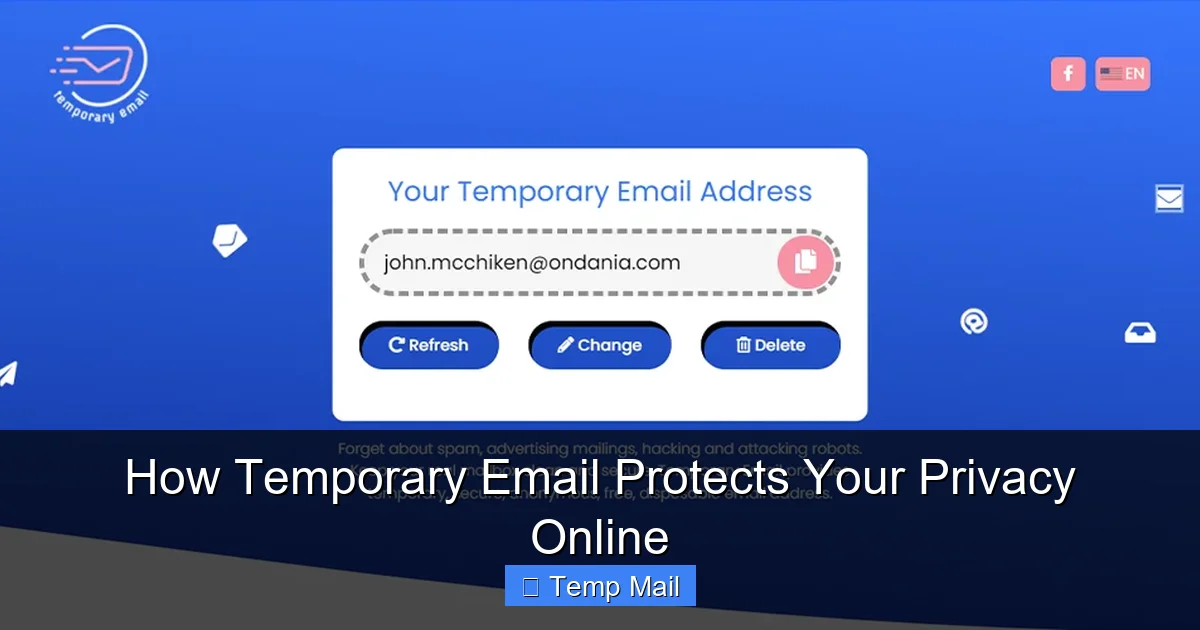
    Can I use temp mail for my business or startup?

    For business-critical communications (customer support, official contracts, banking), no. You need a permanent, professional email address (e.g., @yourcompany.com). However, temp mail is excellent for business testing—QA of your website’s sign-up flow, for example. For receiving one-time vendor codes or signing up for competitor newsletters for market research, it can also be useful.

    What’s the single best practice when using a temp mail service?

    Never assume the inbox is completely private. While reputable services keep your inbox isolated, the URL is your only key. Treat it like a password. Do not share the inbox URL publicly (e.g., in a public forum post). Use the service’s built-in features to manually delete the inbox as soon as you’re done, even before its automatic expiration, to minimize any potential window of exposure.

  • How Temporary Email Protects Your Privacy Online

    How Temporary Email Protects Your Privacy Online

    A temporary email acts as a disposable shield for your primary inbox. It provides a random, short-lived address to use for sign-ups and downloads, completely isolating your real identity from websites, spammers, and data harvesters. By using a temp mail, you break the chain of personal data collection, drastically reduce spam, and minimize your digital footprint for non-critical online activities. It’s a simple, free tool for anyone wanting to browse and register without handing over their permanent email.

    Think about the last time you wanted to download a free e-book, read an article behind a paywall, or snag a discount code. What’s the first thing the website asks for? Almost always, your email address. You type it in, maybe wince a little, and hit submit. That simple action is the starting point of a silent data exchange. That email address, a cornerstone of your digital identity, is now in someone else’s database. It might be sold, leaked in a breach, or used to track your behavior across the web. This is where a powerful, simple tool comes into play: the temporary email. It’s not about hiding something; it’s about choosing what deserves your primary digital address and what doesn’t. This guide will walk you through exactly how a disposable inbox becomes your first line of defense in the battle for online privacy.

    Key Takeaways

    • Primary Inbox Protection: A temporary email creates a firewalls between your real identity and the online world, ensuring promotional emails, spam, and potential data breaches never reach your primary, personal inbox.
    • Breaking the Data Profiling Chain: Every website you register with collects your email. Using a disposable address severs the direct link between your online activity and your true identity, hindering targeted advertising and invasive data profiling.
    • Containing Spam and Phishing Risks: By sacrificing the temp address instead of your main one, you contain all unsolicited bulk mail and phishing attempts to a throwaway inbox that auto-deletes, keeping your permanent account clean and secure.
    • Bypassing “Email-Required” Gated Content: Temp mail allows you to access articles, PDFs, or discounts that demand an email sign-up without any long-term commitment or fear of future spam from that source.
    • Essential for Testing and One-Time Transactions: It’s the perfect tool for testing website registrations, app sign-ups, or one-time purchases where you need a valid email format but no follow-up communication is desired.
    • Not a Tool for Critical Accounts: Never use temporary email for banking, primary social media, work, or any account where recovery, security alerts, or long-term access is absolutely vital. You will lose access permanently.
    • Part of a Broader Privacy Strategy: For maximum effect, use a temporary email alongside other privacy tools like a password manager, VPN, and browser privacy extensions to create a comprehensive defense.

    📑 Table of Contents

    What Exactly is a Temporary Email?

    At its core, a temporary email (also called disposable or throwaway email) is a service that provides you with a random, working email address for a short period—usually minutes or hours. You don’t need to register, provide a password, or link it to any personal information. You simply visit a website like Temp-Mail.org or 10MinuteMail.com, and it generates an address for you, like [email protected]. You can use that address to receive a verification link or a download file. Once the time expires or you manually delete it, the inbox and its address vanish into the digital ether, forever.

    The Mechanics Behind Disposable Addresses

    These services work by hosting vast pools of domain names and generating unique inboxes on their servers. When you visit the site, it assigns you one of these inboxes and displays the incoming mail right on the webpage. There’s no traditional email client setup. The entire system is designed for ephemerality. The provider has no way to tie that random address back to you because you never gave them any details. It’s the ultimate “no strings attached” email experience.

    Lifespan and Auto-Deletion Features

    The defining feature is the countdown. Most services offer a default timer, often 10 minutes to 1 hour, which can sometimes be extended. This timer is non-negotiable for privacy. Once it hits zero, the server wipes the inbox. Any emails not saved or acted upon are gone. This forced impermanence is a feature, not a bug. It ensures that even if someone somehow obtains that temp address later, it’s useless because the inbox no longer exists. You are not responsible for remembering to delete; the system handles the cleanup automatically.

    The Privacy Threats Lurking in Your Inbox

    To understand the value of a temporary email, you must first understand what you’re protecting yourself from. Your primary email address is a master key to your online identity. It’s used for account recovery, as a username, and as a primary contact point. When you hand it out carelessly, several risks emerge.

    How Temporary Email Protects Your Privacy Online

    Visual guide about How Temporary Email Protects Your Privacy Online

    Image source: anonymmail.net

    Data Harvesting and Profiling

    When you sign up for a free service with your personal email, you are often the product. That company builds a profile on you based on your email, your activity on their site, and they may combine it with data from other sources. This profile is used for targeted advertising, sold to data brokers, or analyzed to influence your behavior. Your email is the unique identifier that ties all these disparate data points together into a lucrative, and invasive, personal dossier.

    The Spam Avalanche

    That “free newsletter” you signed up for? It rarely stays just one. Companies share email lists with partners. Your address gets added to “similar interest” lists. Soon, your primary inbox is flooded with promotions, fake alerts, and “special offers” you never wanted. Even worse, this spam can be a vehicle for phishing attacks—emails crafted to look legitimate to steal your passwords or credit card info. A cluttered inbox increases the chance you’ll miss a critical, legitimate email or click a malicious link by accident.

    The Chain Reaction of Data Breaches

    Large-scale data breaches are weekly news. When a company you registered with gets hacked, the stolen data almost always includes user email addresses. Your email, now in the hands of criminals, is used for credential stuffing attacks (trying your email/password combo on other sites), targeted phishing, or simply sold on the dark web. The more places your primary email exists, the greater your exposure in any single breach.

    How a Temporary Email Creates a Privacy Shield

    This is where the strategy comes in. Using a temporary email for low-stakes interactions is like using a separate, burner phone for a one-time call. It isolates the risk.

    How Temporary Email Protects Your Privacy Online

    Visual guide about How Temporary Email Protects Your Privacy Online

    Image source: gadgetsin.com

    When you use [email protected] to download a whitepaper, that company’s database now has a valid email address that leads to a nonexistent person. They can’t tie it back to your name, your other accounts, or your real identity. You’ve successfully participated in their service while contributing zero personal identifying data to their permanent records. You’ve broken the chain of data aggregation at its most fundamental link: the unique identifier.

    Containing Spam and Malware

    All the follow-up emails, promotional blasts, and potential malicious attachments are sent to the disposable inbox. Since that inbox is isolated and temporary, the spam is automatically contained and destroyed. Your primary inbox remains pristine. This is a proactive spam prevention method. You’re not filtering spam after it arrives; you’re preventing it from ever having an address to go to.

    Bypassing Mandatory Sign-Ups Without Commitment

    Many useful web tools—PDF converters, online PDF viewers, file converters, or forum read access—require an email to proceed. Using your main email for this feels like overkill and creates long-term liability. A temporary email lets you bypass these gates instantly. You get the file or access you need, and once the temp inbox expires, the company has no way to email you again. The “commitment” is null and void.

    Practical Scenarios: When to Reach for a Temp Mail

    Knowing the theory is good, but seeing the everyday applications makes it click. Here are common, perfect use cases.

    How Temporary Email Protects Your Privacy Online

    Visual guide about How Temporary Email Protects Your Privacy Online

    Image source: gadgetsin.com

    Signing Up for One-Time Services or Trials

    You want to try a SaaS tool’s 7-day trial. They ask for an email. Use a temp address. Get the activation link, use the service, and forget about it. No risk of being added to their “nurture campaign” email list for years after the trial ends. The same goes for free trials of software, gaming platforms, or any service where the core value is in the initial trial period, not ongoing newsletters.

    Accessing Gated Content (The “Email Wall”)

    This is one of the most common frustrations. A blog post, research report, or template is behind a form that demands your email. You suspect it’s just to build their marketing list. Use a temporary email. Submit the form, get the download link in the temp inbox, and access the content. The publisher gets a “valid” lead (in their system), and you get the content with zero future spam from them. It’s a fair exchange for information you believe should be freely available.

    Testing Website or App Registrations

    If you’re a developer, QA tester, or just a curious user testing how a sign-up flow works, a temp mail is invaluable. You can go through the entire registration process—email verification, password setup—without polluting your real inbox with test notifications or creating a permanent, unused account on a service you were just evaluating.

    Downloading from “Sketchy” or Unknown Sources

    You’re on a forum or a less-reputable download site. A file is hosted, but it requires an email to get the download link. The site’s credibility is questionable. Using your main email is a gamble. A temp address lets you proceed cautiously. If the site turns out to be spammy, the only thing they have is a dead-end email address.

    Choosing the Right Temporary Email Service

    Not all temp mail services are created equal. Your privacy depends on choosing a reputable one.

    Key Features to Look For

    • No Registration Required: The best services don’t even ask for your email to use their temp email. You arrive, get an address, and go.
    • Multiple Domain Options: Services that offer several domain choices (e.g., @tempmail.demo, @10minutemail.com) are more reliable. If one domain gets blocked by a site you’re trying to use, you can switch to another.
    • Inbox Refresh & Manual Deletion: The ability to manually refresh the inbox to check for new mail and the option to delete the address before the timer expires gives you control.
    • Simple, Clean Interface: Avoid services laden with aggressive ads, pop-ups, or misleading “download” buttons. These are often low-quality and may try to trick you. A clean UI is a good sign of a service focused on its core function.
    • HTTPS Encryption: Ensure the site uses HTTPS. This encrypts the connection between your browser and their server, protecting the temp inbox content from being intercepted on your local network.

    Red Flags and Services to Avoid

    Steer clear of services that:

    • Require you to create an account to generate a temp address (this defeats the purpose).
    • Are buried under a layer of intrusive, malicious-looking advertisements.
    • Have a poor reputation in privacy forums or tech communities for logging user activity.
    • Offer “permanent” disposable email. True privacy comes from impermanence; a service that lets you keep an address forever is just a free regular email with a different name.

    Limitations: When a Temporary Email is the Wrong Tool

    A temporary email is a specialized tool. Using it for the wrong purpose can cause serious problems. It is not a replacement for your primary email account.

    Critical Accounts You Should Never Protect with Temp Mail

    Absolutely do not use a disposable address for:

    • Financial Accounts: Banks, PayPal, investment platforms, cryptocurrency exchanges. These send critical security alerts, statements, and legal documents. You will lose access permanently.
    • Primary Social Media & Communication: Facebook, Instagram, Twitter/X, WhatsApp, Signal. Account recovery is tied to your email. Lose the email, lose the account and all its data.
    • Work or Professional Accounts: Any account linked to your employment, professional licenses, or business operations.
    • Government & Official Services: Tax agencies, healthcare portals, DMV, or any service sending official legal notices.
    • Any Service You Might Need to Recover: If you forget your password, the reset link goes to the email on file. If that email is gone, your account is gone forever.

    The False Sense of Security

    A temp mail protects you from *that specific website* collecting your data and spamming you. It does not make you anonymous online. Your IP address, browser fingerprint, and other tracking methods are still active. It also doesn’t protect you if you use the temp address to sign up for a malicious service that tries to trick you into downloading malware *through the email itself*. Always remain vigilant about the links you click, even in a disposable inbox.

    Best Practices for Maximizing Your Privacy

    Integrating temporary email into your digital life is easy, but doing it right enhances its effectiveness.

    Layer It With Other Privacy Tools

    Think of privacy in layers. The temp mail is your outer layer for sign-ups. Combine it with:

    • A Reputable Password Manager: Creates and stores unique, complex passwords for every site, so a breach at one site doesn’t compromise others.
    • A VPN (Virtual Private Network): Encrypts your internet traffic and masks your IP address from the websites you visit, preventing ISP and network-level tracking.
    • Privacy-Focused Browsers & Extensions: Use browsers like Firefox with strict privacy settings or Brave. Add extensions like uBlock Origin (ad/tracker blocker) and Privacy Badger.

    Develop Mindful Usage Habits

    The most important tool is your own judgment. Ask yourself before any sign-up: “Is this a service I trust long-term? Will I want updates from them? What’s the worst that could happen if they have my real email?” If the answer leans toward “no trust, no updates, and risk of spam,” use the temp mail. Keep your primary email sacred for your inner circle: family, close friends, critical financial institutions, and core professional networks. Treat it like your digital home address. You wouldn’t give it to every stranger on the street; don’t give it to every website that asks.

    Conclusion: Reclaiming Control Over Your Digital Front Door

    Your email address is the keys to your digital kingdom. Every time you hand it out casually, you’re handing out a key. A temporary email is like handing out a single-use, self-destructing hotel keycard instead. It grants access for the specific, intended purpose and then becomes worthless. In an online ecosystem designed to harvest data and monetize attention, this simple act of using a disposable address for non-essential interactions is a powerful assertion of control. It’s a small habit that dramatically cleans your primary inbox, slashes the amount of personal data floating in corporate databases, and reduces your attack surface for phishing and spam. Start today. Make the conscious choice to use a temp mail for the next download, the next article, the next trial. Guard your primary inbox fiercely. Your future self, with a cleaner, safer, and more private digital life, will thank you.

    Frequently Asked Questions

    Is using a temporary email legal?

    Yes, using a temporary email service is completely legal. It is a legitimate privacy tool. However, using it to commit fraud, bypass security systems maliciously, or send illegal content is, of course, illegal regardless of the email type used.

    How long do temporary emails last?

    The lifespan varies by service, but most temporary email addresses last between 10 minutes and 1 hour by default. Many services allow you to extend the time manually (e.g., by clicking a “Keep Alive” button) or offer a slightly longer default period like 24 hours. The address and all its emails are permanently deleted after the time expires.
    Can I send emails from a temporary email address?

    Most free temporary email services are designed primarily for *receiving* emails, such as verification links or download files. Sending functionality is often limited, non-existent, or restricted to prevent abuse. They are meant as a one-way inbox for sign-up confirmations, not for general correspondence.

    Will websites block temporary email domains?

    Yes, many popular websites and services maintain blocklists of known disposable email domains. If you try to sign up with an address from a blocked domain, the site will reject it. This is why services that offer multiple domain options are useful—you can try a different domain if one is blocked.

    What happens if I don’t click the verification link before the email expires?

    The email, along with the verification link, will be permanently deleted from the server when the temporary inbox expires. You will not be able to access it. You would need to generate a new temporary email address and restart the sign-up process on the website.
    Is a temporary email safer than a free regular email from Gmail or Yahoo?

    For the specific purpose of avoiding spam and data linkage to your identity, a temporary email is safer. A free regular email account requires personal information to create, is permanent, and will receive all future marketing emails from the service you used it for. A temp email requires zero personal info, is short-lived, and isolates all that future spam to a dead inbox. However, for any important, long-term account, a secure, password-managed regular email is essential.