Disposable email provides instant, temporary access to websites and services without using your primary email. It’s a powerful tool for privacy, spam avoidance, and quick sign-ups, generating a unique address that self-destructs after use. Perfect for one-time downloads, forum registrations, or testing platforms, it keeps your real inbox clean and secure while offering complete anonymity online.
Key Takeaways
- Instant Privacy Shield: Disposable emails create a temporary barrier between your real identity and online services, preventing data collection and spam from reaching your primary inbox.
- Zero Commitment Sign-Ups: Access gated content, free trials, or downloads instantly without long-term registration or remembering another password.
- Spam & Marketing Defense: Use a throwaway address for non-essential sign-ups to contain promotional emails and potential data breaches to an address that expires.
- Simplified Testing & Development: Developers and testers use temp mail to quickly verify email-based workflows without managing multiple permanent accounts.
- No Long-Term Trail: Since the inbox auto-deletes after a short time or upon closing the browser, there’s no lasting digital footprint from casual browsing or one-off engagements.
- Not for Critical Accounts: Never use disposable email for banking, primary social media, or any service requiring password recovery or long-term access, as the address will vanish.
- Choose Reputable Providers: Opt for well-known temp mail services that don’t log IPs or content, ensuring your temporary session remains truly anonymous and secure.
📑 Table of Contents
- What Exactly Is Disposable Email?
- How Disposable Email Works: The Simple Magic
- Top Benefits: Why People Love Disposable Email
- Common & Clever Use Cases for Disposable Email
- Choosing the Right Disposable Email Service
- Important Limitations & Safety Considerations
- The Future of Disposable Email & Privacy Tech
- Conclusion: Your Instant Pass to a Cleaner Inbox
What Exactly Is Disposable Email?
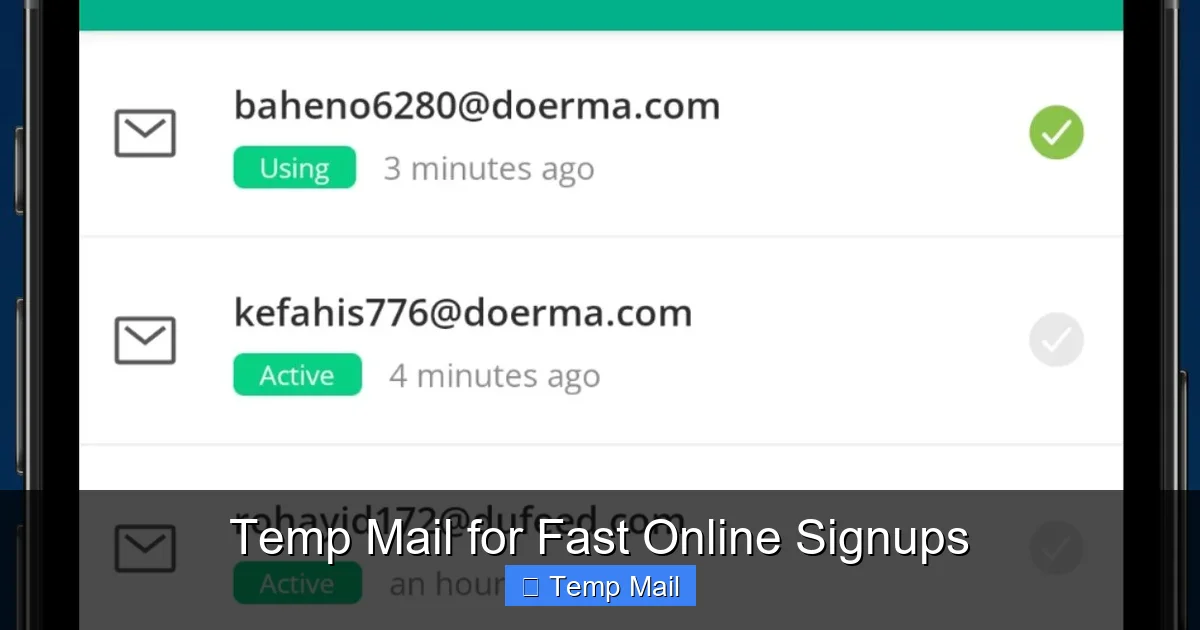
Imagine needing a key to open a single door, then immediately throwing that key away so it can never be used again. That’s the core idea behind disposable email, often called “temp mail” or “throwaway email.” It’s a service that generates a random, functional email address for a very short period—usually minutes or a few hours. You use it to receive a single verification email or access a downloadable file, and then it disappears forever. There’s no password, no long-term account, and no connection to your real identity. The inbox for this temporary address exists only in your browser session or for a fixed time window, after which all messages and the address itself are permanently erased from the server.
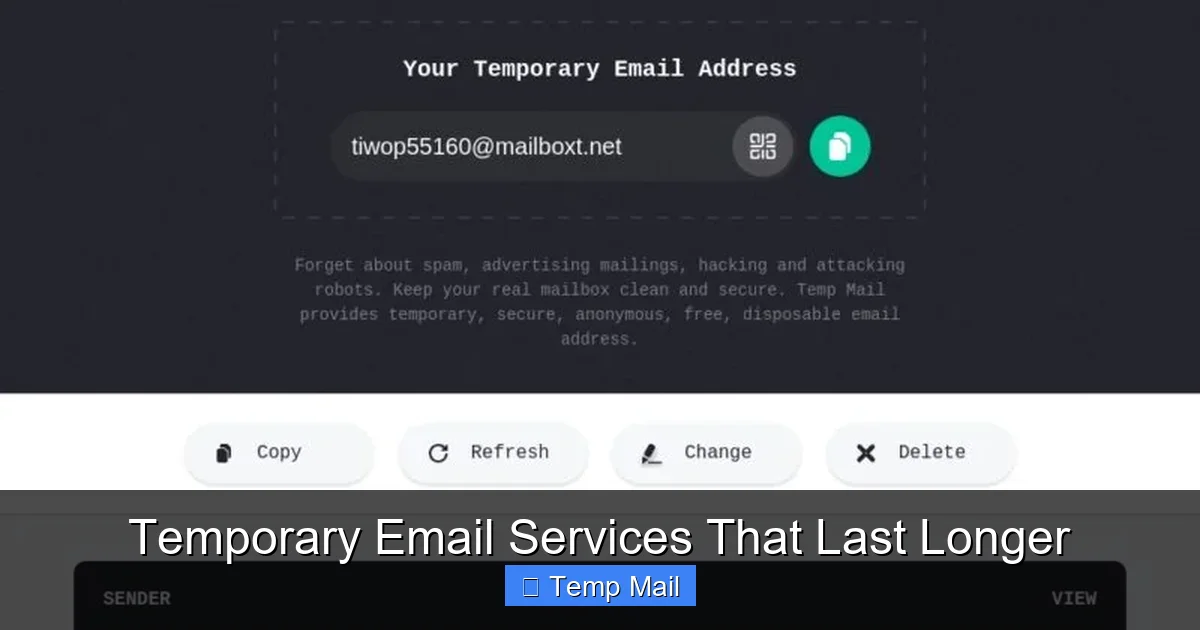
This isn’t some shady underground tool; it’s a legitimate privacy and convenience service used by millions daily. The process is brilliantly simple: you visit a disposable email provider’s website, and they instantly assign you a random email address like [email protected]. That inbox is already active and waiting. You copy that address, paste it into the website you’re accessing, and then switch back to the temp mail tab to view the incoming verification link or file. Once you’re done, you can close the tab, and the address is gone. No trace, no follow-up spam. It’s digital anonymity on-demand for those moments when you need instant access without commitment.
The Anatomy of a Temp Mail Session
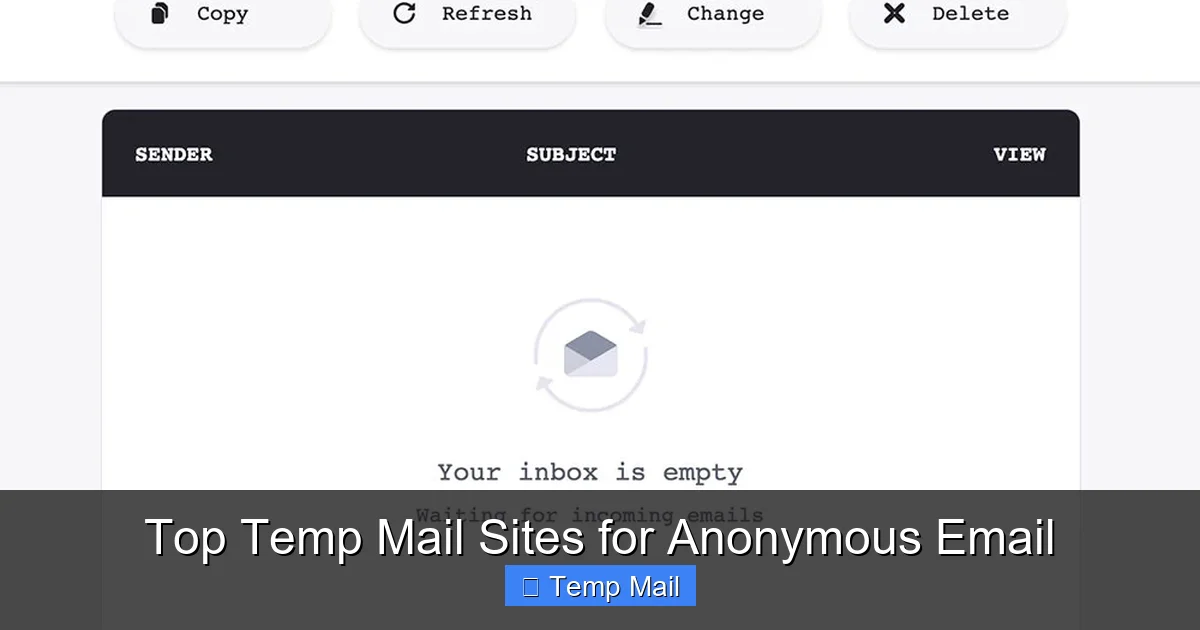
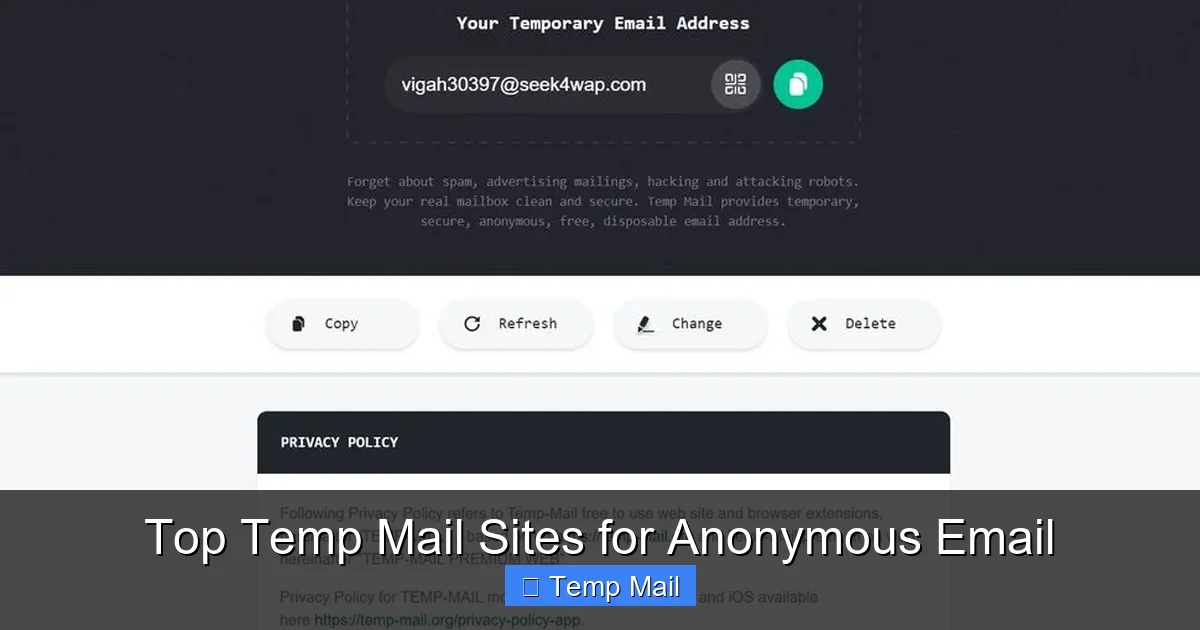
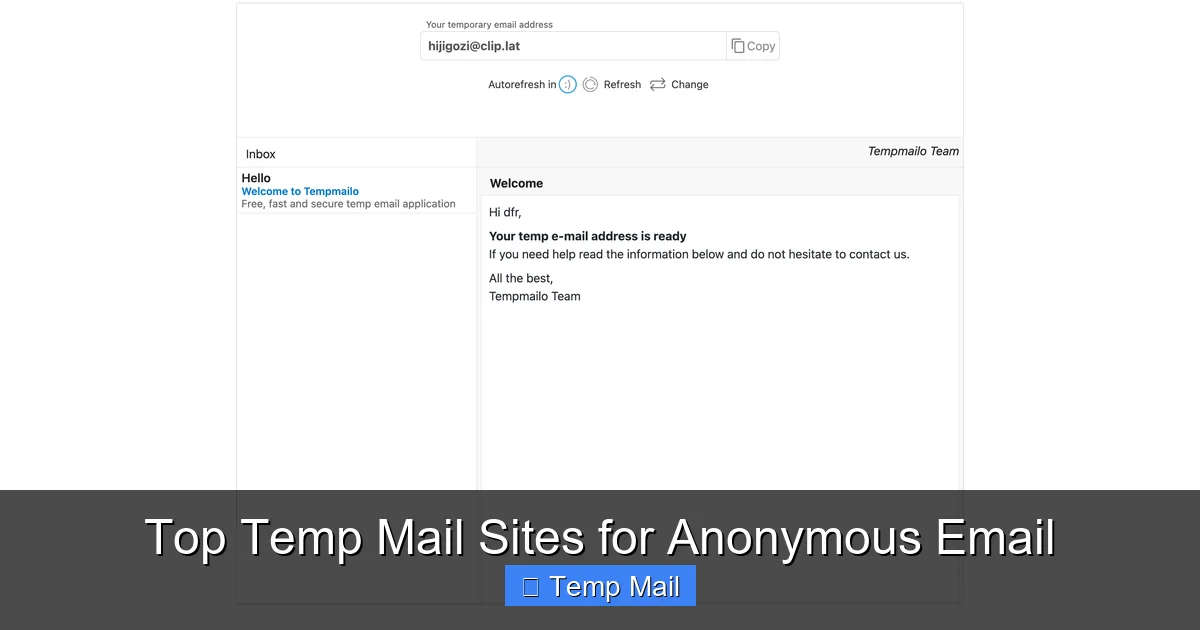
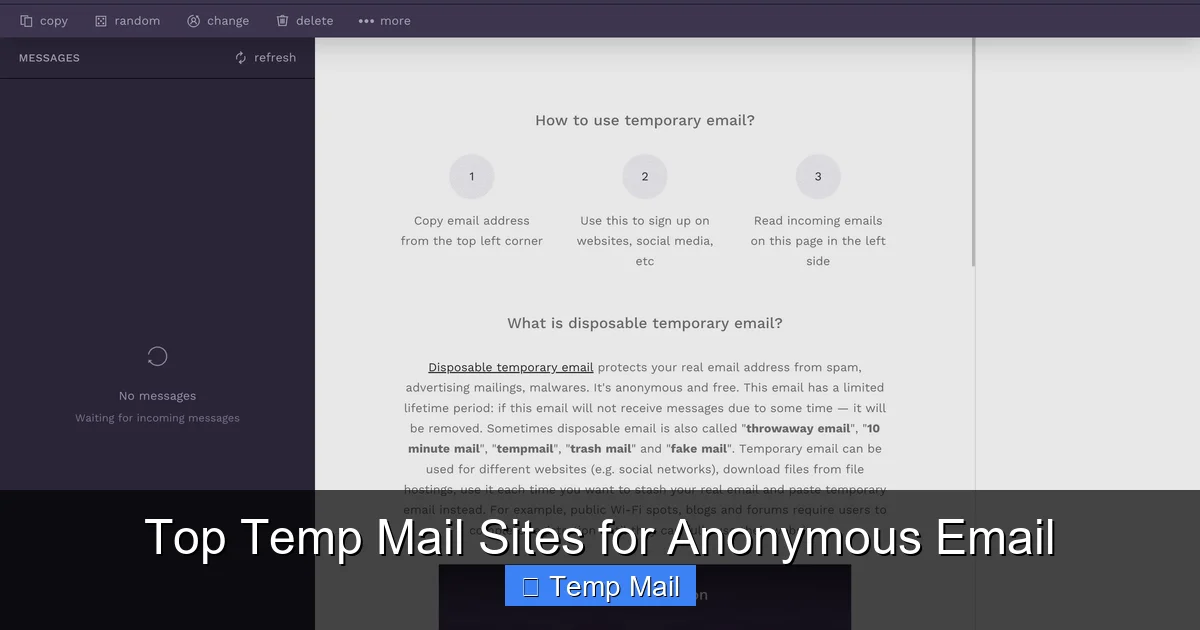
A typical disposable email session follows a predictable, fast cycle. First, you navigate to a provider like Temp-Mail.org, 10MinuteMail, or Guerrilla Mail. The homepage immediately displays your new temporary address and a refresh button to generate a different one. Below it, you see an empty inbox pane. This inbox is live and monitored by the service’s servers. When an email is sent to your temp address, it appears here almost instantly, often with a sound or visual notification. You click the email to read it or find the link/code you need. Crucially, there is no “compose” function in most basic temp mail services—they are receive-only. The session duration varies: some last 10 minutes, others 1 hour, and some until you close the browser. Once time expires or you manually delete the session, the address is retired and can be reassigned to someone else later.
How Disposable Email Works: The Simple Magic
The technology behind disposable email is straightforward, which is why it’s so fast and lightweight. These services operate large pools of domain names and mail servers. When you request a temporary address, their system randomly picks an available username from a generated list and pairs it with one of their disposable domains (e.g., @mailinator.com, @temp-mail.org). This creates a fully functional email endpoint on their servers. When you use this address elsewhere, any email sent to it routes directly to that specific temporary inbox on their system.
Visual guide about Disposable Email for Instant Access
Image source: i.ytimg.com
There’s no complex authentication or account database linking it to you. The only “state” is the active session in your browser, often tracked by a temporary cookie or a unique session ID in the URL. This is why you can’t log back into that same temp address later from a different device—the session is ephemeral. The mail servers accept all incoming mail for that address during its active window and store it temporarily. Once the timer runs out, the server purges the inbox and marks that username/domain combination as available again. This cycle happens thousands of times daily across these services, making it a highly efficient, stateless system designed purely for one-off reception.
Step-by-Step: Using Temp Mail in Under 60 Seconds
Let’s walk through a real-world scenario. You want to download a free PDF guide from a website that asks for an email. Here’s how disposable email gives you instant access:
- Step 1 (5 seconds): Open a new browser tab and go to your chosen temp mail site. Your new email address is already displayed.
- Step 2 (10 seconds): Highlight and copy the entire address (e.g., [email protected]).
- Step 3 (15 seconds): Go to the download page, paste the temp address into the email field, and click “Submit” or “Download.”
- Step 4 (10-30 seconds): Switch back to your temp mail tab. You’ll see a new email from the website. Click it to open.
- Step 5 (5 seconds): Inside the email, click the download link or copy the access code. The PDF begins downloading.
- Step 6 (5 seconds): Close the temp mail tab. The address is now defunct. Done.
Total time: under a minute. No password creation, no verification steps beyond the initial email, and zero impact on your primary inbox. That’s the essence of instant access.
Top Benefits: Why People Love Disposable Email
The appeal of disposable email boils down to three core pillars: privacy, convenience, and cleanliness. Let’s break down why it’s become a go-to tool for savvy internet users.
Visual guide about Disposable Email for Instant Access
Image source: mobileimages.lowes.com
Benefit 1: Ultimate Spam Prevention
Every time you use your real email to sign up for a newsletter, download a whitepaper, or register on a forum, you’re trusting that company with your address. Even if they have a “no spam” policy, data breaches happen, or they might sell your email to partners. With a disposable address, you contain that risk entirely. Any follow-up marketing emails, newsletters, or potential spam from a data leak are sent to an address that will vanish in an hour or a day. Your primary inbox remains a sanctuary for personal and professional communications only. You get the immediate resource (the file, the access code) without the long-term baggage of unwanted emails.
Benefit 2: Bypassing Registration Walls
How many times have you abandoned a useful tool or article because it demanded an email registration? Disposable email demolishes that friction. Need to read a gated article on a news site? Use temp mail. Want to try a SaaS tool’s free tier for 10 minutes to see if it fits? Use temp mail. Trying to access a Wi-Fi login portal that only accepts email sign-ups? Temp mail. It removes the psychological barrier of “I don’t want to give them my email,” allowing you to evaluate services or consume content freely. This is instant access in its purest form—no hurdles, just immediate entry.
Benefit 3: Protecting Your Identity & Data
Your email address is often a primary key to your online identity. It’s used for password resets, two-factor authentication, and as a username on many platforms. Using it on random or low-trust sites creates a linkage that can be exploited. Disposable email severs that linkage. Since the temporary address isn’t tied to your name, other accounts, or your IP in any permanent record (with reputable providers), it creates a clean, anonymous session. For those concerned about data mining, profiling, or simply maintaining a separation between their public and private digital lives, this is invaluable. You engage with a service without leaving a persistent identifier behind.
Common & Clever Use Cases for Disposable Email
While the concept is simple, the applications are vast. Here are the most common scenarios where disposable email shines, from the mundane to the clever.
Visual guide about Disposable Email for Instant Access
Image source: wintesscommercial.com
Use Case 1: One-Time Downloads & Content Gating
This is the #1 use case. Bloggers, marketers, and businesses often gate valuable content (e-books, templates, reports) behind an email form. Instead of using your main email, you use a temp address. You get the download link instantly, and the company gets a lead (from their perspective). It’s a win-win that respects your inbox. Similarly, for software trial downloads that require registration, temp mail gets you the installer without the follow-up sales calls.
Use Case 2: Forum & Comment Section Registration
Many online forums, especially niche or older ones, require registration to post or view threads. You might want to ask a single question or contribute once. Creating a permanent account for that feels like overkill and invites future spam from the forum’s own notifications or partners. A disposable email lets you create that temporary account, make your post, and then forget about it. The account will become inactive when the email bounces later, keeping your digital footprint minimal.
Use Case 3: App & Service Testing
Developers, QA testers, and even curious tech enthusiasts use temp mail to test email-dependent features of apps and websites. Need to check if a “forgot password” flow works? Use a temp address. Testing a notification system? Same. It allows for rapid, low-friction testing without cluttering a real inbox with hundreds of test emails. It’s also useful for signing up for a beta program that might send frequent updates you don’t care about.
Use Case 4: Avoiding Unwanted Marketing & Data Harvesting
Some websites are notoriously aggressive with email marketing from the moment you sign up. Others might be fronts for harvesting valid emails to sell to third parties. Using a disposable address is your first line of defense. You can still get the immediate service (like a quote from a vendor) but ensure your real contact info stays out of their marketing database. If the company is legitimate and you later decide you want their newsletter, you can always sign up with your real email.
Use Case 5: Accessing Public or Shared Wi-Fi
Many airports, cafes, and hotels require you to register an email address to use their Wi-Fi network. This is often a ploy to build a marketing list. Using a disposable email here is perfect—you get online instantly, and the provider gets an email that will bounce in a few hours. No long-term relationship, no spam.
Choosing the Right Disposable Email Service
Not all temp mail services are created equal. While they all offer the core function, differences in usability, security, and features exist. Here’s what to look for when selecting a provider for your instant access needs.
Key Features to Prioritize
- No Registration Required: The best services let you generate an address immediately upon visiting the site. Any that ask you to create an account first defeat the purpose of speed and anonymity.
- Inbox Refresh & Auto-Delete: Look for a clear display of the remaining time on your inbox. A good service will automatically delete the inbox and address when time expires. Some also offer a manual “delete” or “refresh” button to get a new address instantly.
- Multiple Domain Options: Some providers offer a choice of domains (e.g., @tempmail.demo vs. @dropmail.me). This can be useful if a particular site blocks emails from known disposable domains. Having options increases your chances of success.
- Browser Extension/App: For power users, some services offer browser extensions (like for Chrome or Firefox) that put a temporary mailbox icon in your toolbar, making access even faster.
- Privacy Policy & Logs: Read the fine print. A reputable disposable email service will explicitly state they do not log IP addresses, email content, or require any personal information. Avoid services that seem to collect data or display excessive ads that might track you.
Popular Providers & Their Niche
Services like Temp-Mail.org are extremely popular for their simplicity and reliability. 10MinuteMail is classic and straightforward, with a clear countdown timer. Guerrilla Mail offers a bit more control, including the ability to choose a username and slightly longer durations. Mailinator is a giant in the space, known for its public inboxes (anyone can see emails to a given address if they guess it), which is less private but fine for truly non-sensitive uses. For the most private experience, seek services that use unique, random addresses not publicly searchable. Always test a provider with a non-critical sign-up first to see if emails arrive reliably and the interface is clean.
Important Limitations & Safety Considerations
Disposable email is a powerful tool, but it’s not a magic bullet for all online activities. Understanding its limitations is crucial for using it safely and effectively.
What Disposable Email Is NOT For
Never use a temporary email address for any account where long-term access, security, or identity is important. This includes:
- Banking, financial services, or cryptocurrency exchanges. You will be locked out if the email expires.
- Primary email accounts (Gmail, Outlook, etc.) or any service used for password recovery.
- Social media profiles you want to keep (Facebook, Twitter, Instagram). Recovering a hacked account would be impossible.
- Official government or educational portals (tax services, student loans, university admissions).
- Any subscription with recurring billing where invoices or receipts are sent via email.
- Professional or business communications where you need to maintain a record.
Using temp mail for these purposes is a recipe for lost access, security nightmares, and serious inconvenience. The rule of thumb: if you’d be upset if you lost access to the account tomorrow, don’t use a disposable email.
Security & Anonymity: How “Disposable” Is It Really?
While temp mail providers don’t link the address to you personally, your internet activity isn’t completely invisible. Your IP address is visible to the temp mail service when you visit their site, and to the website you’re signing up for. A determined entity (like law enforcement with a subpoena) could potentially request access logs from the temp mail provider, though reputable ones claim to keep minimal or no logs. For average users avoiding spam, this level of anonymity is sufficient. But for high-stakes anonymity (whistleblowing, evading censorship), a disposable email alone is not enough; you’d need a VPN and Tor browser. Additionally, the content of the emails you receive is not encrypted end-to-end by the temp mail service itself, so don’t send sensitive data like passwords or credit card numbers through a temp mail inbox.
The Future of Disposable Email & Privacy Tech
As data privacy concerns grow globally, tools like disposable email are evolving from a convenience to a necessity for many. We’re seeing trends like integrated privacy suites (browsers with built-in temp email generators), more robust domain rotation to avoid blacklists, and even blockchain-based anonymous messaging systems. The pressure on websites to stop harvesting emails for marketing is also increasing, with regulations like GDPR and CCPA giving users more control, though enforcement is spotty.
Disposable email services themselves are becoming more sophisticated, offering features like longer durations (up to 48 hours), API access for developers, and better spam filtering for the temporary inbox. The fundamental tension remains: websites want valid, persistent emails for user engagement and marketing, while users increasingly demand frictionless, private access. Disposable email sits at the heart of this conflict, empowering the user. It’s likely to remain a vital, low-tech tool in the privacy toolkit for the foreseeable future, especially as more of our lives move online and the cost of a data breach or spam flood grows.
Conclusion: Your Instant Pass to a Cleaner Inbox
Disposable email for instant access is more than just a trick—it’s a fundamental shift in how we manage our digital identities. It hands control back to you, the user. You decide when an email address lives and when it dies. You protect your primary inbox from the relentless tide of promotional noise and potential security threats. You can explore, test, download, and register with a single click, without the mental load of managing yet another permanent account or worrying about future spam. It’s the digital equivalent of using a burner phone for a single call: perfectly suited for its purpose and designed to be forgotten.
The next time you encounter an email gate, pause. Ask yourself: “Is this worth using my real email?” In most cases for content access or one-off trials, the answer is no. Reach for a disposable email service. Experience the sheer speed of instant access—copy, paste, click, done. Then close the tab and move on, your real identity and inbox completely untouched. Use this tool wisely for its intended purpose—low-stakes, temporary interactions—and it will serve you well, keeping your digital life streamlined and your private information truly private. In an era of constant data collection, that kind of simple, powerful control is priceless.
Frequently Asked Questions
Is using disposable email legal?
Yes, using disposable email is completely legal. It is a legitimate privacy tool. However, using it to commit fraud, evade legal obligations, or for illegal activities is, of course, illegal. The service itself operates within the law.
How long does a disposable email last?
It varies by provider. Common durations are 10 minutes, 1 hour, or until you close the browser tab. Some services offer options up to 48 hours. Always check the timer displayed on your inbox page.
Can websites detect I’m using a disposable email?
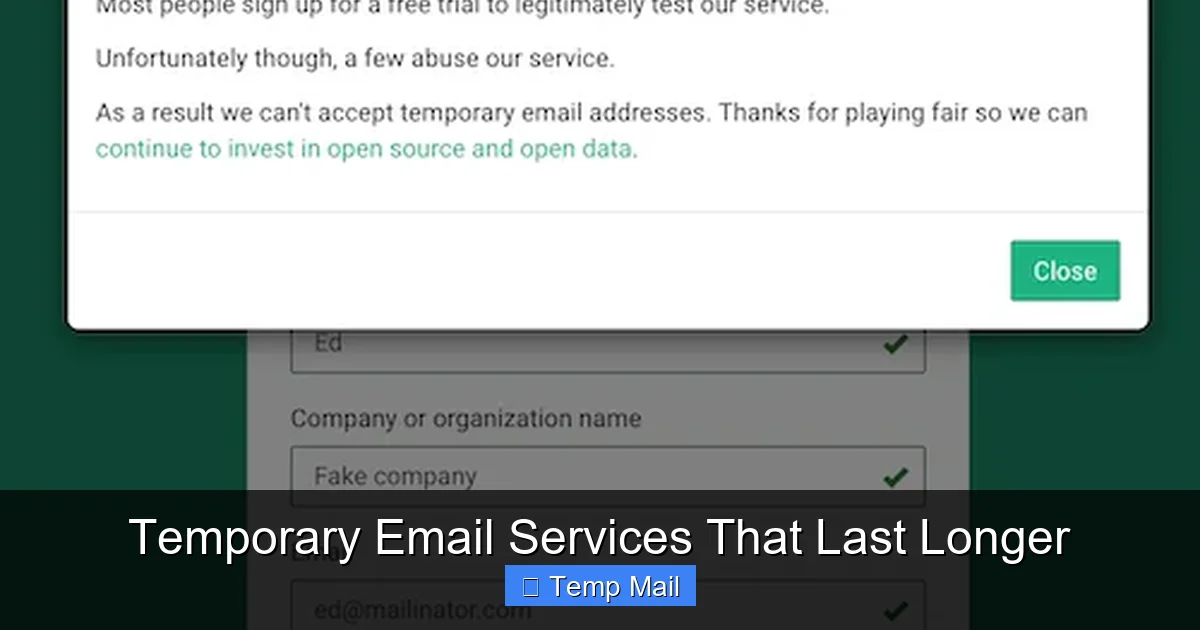
Often, yes. Many websites maintain lists of known disposable email domains (like mailinator.com) and will block sign-ups from those addresses. This is why services with multiple, less-known domains can be more effective. If blocked, try a different provider.
Is my IP address hidden when I use temp mail?
No. When you visit the disposable email provider’s website, they can see your IP address. The website you sign up with will also see your IP. For full IP anonymity, you would need to use a VPN or Tor in addition to the temp mail.
What happens to the emails after the address expires?
All emails stored in that temporary inbox are permanently deleted from the service’s servers. The email address itself is then recycled and made available for another user in the future. There is no way to retrieve those messages later.
Can I send emails from a disposable address?
Most basic disposable email services are receive-only. They do not have a “compose” function. Some more advanced services or browser extensions may offer limited sending capabilities, but it’s not their primary function. They are designed for receiving verification links and codes.