Using a temporary email address is a powerful, simple tool for safeguarding your primary inbox when registering on websites. It acts as a disposable shield, preventing spam, marketing emails, and potential data breaches from cluttering your main account. While incredibly effective for privacy, it’s crucial to understand its limitations, especially regarding account recovery for important services. Employ temp emails strategically for low-stakes sign-ups, forums, and free trials to maintain control over your digital footprint.
You’re about to download a free ebook, sign up for a one-time webinar, or access a piece of gated content. The registration form asks for your email address. Do you hand over your primary, personal email—the one linked to your bank, your family, and your work? Or do you hesitate, imagining the inevitable flood of promotional newsletters and “special offers” that will clog your inbox for years to come? If that hesitation feels familiar, you’re already thinking about the core problem this guide will solve. The answer lies in a simple, powerful tool: the temporary email, or “temp mail.” Using a temp email for secure website registrations isn’t about being paranoid; it’s about being proactive. It’s a fundamental practice for digital hygiene, allowing you to engage with the web on your terms, protecting your primary identity from the data-hungry ecosystem of modern internet marketing and potential breaches.
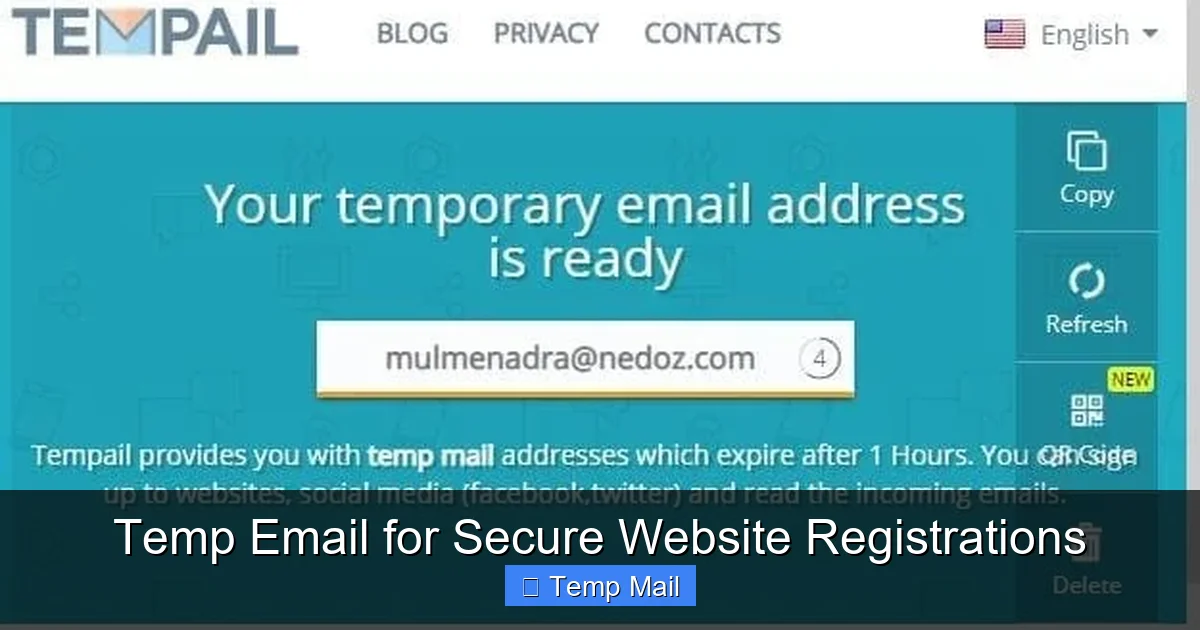
The concept is beautifully straightforward. Instead of your [email protected], you generate a random, one-time-use address like [email protected]. You use that to register, grab your download, and then forget about it. The inbox for that temp address self-destructs after a few hours or days, taking all the associated spam with it. Your real inbox remains pristine. But this simplicity belies a deeper nuance. How does it actually work? Is it truly safe? When should you absolutely avoid it? This comprehensive guide will walk you through every aspect of using temp mail for secure website registrations, transforming you from a hesitant user into a strategic privacy advocate. We’ll explore the technology, the profound benefits, the critical limitations, and best practices to weave this tool seamlessly into your online life.
Key Takeaways
- Primary Purpose: Temp emails are designed for privacy protection, creating a disposable barrier between your primary email and potentially spammy or insecure websites.
- Spam Prevention: They effectively eliminate promotional emails, newsletters, and data-leak spam from ever reaching your main inbox.
- Account Recovery Limitation: The biggest drawback is losing access to account recovery options if you forget passwords for services registered with a temp email.
- Not for Critical Services: Never use a temp email for banking, primary cloud storage, social media main accounts, or any service where long-term access is vital.
- Enhanced Anonymity: They reduce the digital trail linking your online activities directly to your primary identity or email address.
- Tool, Not a Cure-All: A temp email is one layer of a broader privacy strategy, not a substitute for strong passwords, 2FA, and cautious browsing.
- Choosing a Service: Select a reputable temp mail provider that offers a reliable inbox duration and clear privacy policy.
📑 Table of Contents
- The Modern Problem: Why Your Email is a Target
- How Temp Mail Services Actually Work: A Peek Under the Hood
- The Undeniable Benefits of Using Temp Mail for Registrations
- The Critical Limitations and When NOT to Use a Temp Email
- Best Practices: How to Use Temp Mail Strategically and Safely
- Alternatives and Complementary Privacy Strategies
- Conclusion: Embracing Disposable Identity for a Cleaner Digital Life
The Modern Problem: Why Your Email is a Target
To understand the value of a temp email, you must first understand what happens when you enter your primary email on a random website. Your email address is no longer just a communication tool; it’s a high-value digital asset. It’s the key that unlocks your identity across countless platforms and the primary vector for two things: spam and data breaches.
The Spam Engine: From Single Sign-Up to Mailing Lists
That seemingly innocuous “I agree to the Terms of Service” checkbox often includes a tiny, pre-checked clause about receiving marketing communications. Even if you uncheck it, the website’s privacy policy might allow them to share your data with “partner” companies. Before you know it, your email is sold to data brokers and added to dozens of mailing lists. This isn’t just annoying; it’s a vector for phishing attacks, where fraudulent emails mimic legitimate brands to steal your credentials. The more places your primary email exists, the larger your “attack surface” becomes.
The Data Breach Domino Effect
Consider the frequency of data breaches. A small forum you signed up for a decade ago, using your primary email, gets hacked. The hackers now have your email address and the password you (hopefully uniquely) used for that site. They can try that email/password combination on more valuable targets like your social media, email provider, or even banking sites. This is called “credential stuffing.” While a temp email can’t prevent a breach at a major company you trust, it can contain the blast radius. If the breach happens at a site you only used a temp email for, the compromised credential is useless elsewhere, and your primary email remains unlinked to that breach.
How Temp Mail Services Actually Work: A Peek Under the Hood
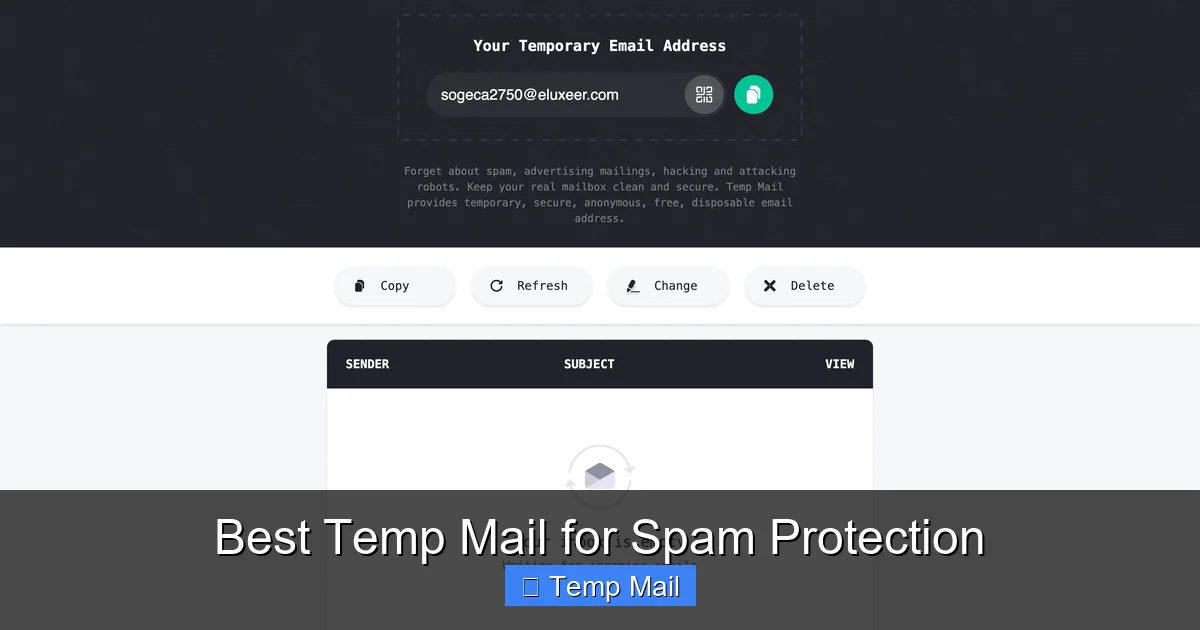
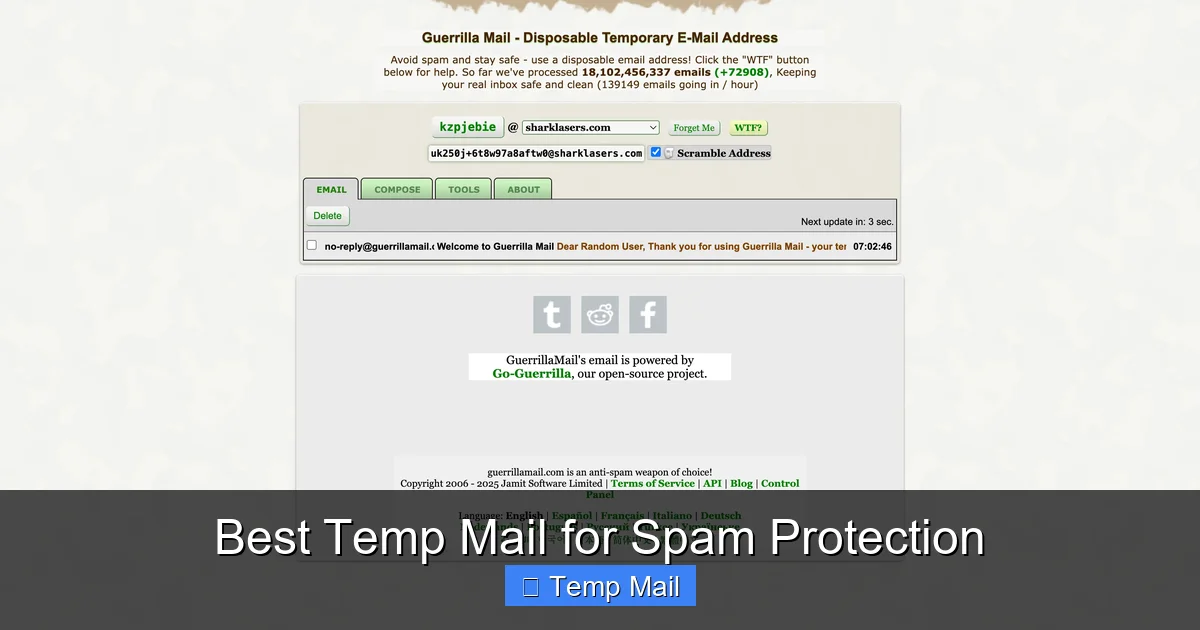
Not all temp email services are created equal, but they operate on a similar core principle. When you visit a site like Temp-Mail.org, Guerrilla Mail, or 10MinuteMail, the service instantly generates a random email address and a corresponding, private inbox. This inbox is accessible only through a unique, temporary URL or a session-based code. No password is required because the address is meant to be public to you for a short time.
Visual guide about Temp Email for Secure Website Registrations
Image source: domainsrush.com
The Generation and Inbox Mechanics
These services maintain a pool of domain names (like @tempmail.demo or @guerrillamail.com). When you request an address, the system allocates one from the pool and creates a folder on their server to catch all incoming mail for that address. The inbox you see is simply a web interface looking at that folder. The “timer” starts—be it 10 minutes, 1 hour, or 1 day. As long as you keep the browser tab open or know the specific URL, you can refresh and see new emails. Once the timer expires, the address and all its mail are purged from the system, making it impossible for anyone (including you) to retrieve it.
Security and Privacy promises
Reputable services do not require any personal information to generate an address. They do not log your IP address linked to the specific temporary inbox (though your ISP and the service itself see your connection). The emails are stored only temporarily and encrypted in transit (using standard SSL/TLS). The key privacy promise is anonymity during the sign-up process and the guarantee of data destruction after expiration. However, you must trust the service’s stated policy, as you have no long-term relationship or accountability with them.
The Undeniable Benefits of Using Temp Mail for Registrations
Armed with an understanding of the problem and the tool, the benefits become strikingly clear. Using a temp email for secure website registrations is a direct countermeasure to the data economy’s excesses.
Benefit 1: Inbox Zero, Spam-Free Forever
This is the most immediate and satisfying benefit. Your primary inbox becomes a place for communication with people and services you genuinely care about. No more sorting through “20% Off Your Next Purchase!” emails from a store you visited once in 2015. The promotional noise floor drops to zero for those disposable interactions. This saves not just time, but mental energy and reduces the cognitive load of managing email.
Benefit 2: Containing the Data Breach Fallout
As mentioned, if a site you only used a temp email for suffers a breach, your primary email address is not in the compromised database. This breaks the chain for credential-stuffing attacks targeting your more important accounts. It compartmentalizes your digital risk. The breach is a problem for that disposable identity, not your core digital self.
Benefit 3: Testing Services and Free Trials Without Commitment
Want to try a premium SaaS tool’s free trial but are wary of the sales team calling your main number or emailing incessantly? Use the temp email. Want to download a whitepaper that requires registration? Temp email. This allows you to evaluate services, access content, and research without creating a permanent marketing relationship. You get the value without the long-term baggage.
Benefit 4: Simplified Account Management and Deletion
How many old, unused accounts do you have floating around the internet? Deleting them often requires logging in and navigating tedious menus. With a temp email, there’s nothing to delete. The account essentially ceases to exist when the inbox expires. It’s the ultimate “unsubscribe” for an entire digital identity.
The Critical Limitations and When NOT to Use a Temp Email
The power of a temp email comes with a fundamental trade-off: permanence and recoverability. Understanding its limits is non-negotiable for using it securely.
The Fatal Flaw: Account Recovery is Impossible
This is the cardinal rule. If you forget your password for a service where you used a temp email, you are permanently locked out. Password reset links will be sent to an inbox that no longer exists. For a free forum account, this might be fine. For a cloud storage account with your family photos? Catastrophic. Therefore, the guiding principle is: Never use a temp email for any service where losing access would cause significant financial loss, emotional distress, or major inconvenience. This includes: primary email accounts, banking/financial services, primary cloud storage (Google Drive, iCloud, Dropbox), main social media profiles, government/health portals, and any subscription you pay for that requires account access.
Website Detection and Blocking
Many websites and platforms actively maintain lists of known disposable email domains. When you try to sign up with [email protected], the site’s validation script may immediately reject it. This is common for financial services, high-value SaaS products, and platforms serious about user verification. Attempting to use a temp email there will simply fail. You’ll need to use a real address. Some forums also auto-flag or manually review registrations from temp domains, potentially limiting your privileges.
Lack of Long-Term Features
Temp inboxes are bare-bones. You typically cannot set up filters, forward emails to another address, or use them with an email client like Outlook or Apple Mail. They are purely web-based, transient viewing portals. This makes them unsuitable for any ongoing communication needs.
Best Practices: How to Use Temp Mail Strategically and Safely
Integrating temp mail into your workflow requires a simple set of rules. Think of it as a tool with a specific purpose, like a screwdriver versus a hammer.
The Golden Rule: The “Importance Filter”
Before typing an email into any new form, ask yourself: “What is the worst-case scenario if I lose access to this account?” If the answer involves money, critical data, or essential personal identification, use your primary email (ideally with 2FA enabled). If the answer is “I’d have to re-register” or “I’d miss a few promotional emails,” a temp email is perfect. Apply this filter consistently.
How to Choose and Use a Service
Opt for services that offer at least a 1-hour or 24-hour inbox duration. The 10-minute ones are too short for many registration processes that send delayed confirmation emails. Bookmark the service’s homepage. When you need a temp email, open the bookmark, copy the generated address, and paste it into the sign-up form. Keep the inbox tab open until you receive the necessary confirmation email or download link. Once you have what you need, you can close the tab. The address will expire on its own. Popular, reliable options include Temp-Mail.org, 10MinuteMail (for very short needs), and Guerrilla Mail.
Never Use for Password Recovery or 2FA
This cannot be stressed enough. If a service offers two-factor authentication (2FA) via email, and you use a temp address, you will be locked out the moment you need that second factor. Similarly, password reset links are the lifeblood of account recovery. Ensure your most important accounts have a backup phone number or authenticator app linked, and always use your primary, secure email for them.
Alternatives and Complementary Privacy Strategies
A temp email is one tool in a larger privacy toolkit. For some, it might not be the perfect fit. Here are complimentary and alternative strategies.
Alias Email Services: The Best of Both Worlds?
Services like SimpleLogin, AnonAddy, or Firefox Relay (for Firefox users) offer a middle ground. They create unique, forwardable aliases (e.g., [email protected]) that deliver to your real inbox. You can disable an alias at any time, stopping spam permanently. Unlike a temp email, the alias is permanent until you kill it, and you never lose access to the forwarded emails in your main inbox. This is an excellent option for newsletters, online shopping, and forum sign-ups where you might want to retain receipts or occasional communication but stop spam.
Dedicated “Spam” or “Shopping” Email Address
The old-school method is to create a separate, free email address (e.g., a new Gmail or Outlook account) used only for online registrations and purchases. You check it occasionally. This contains spam to one inbox and protects your primary address. It’s less ephemeral than a temp email but more permanent and recoverable. The downside is you must manage another password and inbox.
Browser Privacy Features and Ad Blockers
Use private/incognito browsing windows for one-off sign-ups to limit cookie tracking. Employ reputable ad-blockers and anti-tracking extensions (like uBlock Origin, Privacy Badger) to reduce the data websites collect about you in the first place, making the email you provide slightly less valuable to them.
Conclusion: Embracing Disposable Identity for a Cleaner Digital Life
The internet is built on a fundamental exchange: your attention and your data for content and services. Your email address is the cornerstone of that transaction. By consciously choosing to use a temp email for secure website registrations on low-stakes sites, you reclaim agency in that exchange. You say, “I will engage with your content, but I will not give you a permanent key to my digital home.” The result is a dramatically cleaner primary inbox, a reduced risk profile from data breaches, and a simpler, more intentional online presence.
Start small. Next time you’re downloading a template or signing up for a webinar, open a temp mail tab. Get the confirmation, get the file, and close the tab. Feel the satisfaction of no new subscription appearing in your main feed. Build the habit. Then, audit your current accounts. For every non-essential account linked to your primary email, consider if you can migrate it to a temp or alias address in the future. This isn’t about hiding from the internet; it’s about navigating it with wisdom. Use the right tool for the job. For fleeting interactions, the temporary email is a perfect, powerful instrument for a more secure and manageable digital life.
Frequently Asked Questions
Is using a temporary email address legal and safe?
Yes, using a temp email is perfectly legal and generally safe for the user. The safety concern is not about you breaking laws, but about the service’s reliability. You must trust that the provider doesn’t log or misuse the emails passing through their system. Always use reputable services and never send sensitive personal information (like passwords or financial data) via a temp email.
Can I recover an account if I used a temp email and forgot my password?
No, you cannot. This is the fundamental limitation. Password reset links are sent to the registered email address. Since the temp email inbox has expired and the address is reused or deleted, the reset email is gone forever. The account is permanently inaccessible. This is why temp emails are only for non-critical services.
Will websites know I’m using a temporary email?
Yes, very easily. Temp email services use easily identifiable domain names (e.g., @tempmail.demo). Many websites have systems that check the domain against a blocklist of disposable email providers and will prevent you from signing up. Others may allow sign-up but flag the account for moderation.
What are the best temporary email services to use?
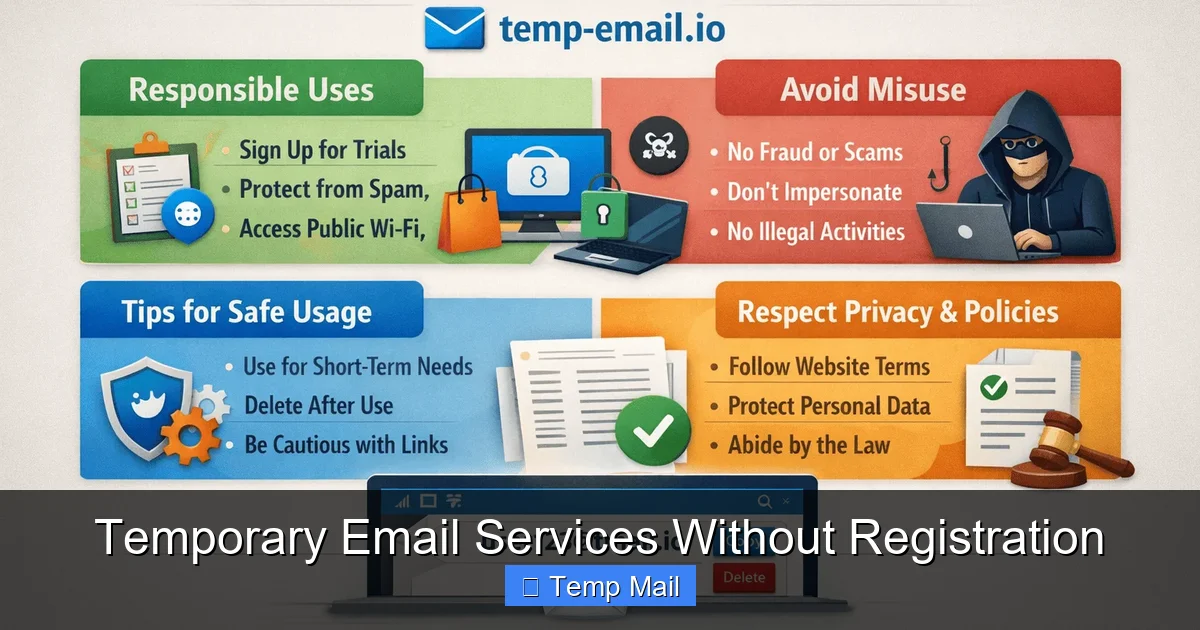
Reliable options include Temp-Mail.org, 10MinuteMail (for very quick needs), and Guerrilla Mail. Look for services that offer a reasonable inbox lifespan (at least 1 hour), have a clear privacy policy stating they don’t log emails, and provide a simple, no-frills interface. Avoid services that require excessive permissions or personal details to generate an address.
How is a temporary email different from an alias email service?
A temporary email creates a completely separate, disposable inbox that expires. An alias service (like SimpleLogin or Firefox Relay) creates a unique forwarding address that sends all mail to your permanent, primary inbox. You can disable an alias anytime to stop spam, but you never lose access to emails already forwarded. Aliases offer more control and permanence, while temp emails offer true disposability.
Should I use a temp email for social media or gaming accounts?
It depends on your priority. For a gaming forum account or a throwaway social media profile you don’t care about, a temp email is fine. However, for your main Facebook, Twitter/X, or gaming account (like Steam) that you’ve invested time/money into, always use your primary, secure email. The risk of permanent lockout far outweighs any spam benefits for valuable accounts.